Question
Doing a cone on Creo
I am trying to model a sheetmetal cone on creo.
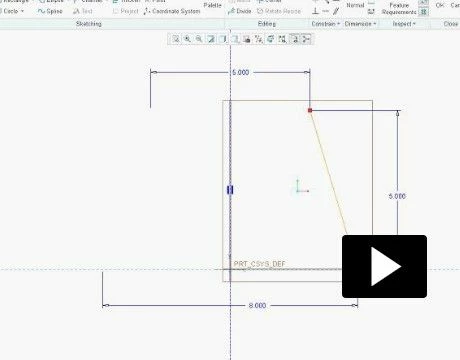
First you will select revolve, then define. Front plane first and then top plane with top plane selected from the drop down menu.
Then you are to put a centerline, now my question is how I activate the blue equal symbol on the centerline?
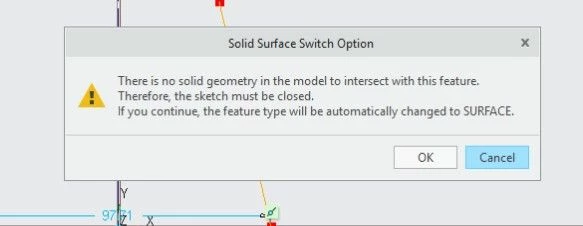
I did place a centerline in the middle, and then a single line at an angle, then I get a message, see the last picture. I am trying to do a sheetmetal cone with single angled line, then after clicking on the green arrow, you put .1046 in the material thickness box, and 359.95 for the angle so you have a seam.