Question
Easy way to insert an angled line in a drawing?
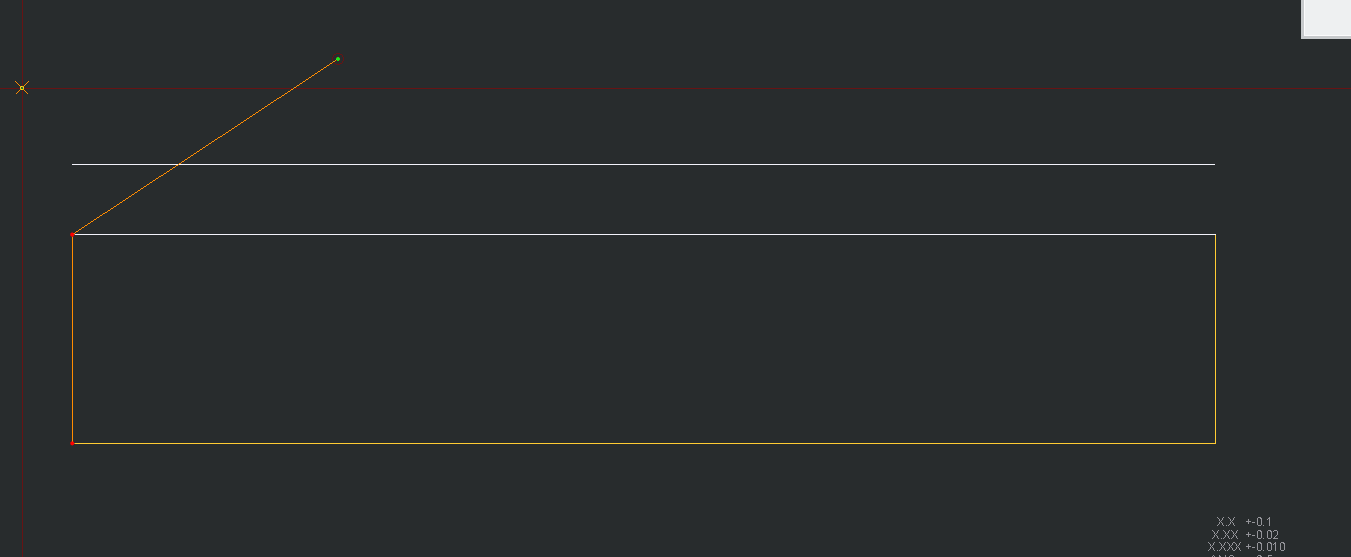
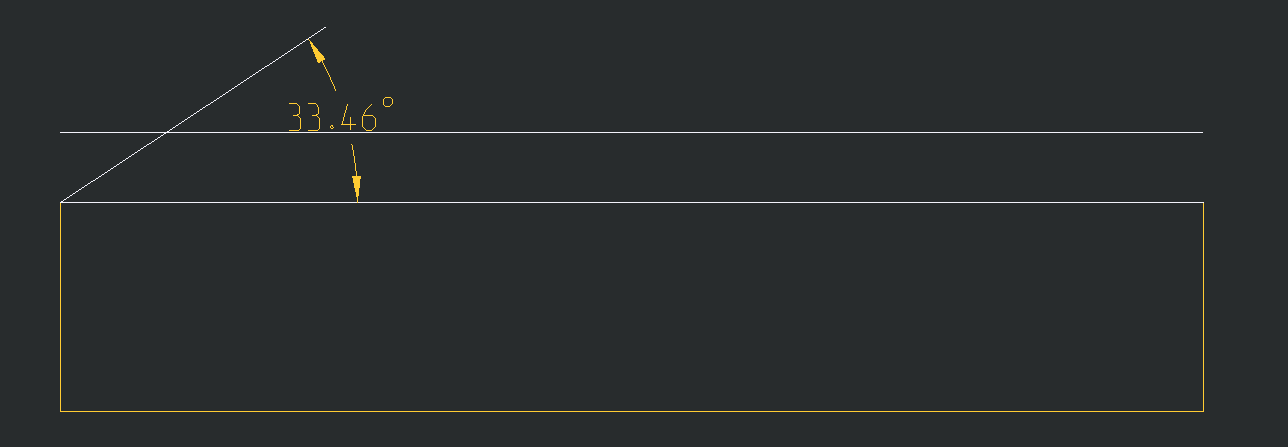
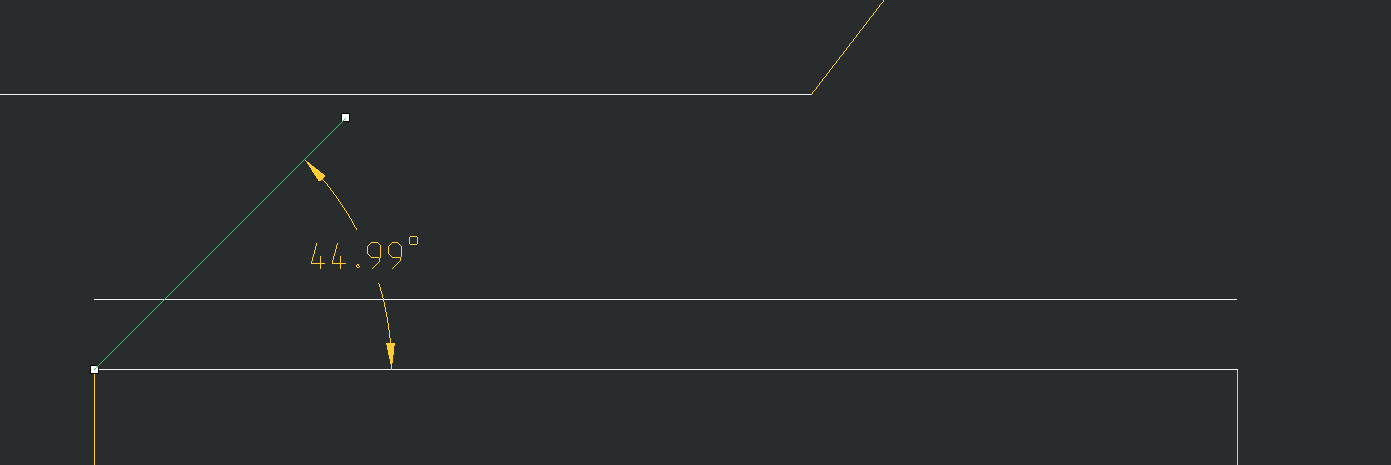
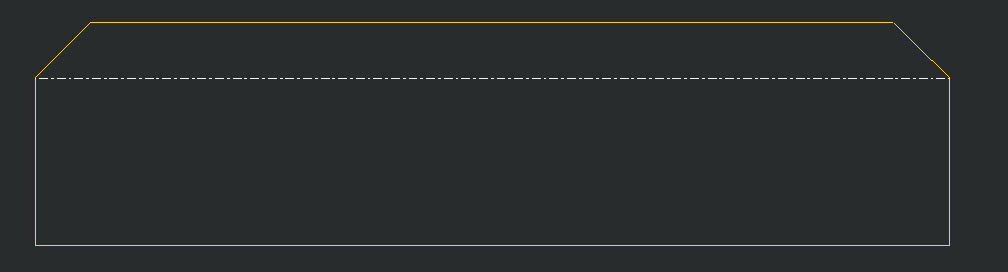
Hey all, another what could be just a simple question. I have to insert 45 degree angled lines quite often and the only way I know how to do it is inserting a line close to 45 degrees, adding a dimension, then clicking and dragging the one end of the line to as close to 45 as I can get. 45 degrees doesn't need to be exact in this application but is there any way to do it easier other than adding a symbol or the way I'm doing it currently?