Solved
Editing Hole Notes
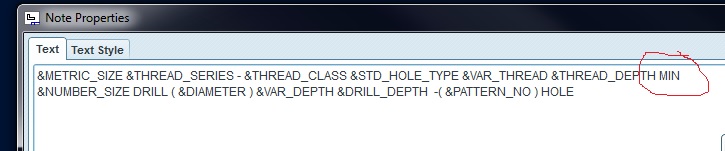
I would like to edit holes notes either in part notes or in drawings notes. After the 1.250 deep note in the first line, I would like to add MIN. How would I go about doing this:
The notes in the part file (I've tried to add it directly in the box, but it's not allowed):
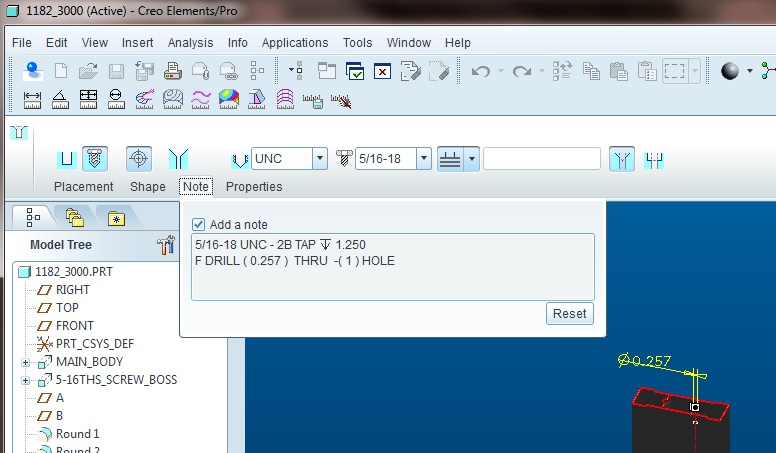
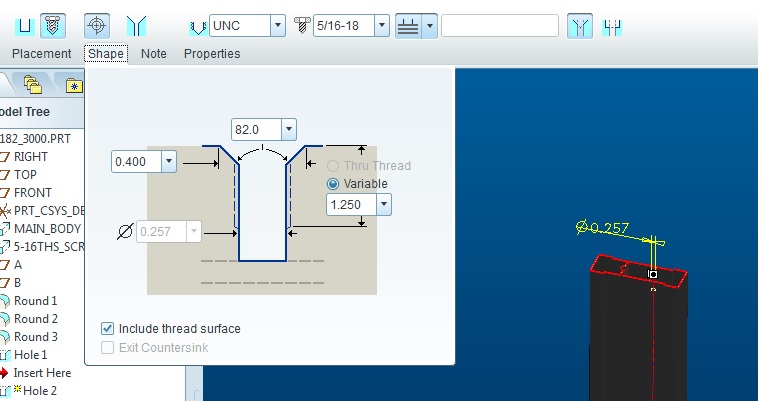
Part file (nor is it allowed here):
The note in the drawing (this note is &Note_13:FID_7787 as shown in the second picture) is note editable either:
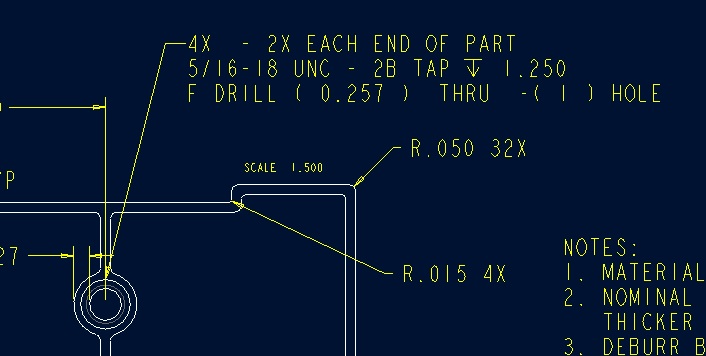
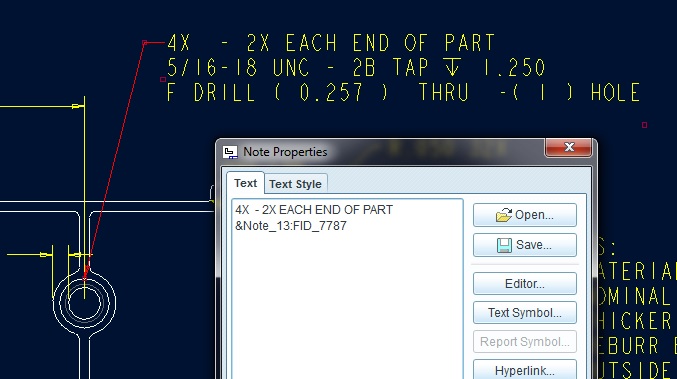
As extra, how would I get rid of the -(1) HOLE - or change it to (4) holes - since I added the 4X at the beginning.
Thanks, Dale
This thread is inactive and closed by the PTC Community Management Team. If you would like to provide a reply and re-open this thread, please notify the moderator and reference the thread. You may also use "Start a topic" button to ask a new question. Please be sure to include what version of the PTC product you are using so another community member knowledgeable about your version may be able to assist.