Solved
extrude up to multiple surfaces
- November 13, 2014
- 4 replies
- 5857 views
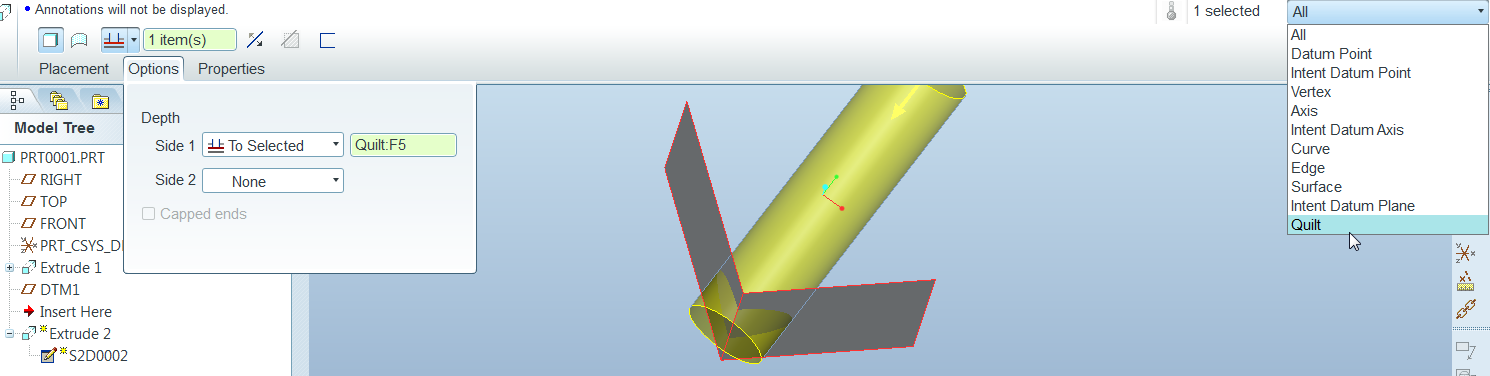
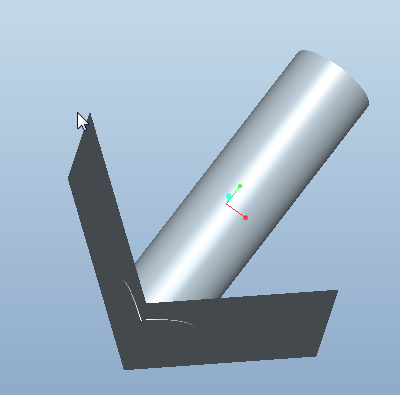
Is there a way to extrude a feature up to a surface created by two planes? I created a surface which looks like a V in the top plane, and then tried to extrude up to this surface, but it will only extrude up to one of the planes. I would like to complete the extrude using only 1 extrude, not come back and trim or do aother extruded cut. See attached file for what I was able to do. Thanks
This thread is inactive and closed by the PTC Community Management Team. If you would like to provide a reply and re-open this thread, please notify the moderator and reference the thread. You may also use "Start a topic" button to ask a new question. Please be sure to include what version of the PTC product you are using so another community member knowledgeable about your version may be able to assist.