

How do we tell Creo to leave the Drawing elements where I put them?
I am working on some big drawings with several sheets. As I work along - the drawing elements keep changing, and it is making me crazy.
- For instance, the note boxes resize on their own (going to multiple lines) when I am moving an unrelated view.
- The dimension lines keep jumping around (set them all perfect, then when I come back to the page they are extending to never-never land). (For that matter, some of the dims move too.)
- Views move, and sometimes overlap. I make the page perfect, then go to another sheet, but when I come back, views have moved.
- Extra leaders suddenly appear from notes pointing to nothing.
- I keep getting these weird errors saying it can't regenerate some features - but in the model space and assembly space, they regenerate fine.
- Sometimes the dimensions and notes look correct with respect to each other, but the model has moved, so the dims and notes are going to nothing. It's like a refresh error, but it won't refresh back to where it belongs.
Is there any way to tell Creo to leave things alone? I just want to finish these drawings without having to redo so many things over and over.
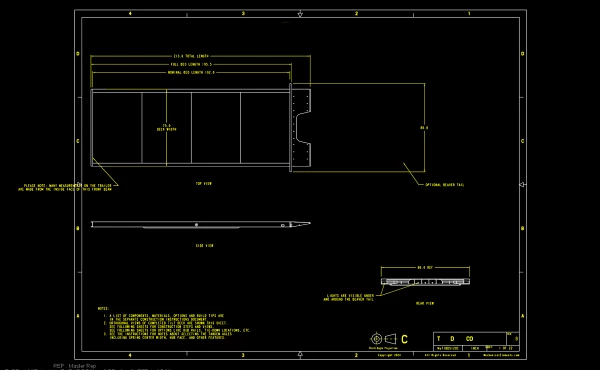
Here is a mild example. Very mild example. The main view was in the middle. Now the view moved. Most of the dimensions moved, one note became detached, and one dimension seems to have stayed where it was. Looks kind-of like the model sized changed, but it did not. I was working on later pages, then came back to this to add a note - but this is what I find.
Creo 9.0.7. Working with a lot of Simplified Reps, sections, detailed views, and exploded views. Mostly it is assembly models with details of how things go together. Large size models, with small features to view.
Some limited success with regenerating. Some limited success with regening the drawing. Some limited success with closing it all, deleting the last version (of a part or subassembly), then restarting and loading it all again.
Of note, I did change the accuracy of one part and it caused a lot of the drawing things to blow up. I have no idea what accuracy of one part has to do with a drawing of the assembly, but it did. Seems like it might be the typical horrible Quality of Creo, but whatever, I still need to get the drawings done.
Thanks for any help you can offer.