Solved
How to use surface model in a drawing
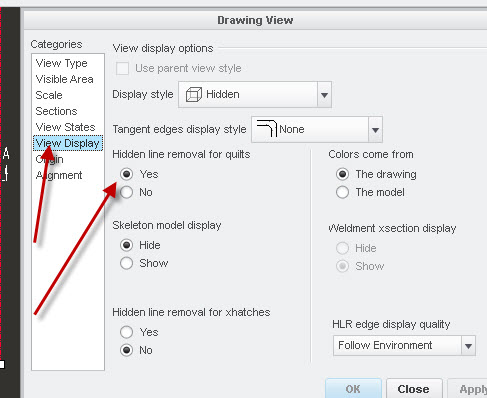
I imported a IGS surface model that was built in PowerShape. There are many Gaps/Slivers and difficult to fix in IDD and solidify. Since my task is to make a drawing for matching the PowerShape model only, I am trying to use the surface model vs. solid in drawing. Everything looks fine except Edge Display and Line Style. All of surface lines are shown in solid.
Do anyone have experience on surface model in drawing?
How to show hidden line of the surface model in dot or phantom vs. solid in drawing?
Thanks