

Solved
Importing a step, mostly imported as a surface
Hi,
I recently faced this issue, that whenever i import a step file, it mostly imported as surface with geometry error. But same .step imported with solidworks, showing no error and imported as a clean 3D model. If I save that model into whatever files .iges, .stp and re import with creo, still facing same geometry errors like this.
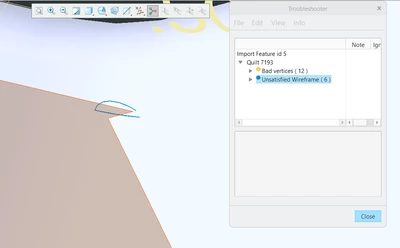
In Solidworks, i save the file as creo .prt file. That model is solid in creo. How and why the file works well with solidworks not with creo 7.0 ? This is not only for a single .step file but almost all of my .step models i have so many errors.