

Question
Importing AutoCAD section into Creo Parametric for Extrusion
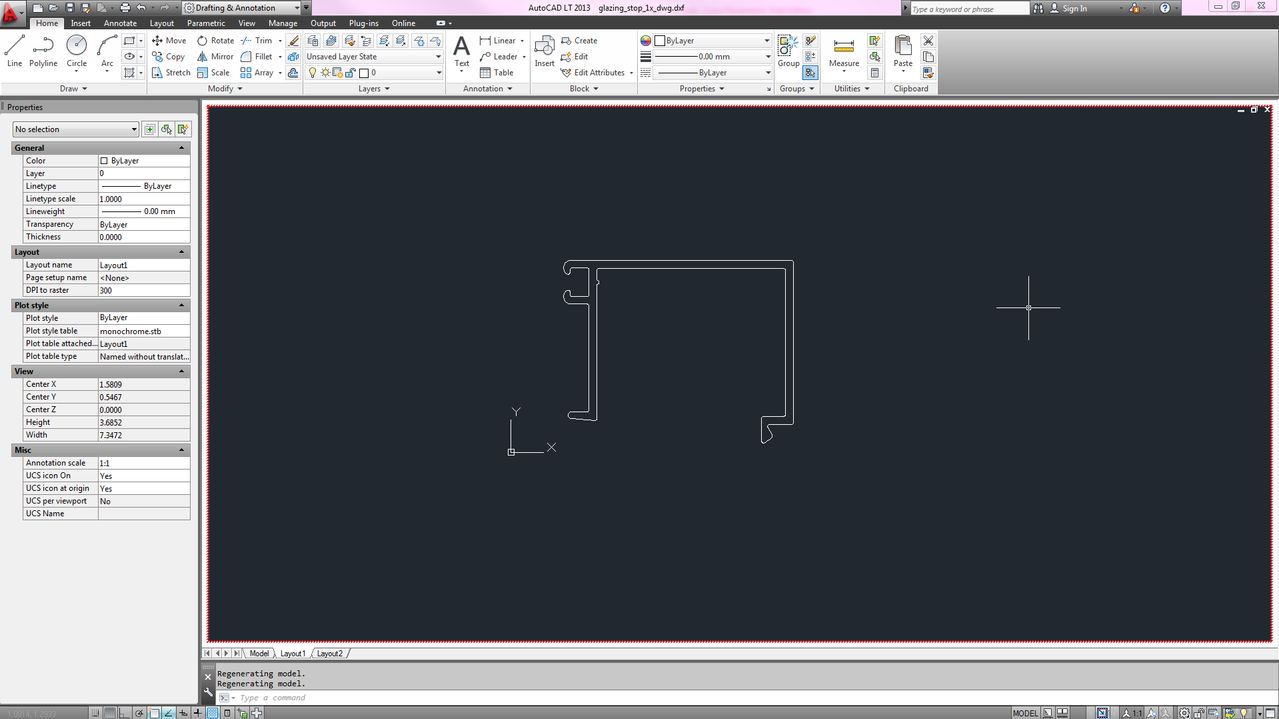
Hi there, I have a part that was designed in AutoCAD by our supplier and I am trying to extrude it in Creo Parametric. This is my first day of using Creo and this is a very frustrating issue. The imported AutoCAD file appears "wavy" for some reason. Check out the attached images:
Trying to extrude this...
This thread is inactive and closed by the PTC Community Management Team. If you would like to provide a reply and re-open this thread, please notify the moderator and reference the thread. You may also use "Start a topic" button to ask a new question. Please be sure to include what version of the PTC product you are using so another community member knowledgeable about your version may be able to assist.