4-Participant
September 6, 2015
Question

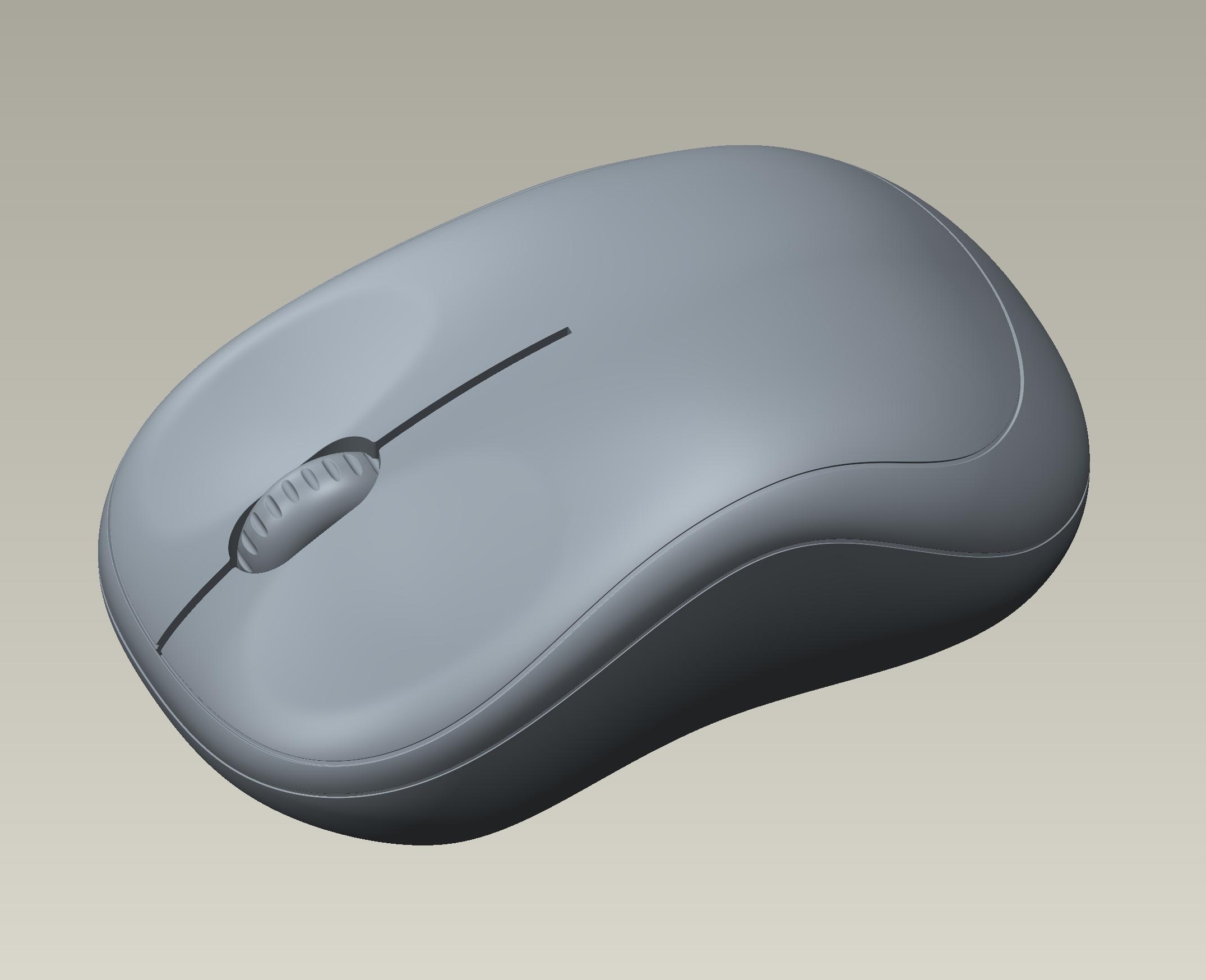
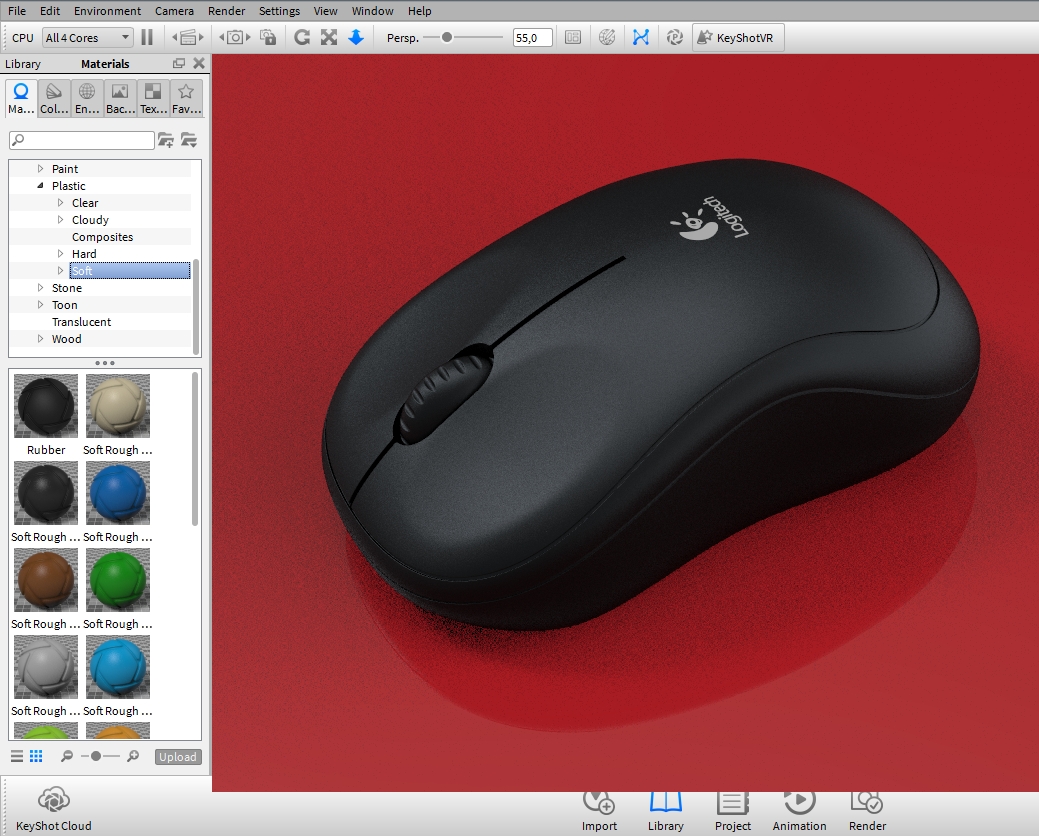
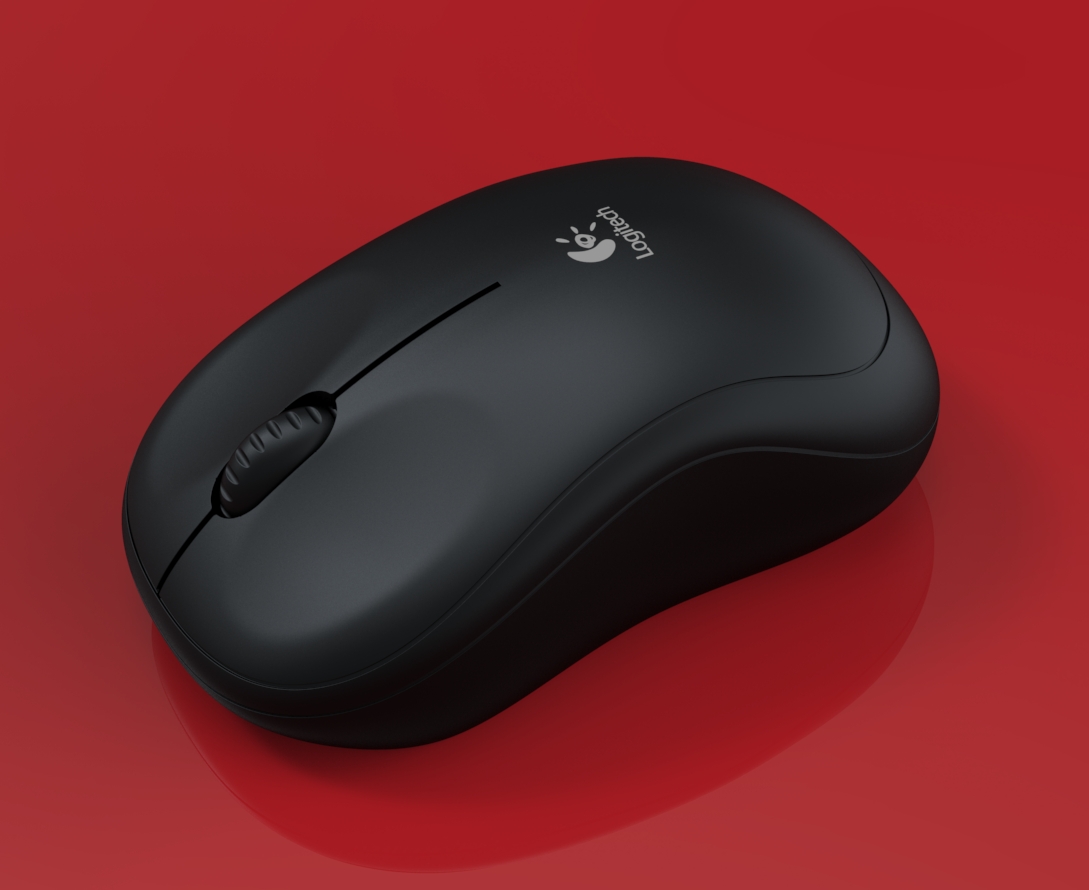
___ Logitech mouse - M185 - Black Edition.

  • September 6, 2015
  • 3 replies
  • 4248 views

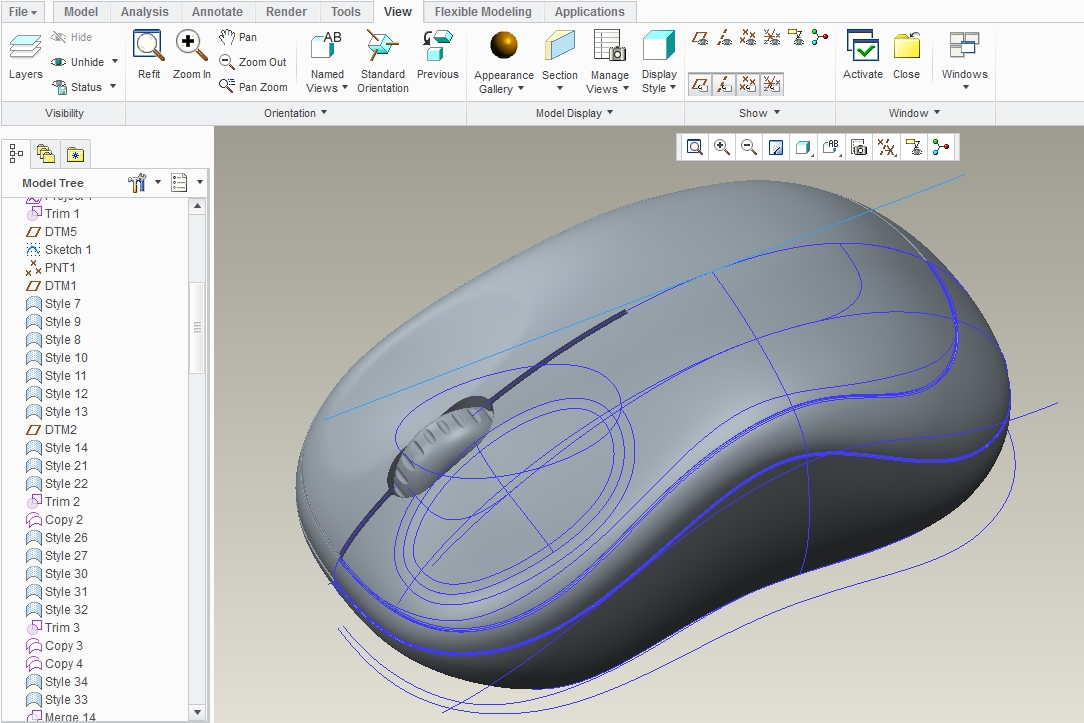
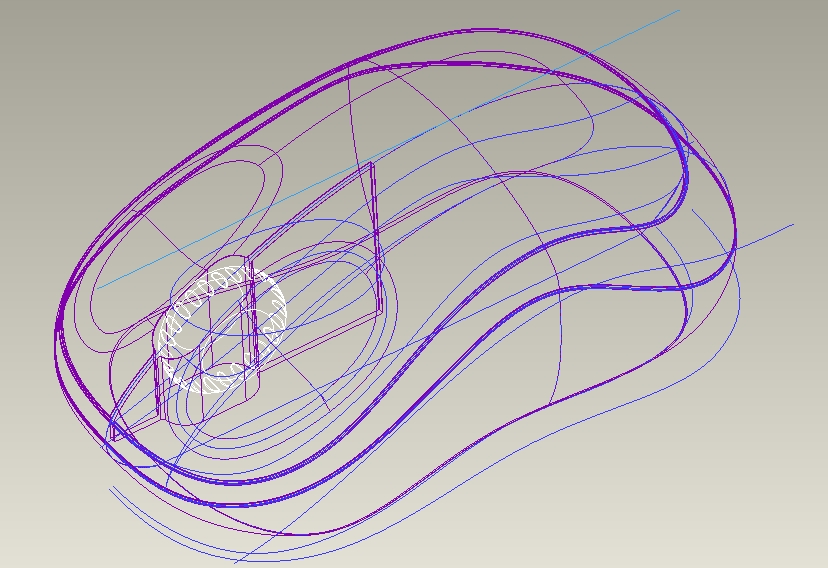
This model was created with PTC Creo 2.0 and rendered with KeyShot.

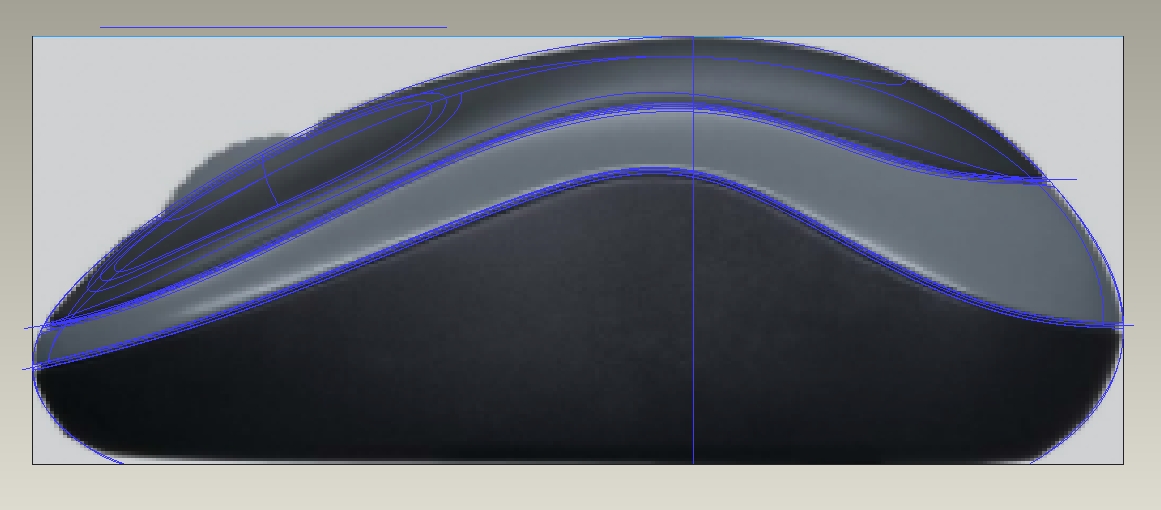
I used style surfaces (ISDX) and splines. Blueprints as references.

All files included:

- Creo 2.0
- Keyshot 5.0
- IGES
- STEP
- Parasolid

Download this model and all files:
Logitech mouse - M185 - Black Edition - KeyShot, Parasolid, PTC Creo Parametric, STEP / IGES - 3D CAD model - GrabCAD

m185_black_edition.jpgmouse_1.jpgmouse_2.jpgmouse_3.jpgmouse_4.jpgmouse_5.jpg

Download this model and all files:
Logitech mouse - M185 - Black Edition - KeyShot, Parasolid, PTC Creo Parametric, STEP / IGES - 3D CAD model - GrabCAD


This thread is inactive and closed by the PTC Community Management Team. If you would like to provide a reply and re-open this thread, please notify the moderator and reference the thread. You may also use "Start a topic" button to ask a new question. Please be sure to include what version of the PTC product you are using so another community member knowledgeable about your version may be able to assist.

3 replies

1-Visitor
September 8, 2015

Very nice!


msiviero4-ParticipantAuthor
4-Participant
September 8, 2015

Thanks !!!

1-Visitor
September 8, 2015

Fantastic work.

Just one question.

Is it possible to obtain the same quality of imagem you´ve got only using the creo rendering tool?

1-Visitor
September 15, 2015

To some extent it's possible if you have the advanced rendering extension (which uses iRay or mentalRay if I remember correctly) but it won't be as intuitive as with Keyshot. Also the camera controls in Creo are really poor and not very easy to use if you want to obtain good results

msiviero4-ParticipantAuthor
4-Participant
September 15, 2015

Thanks!

1-Visitor
September 15, 2015

Thank you by the remarks.