1-Visitor
January 26, 2018
Question

Make spiral solid/surface.

  • January 26, 2018
  • 2 replies
  • 4222 views

I need to make helical solid and spiral solid/ sheet having adjustable height.

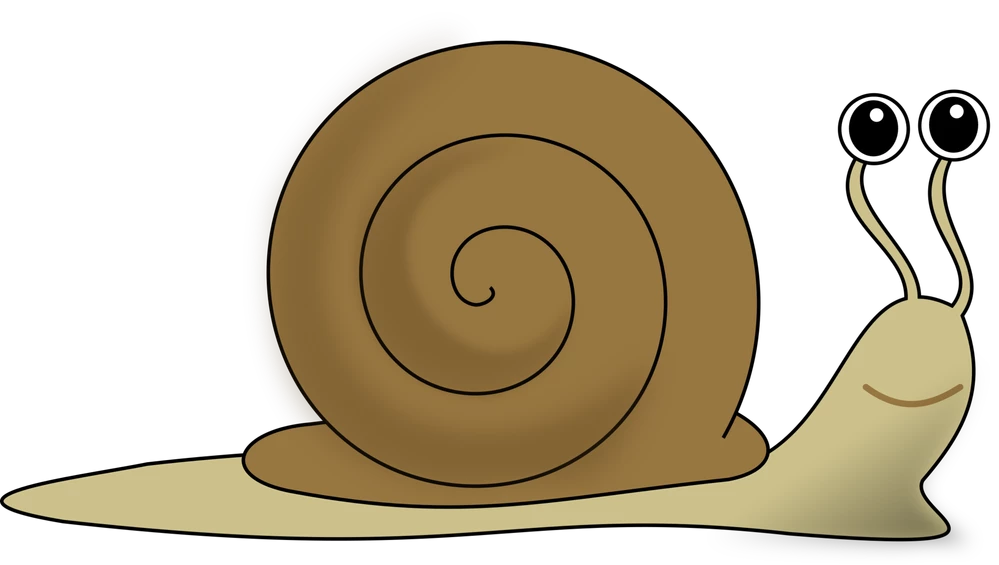
how do I make that in creo?Snail.png
2 replies

17-Peridot
January 26, 2018

You can make sweeps with variables tied to the sketch (VSS: variable section sweep).  This is an option inside the sweep feature.

Generate your guide curve or edge and determine how you wish to use this guide curve/edge to manipulate your sketch in the sweep section.

Know that "trajpar" is a special relations call within the sweep sketch.  The value of trajpar (trajectory parameter?) is a numerical value from 0 to 1 where 0 is the beginning of the sweep trajectory and 1 being the end.  When the trajectory (origin) is a closed loop, limitations apply.

Also remember that you can have guide curves (second pick after the "origin" pick).  These are very useful for maintaining orientation of your section.  This geometry also needs to be established prior to the sweep feature.

Last note: Do not expect a true merge with features like this.  As a solid, you may never note the difference, but the merge does not always create edges where geometry creates a new boundary.  I am not sure how to make this clear but once you see it, you'll know that the merge is not "complete".  This may affect subsequent operations.  For the most part, this is not an issue.  Also be aware of tangent conditions.  These too can fail.

Patriot_1776
22-Sapphire II
January 26, 2018

That's kind of an ambiguous question.  What do you mean by "height?  And by "sheet", should I assume you are an NX user and really mean "surface"?


For a spiral, you can use a datum curve by equation, to provide a trajectory.


Showing a picture of the geometry you want to create will get you better answers

17-Peridot
January 26, 2018

We're not making escargot? 😛
