

Solved
Missing Dimensions from Printed Drawing
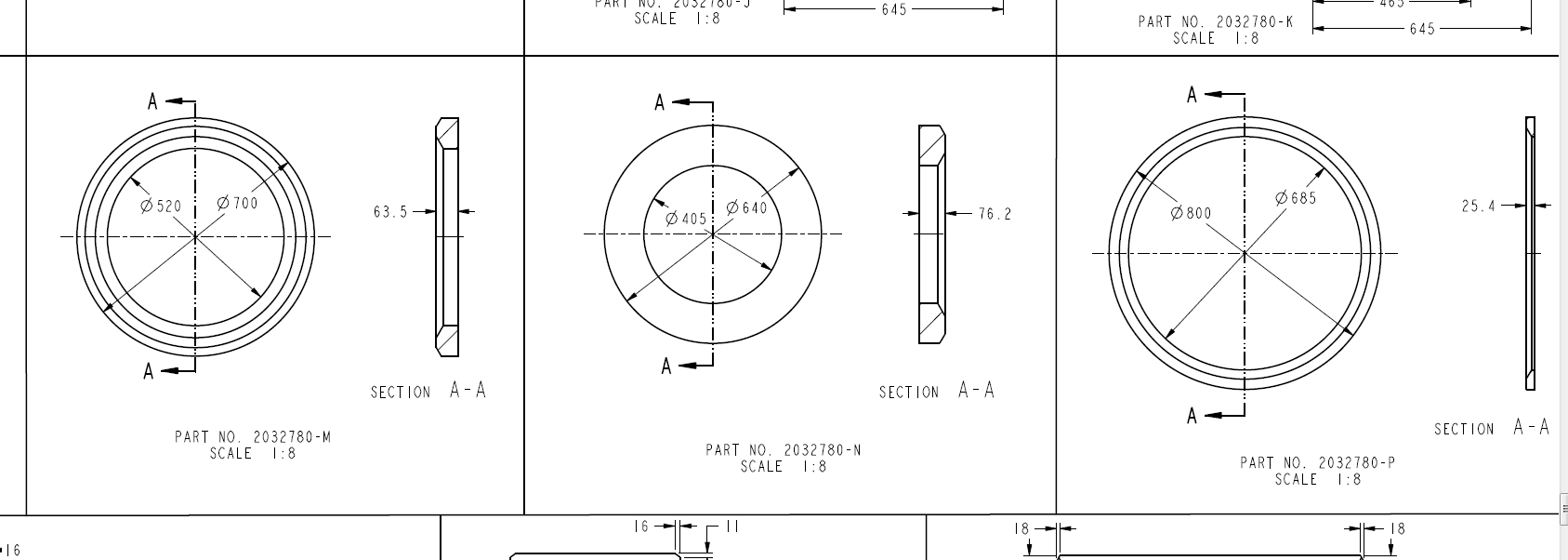
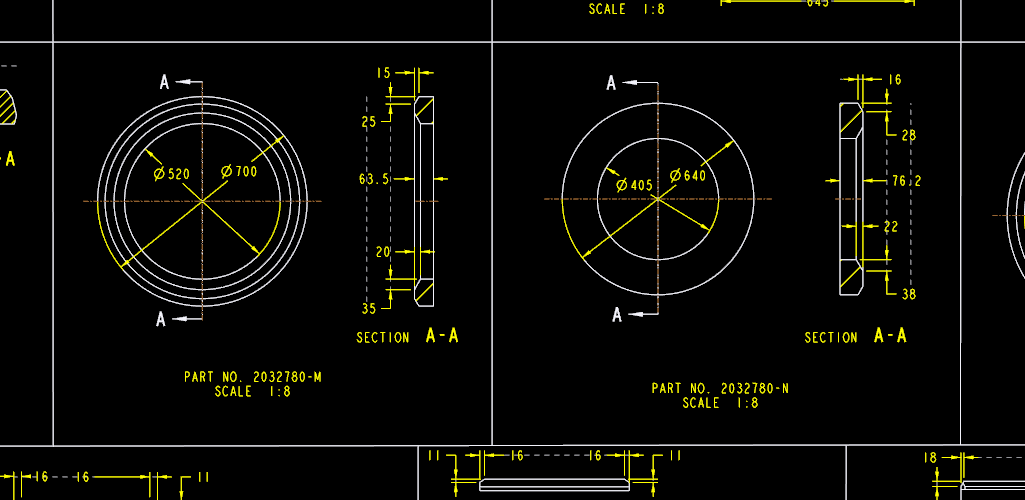
Since updating to Creo 3 M40 we have been having trouble across almost all drawings with dimensions not being printed. About 50% of the time, some (not all) dimensions are missing from the page when printed. They are visible in the drawing in the creo window but do not show on the page when printed or when creating a pdf (using CutePDF printer). If we just print the same drawing again (without doing anything; no regen, no update) the missing dimensions are often printed. This is very frustrating and dangerous. Has anyone else had this problem.
This thread is inactive and closed by the PTC Community Management Team. If you would like to provide a reply and re-open this thread, please notify the moderator and reference the thread. You may also use "Start a topic" button to ask a new question. Please be sure to include what version of the PTC product you are using so another community member knowledgeable about your version may be able to assist.