1-Visitor
May 24, 2013
Question

Modify Drawing Dimensions (Creo 2)

  • May 24, 2013
  • 1 reply
  • 5060 views

I have a few questions on how these dimensions were modified. Hopefully someone can help...


On the hole note, how do I find the feature numbers that were used?
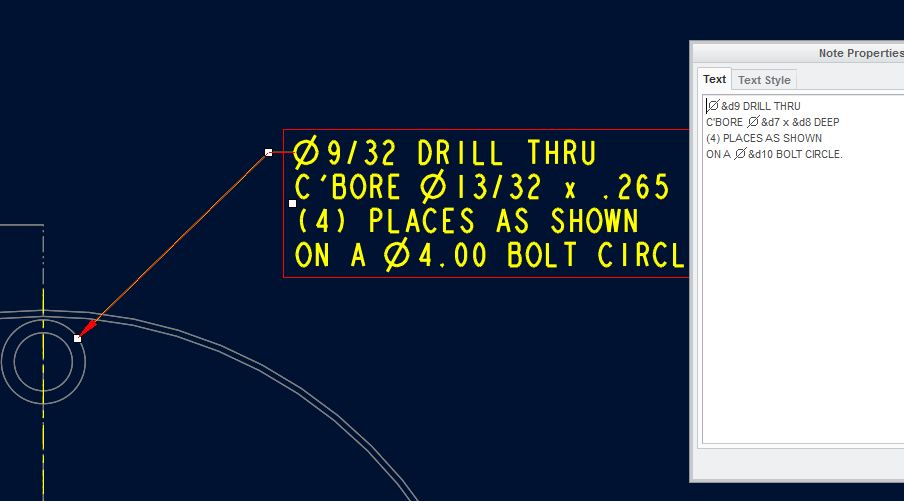
holenotesnip.JPG


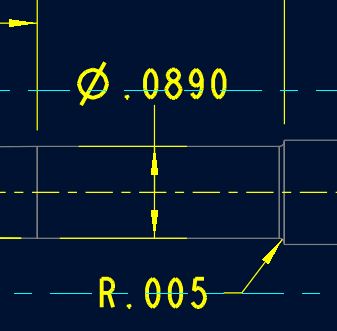
On the two pics below, how was the tail cut from the leader and the text reoriented?
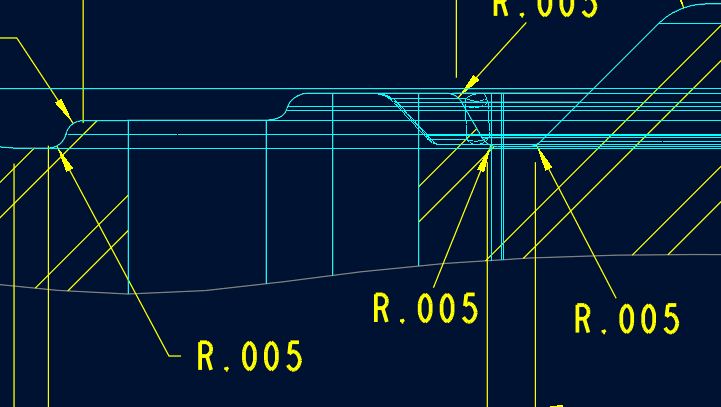
leadersnip.JPG

leadersnip2.JPG


Thank you kindly in advance,


Matt


This thread is inactive and closed by the PTC Community Management Team. If you would like to provide a reply and re-open this thread, please notify the moderator and reference the thread. You may also use "Start a topic" button to ask a new question. Please be sure to include what version of the PTC product you are using so another community member knowledgeable about your version may be able to assist.

1 reply

17-Peridot
May 24, 2013

Part 2 of your question is easy; use the shift key to move just the text.

...for the 1st Q, what happens when you switch text for symbols?

Dale_Rosema
23-Emerald III
May 24, 2013

Per Antonius discussion for the 1st Q. The &d9, &d7, &d8 and &d10 probably are the text names for the dimensions for the various holes, diameters and circles in the model. While in the model and you right click to edit the feature, goto Info->Switch Dimensions and the dimension will change from their numeric value to their text value. This should show you the &d## for the dimensions. Hope this helps. Dale

msteis1-VisitorAuthor
1-Visitor
May 28, 2013

Both worked. Thanks!

Matt