13-Aquamarine
April 19, 2013
Solved

Moving sequences to another operation in Creo

  • April 19, 2013
  • 1 reply
  • 2565 views

I have a manufacturing issue in which I would like to move a few sequences into a new operation. The problem I have is that the tool to do that (rt. click & edit step references) seems to be only available for a few of the sequences. The edit step references does not appear for the ones I want to move.

One of the sequences is a drilling sequence, the other is a cut line milling sequence.

I don't believe this would ever be an issue had I created this program in WF5?

Any thoughts? I am sure that it can be done.


This thread is inactive and closed by the PTC Community Management Team. If you would like to provide a reply and re-open this thread, please notify the moderator and reference the thread. You may also use "Start a topic" button to ask a new question. Please be sure to include what version of the PTC product you are using so another community member knowledgeable about your version may be able to assist.
Best answer by SteveLucas

Matt,

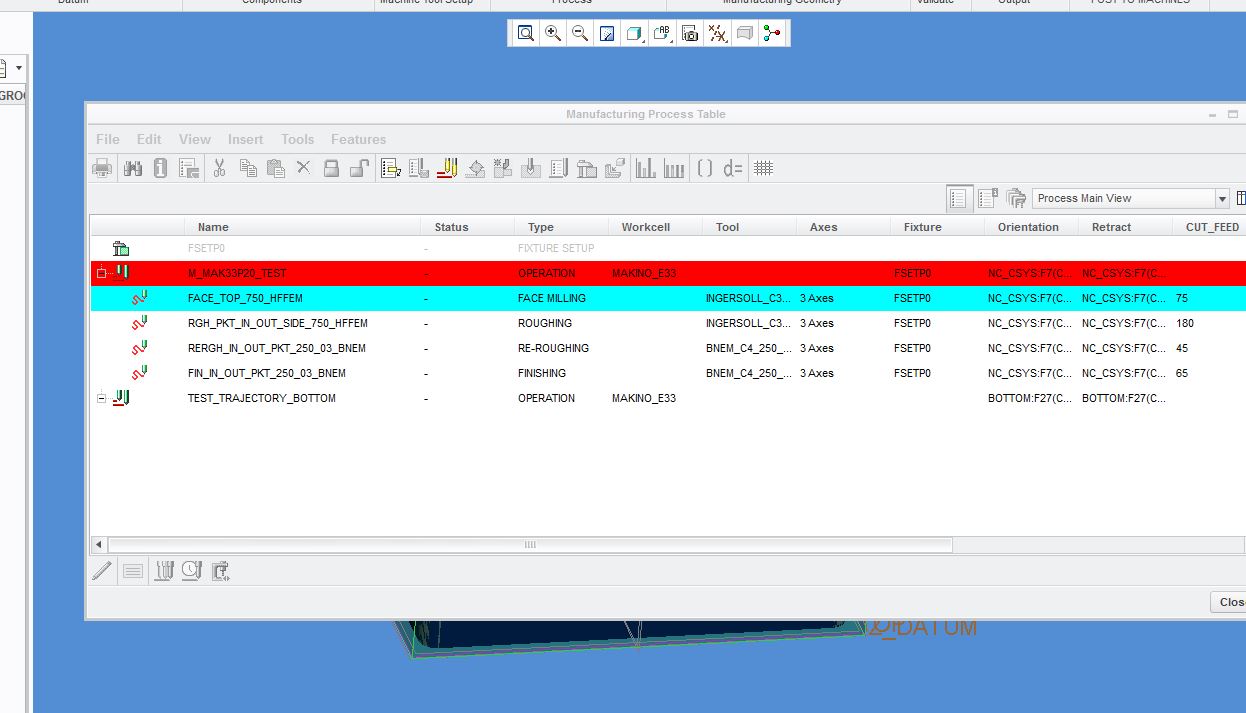
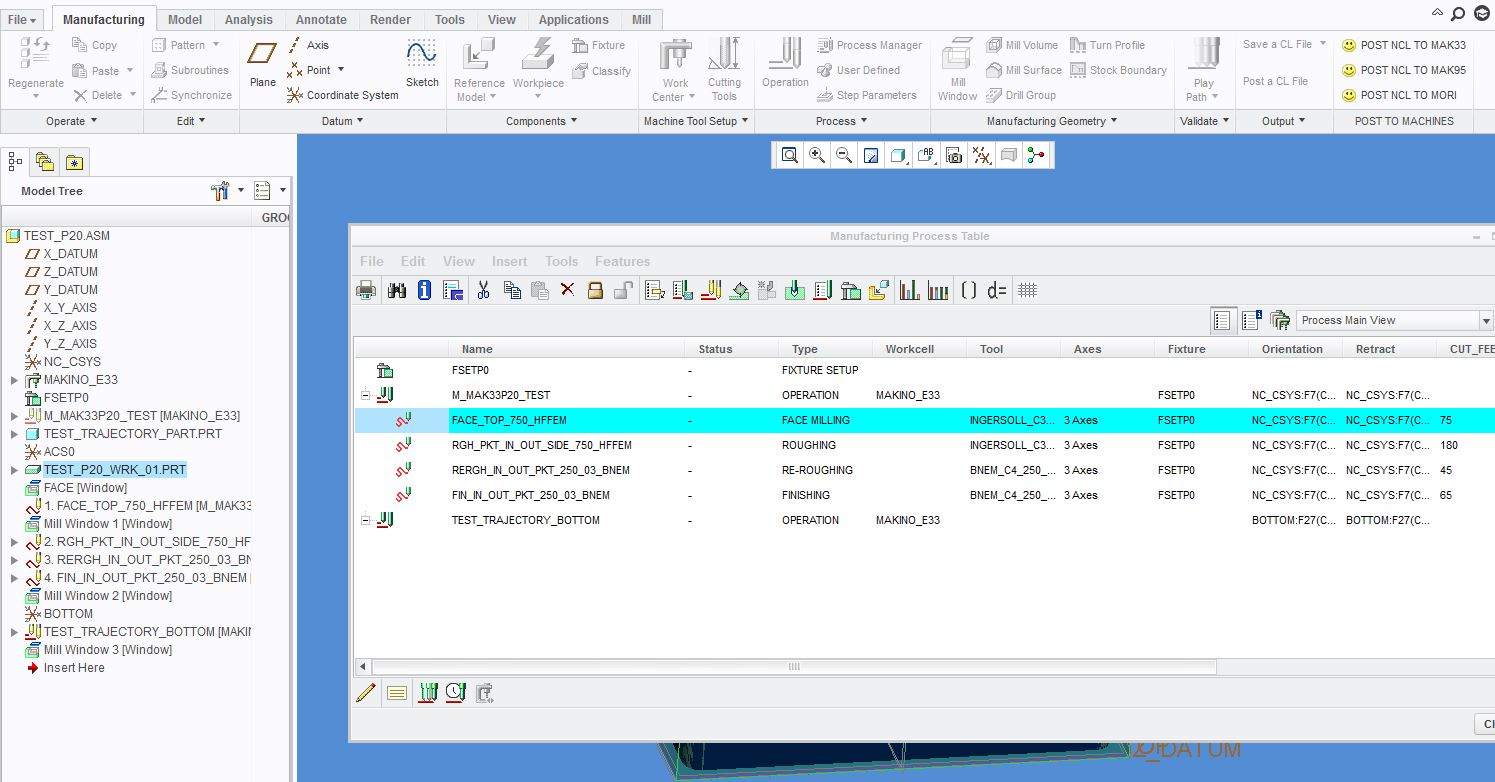
Process manager works great for copying sequences to other operations.I use it all the time for that.

copy+face+milling1.JPG

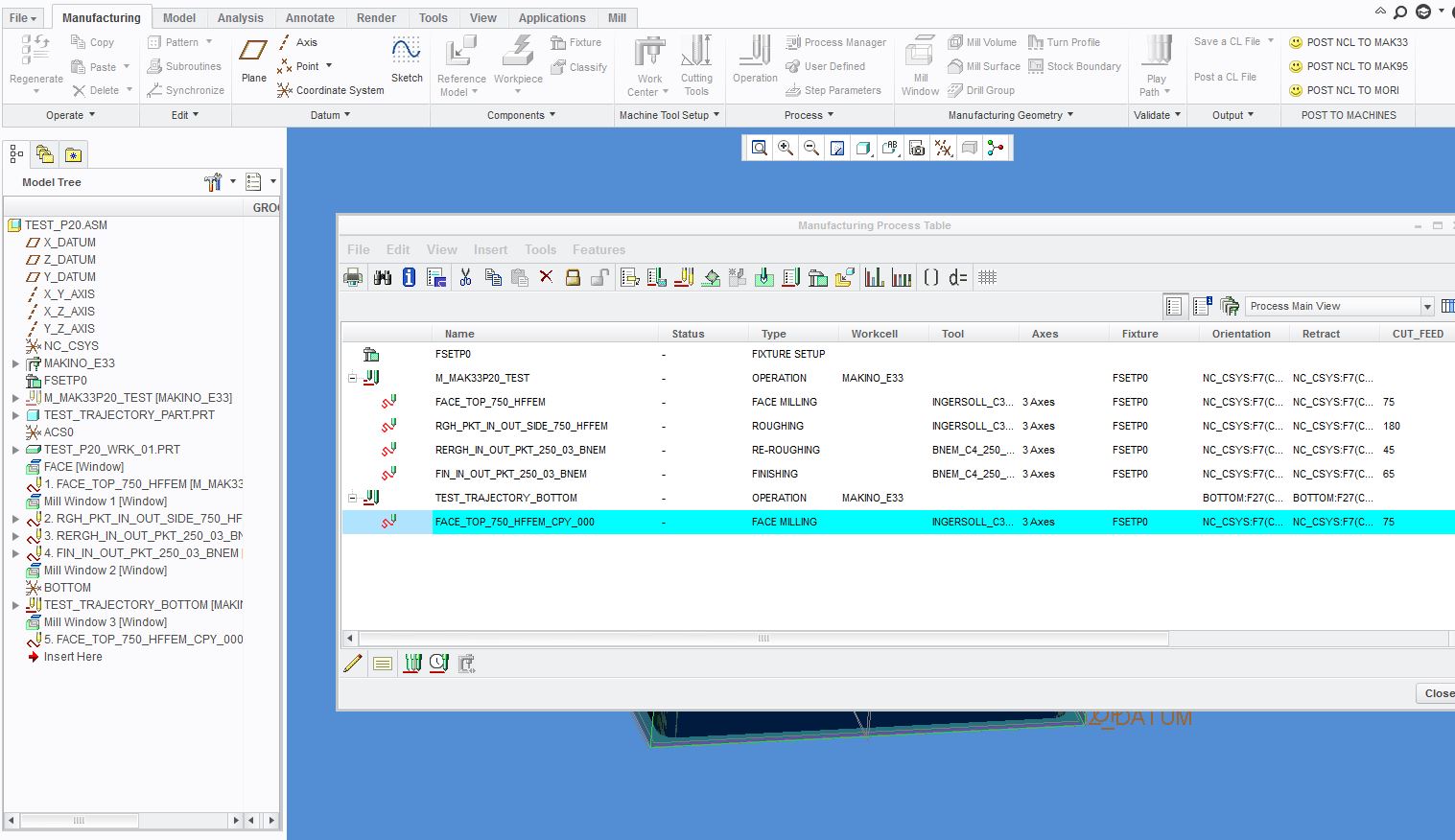
Select the sequence you want to copy. Then edit and copy and paste in the new operation.

copy+faace+miling2.JPG

copy+face+milling3.JPG

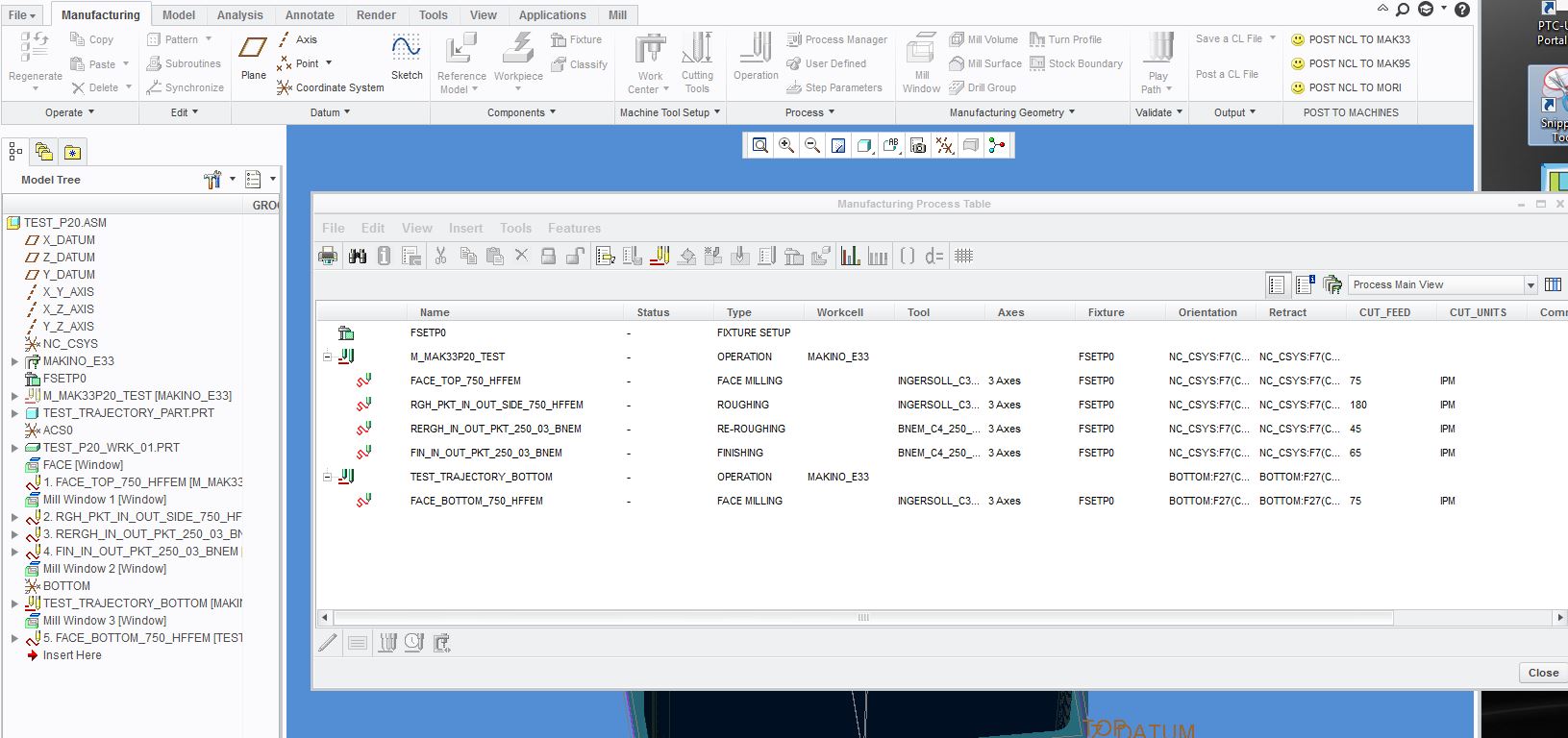
When you change operations you need to edit the sequence and change the coordinate system to the retract plane and operation coordinate system that you are moving the seqeunce to.

copy+face+milling4.JPG

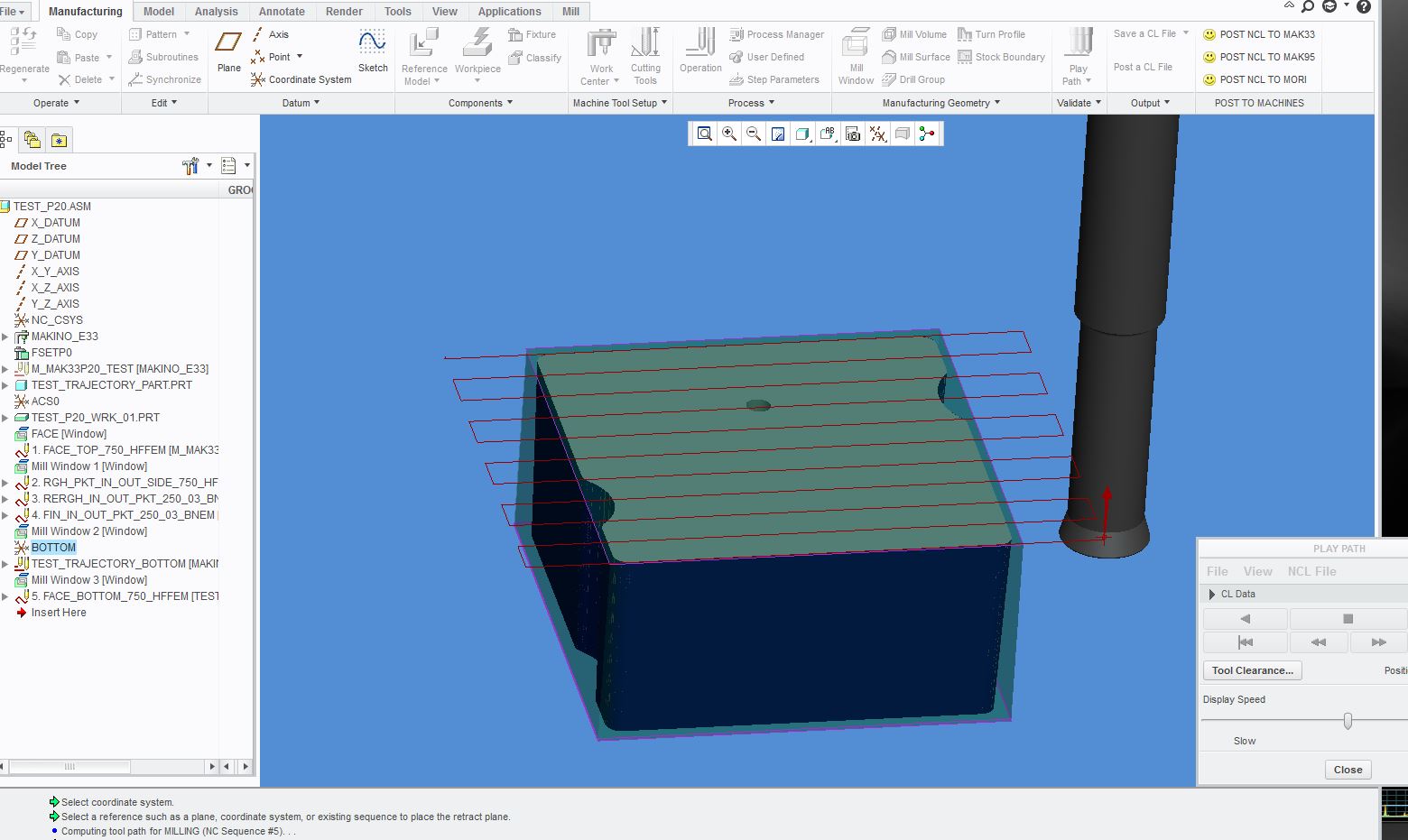
once you do that you just need to switch the seqence or sequences to the correct MFG geometry and you should be good to go.

copy_face+milling5.JPG

1 reply

1-Visitor
April 22, 2013

Matt,

Process manager works great for copying sequences to other operations.I use it all the time for that.

copy+face+milling1.JPG

Select the sequence you want to copy. Then edit and copy and paste in the new operation.

copy+faace+miling2.JPG

copy+face+milling3.JPG

When you change operations you need to edit the sequence and change the coordinate system to the retract plane and operation coordinate system that you are moving the seqeunce to.

copy+face+milling4.JPG

once you do that you just need to switch the seqence or sequences to the correct MFG geometry and you should be good to go.

copy_face+milling5.JPG

razmosis13-AquamarineAuthor
13-Aquamarine
April 22, 2013

Thank You! Haven't done anything with the process manager up until this point. Not sure why only drilling and cut line milling have to be moved through the manager, when volume roughing and surface milling do not - but it was easy to work with and I appreciate the help.

Matt

1-Visitor
April 22, 2013

Matt,

I didn't care for Process manager untill I started using it back in WF5 . Little by little I have grown to like what you can do with it. The template creation for reuse is key to a lot of my programming of repetitive tasks as well as the copy and paste functions.you should really look into it if you have a lot of that type of work.

templates.JPG

The picture above shows where the create template icon is.

template2.JPG

the picture above is my template directory. it's pretty big, But if I think I will reuse a sequence more than once I store it in here. There is a config option mfg_process_template_dir that you set to store your templates in a directory on your hard drive. this save a bunch of time.

Steve