1-Visitor
September 15, 2017
Question

Point pattern adding extra holes

  • September 15, 2017
  • 4 replies
  • 4782 views

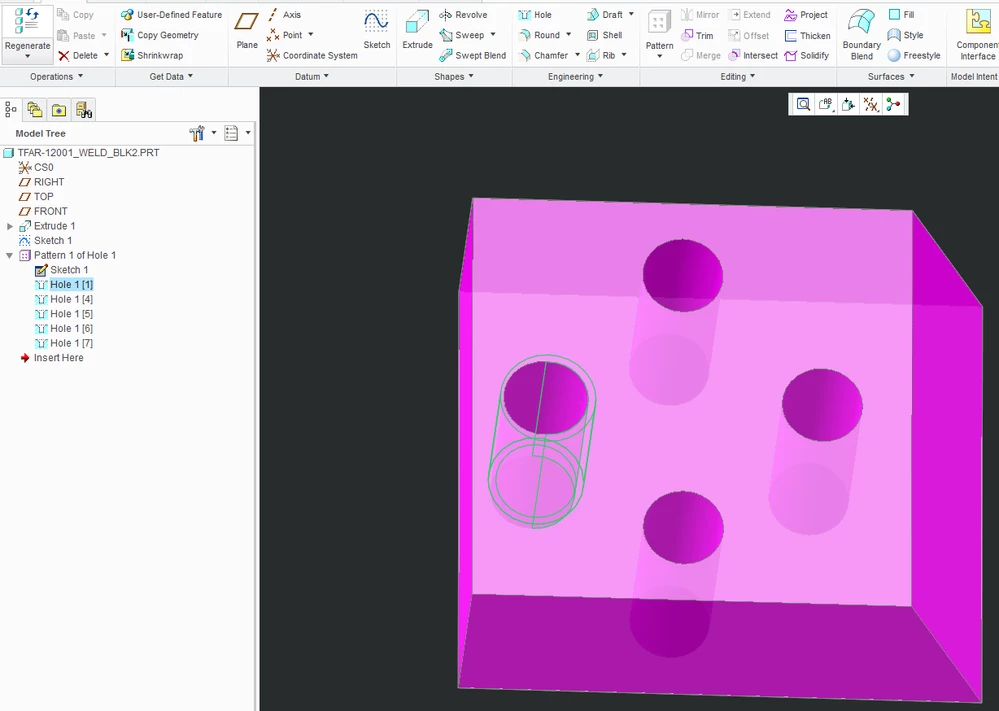
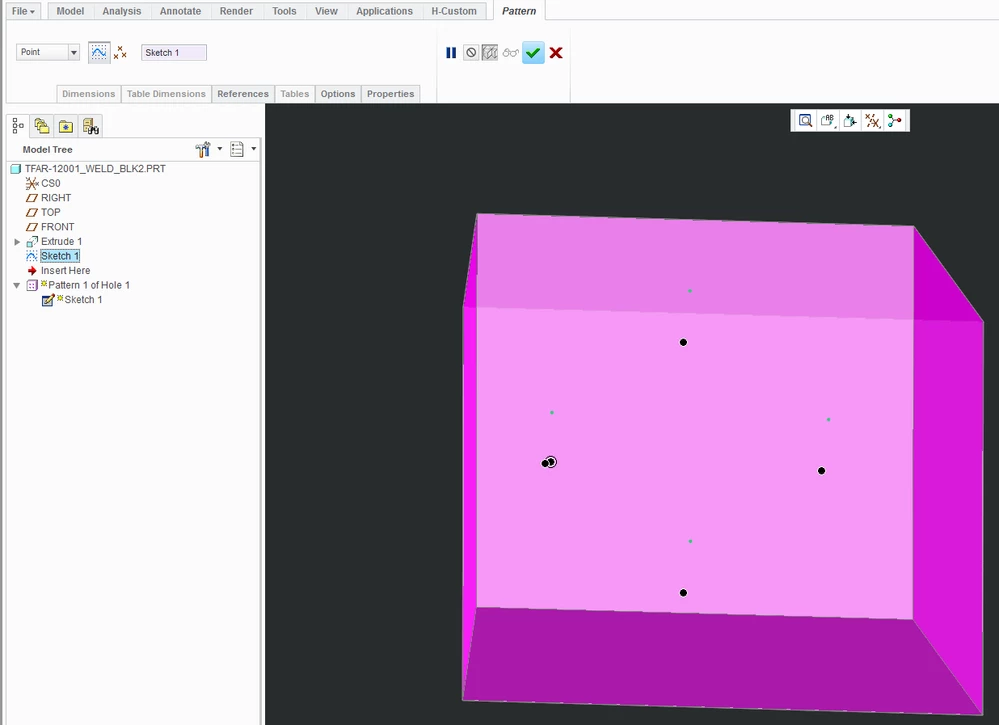
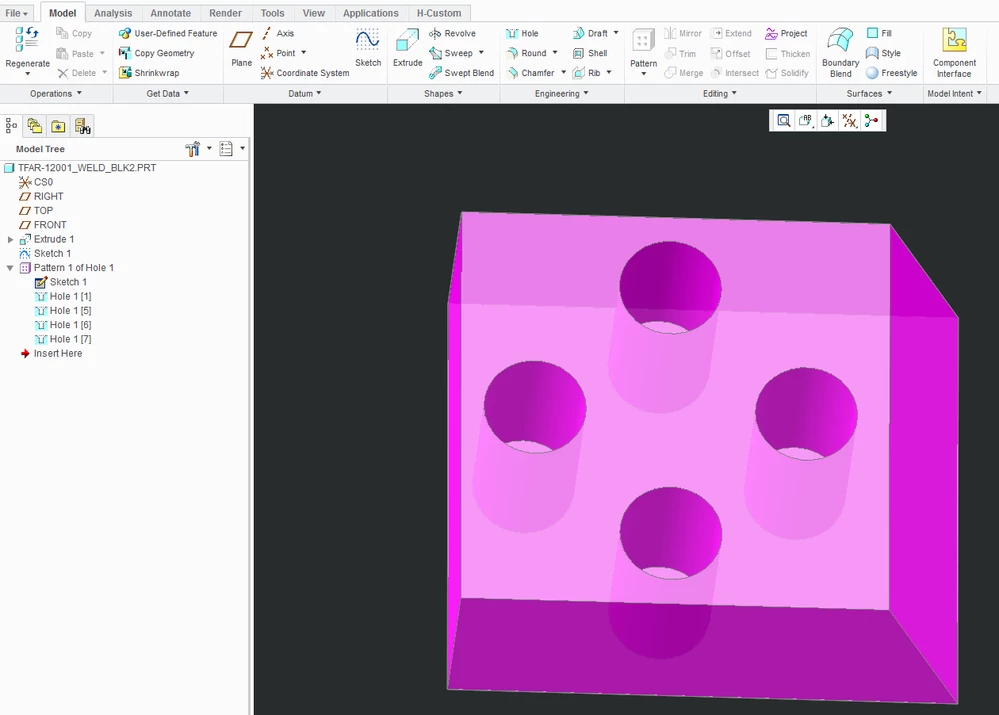
When I try to make a hole point pattern from a sketch it works fine. But when I try to make threaded holes, creo adds a new hole that is out of position with my sketched points.  Is there any way to fix this?
 

hole 1.PNGhole2.PNGhole3.PNG

4 replies

1-Visitor
September 15, 2017

You have to use the "Use alternate origin" option in the Options tab of the sketched point pattern.

There, specify the point in the sketch that corresponds to the pattern leader.


Also see, among many others:

Re: Point Driven Pattern Adds Instances

A request for examples of odd hole patterns.

zwilson931-VisitorAuthor
1-Visitor
September 18, 2017

I tried using alternate origin, but It doesnt let me select points on the sketch. When I try to select a vertix, it shifts the pattern off of the proper position. I then made a point on the same position as one of the points in the sketch and used that as an alternate starting position and it still shifted the pattern.

hole4.PNGhole 5.PNGhole6.PNG

1-Visitor
September 18, 2017

Try activating the "Use Alternate Origin" input box, then pressing CTRL+F; search for points.  Then select the correct one from the list.  This should work, but then again, I don't have your model - can you attach it to your next post?