

Solved
Settings for a smooth sweep?
Hi folks,
A simple solution to this problem I am sure...
I am using Wildfire 5.0 and for the life of me can't get a sweep to display a smoothly curved rod. I need a 1.41 mm rod that is bent in a half circle. This is what I get displayed:
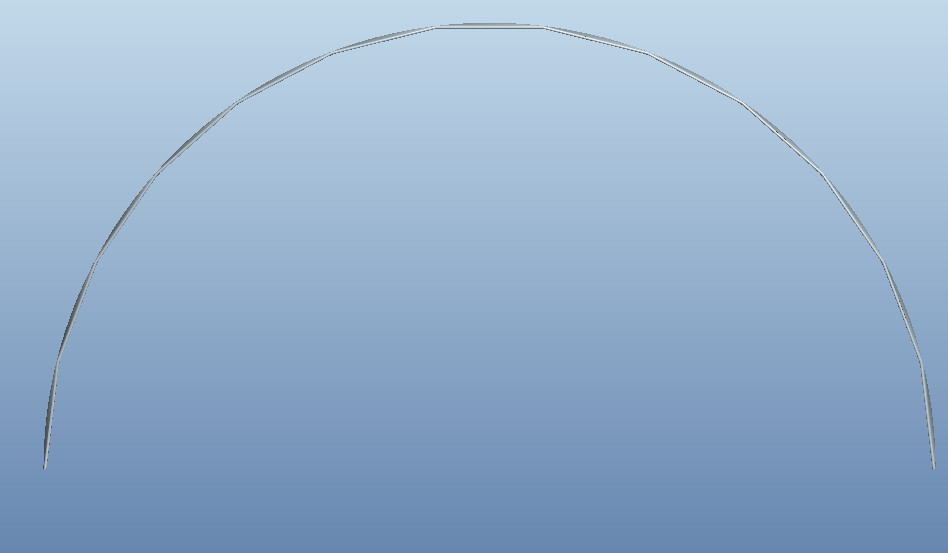
Ihave used the sweep tool to create this. The actual part appears to be the correct dimensions, but the display of it creates these steps.
Any advice on how to get this displaying correctly will be greatly appreciated.
Thanks,
Rowan
This thread is inactive and closed by the PTC Community Management Team. If you would like to provide a reply and re-open this thread, please notify the moderator and reference the thread. You may also use "Start a topic" button to ask a new question. Please be sure to include what version of the PTC product you are using so another community member knowledgeable about your version may be able to assist.