Sheet metal / two different states in one drawing
- 4 replies
- 2858 views
- Translate All
Hello everyone,
I would like to make a drawing for a sheet metal part. I got a step file which I have converted into a sheet metal part (function: Model - Operations - Convert to sheet metal part). This worked fine. See attachements "Step_File" and "Bent_Sheet_Metal". I left it so far in the state "unwind".
When I create a 2D drawing from this model I would like to insert the unwinded sheet metal and the bent one. Its not important to have it on one sheet so it can be two sheets seperated (example: 1st.sheet: unwind sheet metal and 2nd.sheet bent sheet metal)
To insert the unwinded sheet metal its no problem. As soon as I bent the sheet metal to its final form (like in picture "Step_File") the drawing updates itself (of course) and the part is bent again.
I searched for the problem and found this post but I dont fully understand the steps. Maybe its not even showing my problem. In my point of view its at least near to it.
Can someone show me how to insert two states of the sheet metal into one drawing?
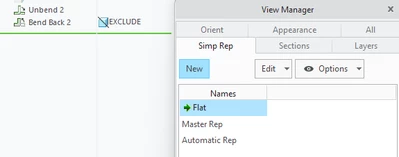
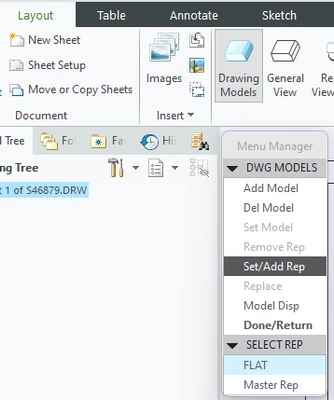
Maybe its done with special views? Maybe I have to freeze the state in the drawing somehow...I saw that some use two parts for one drawing...One part unwinded and one part which is bent to describe the two states but this seems a bit weird.
Thanks in advance.