Solved
sheetmetal: "remove material normal to both driving and offset surfaces" bug?
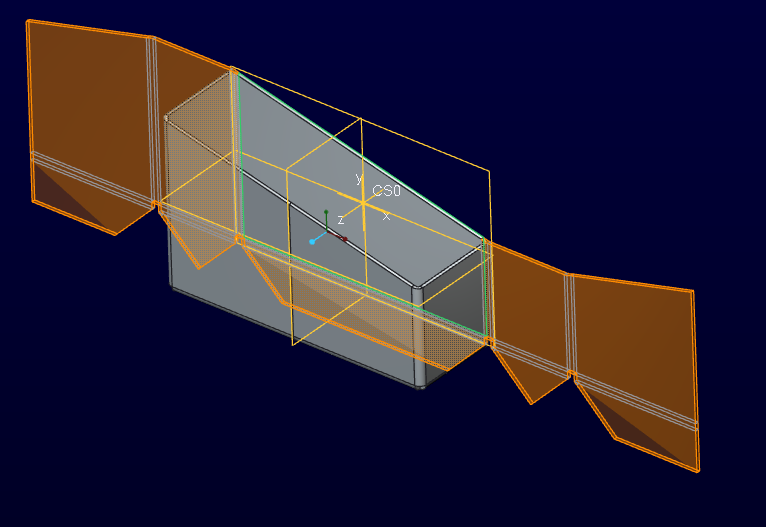
Im designing a frame using square tubes. Cut-outs that are not perpendicular to the metal wall are automatically adjusted in sheetmetal modus I would like to avoid unwanted edges sticking out, for this Creo has the "remove material normal to both driving and offset surfaces" function, but I cant get it to work!
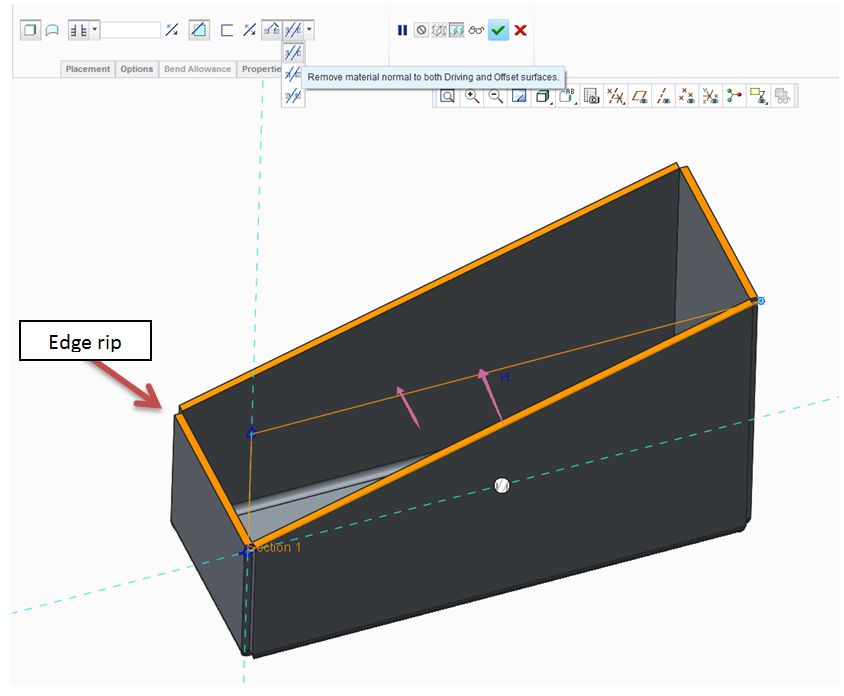
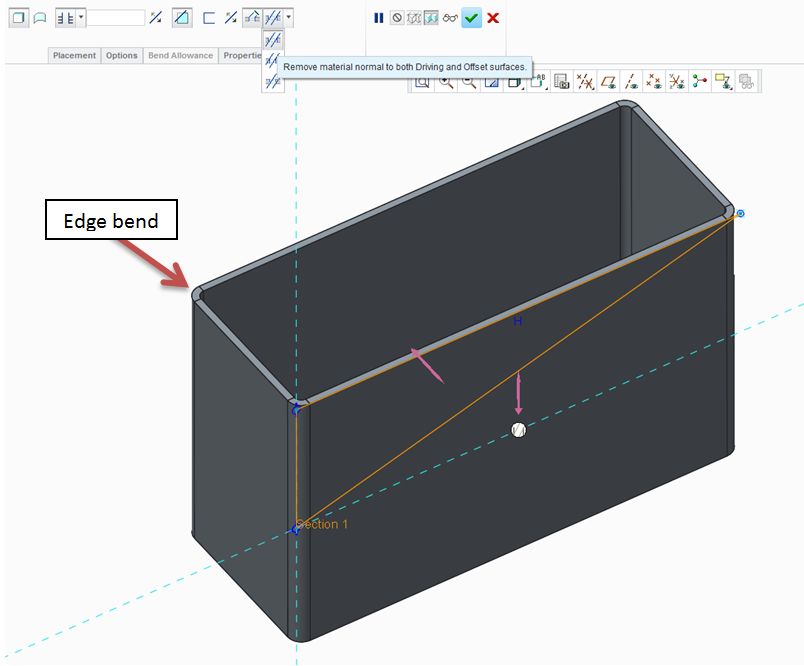
It only works when the edges are ripped and not bend. See images. Am I doing something wrong or is this a bug or did they just stop programming when they needed the recources elsewhere?
This thread is inactive and closed by the PTC Community Management Team. If you would like to provide a reply and re-open this thread, please notify the moderator and reference the thread. You may also use "Start a topic" button to ask a new question. Please be sure to include what version of the PTC product you are using so another community member knowledgeable about your version may be able to assist.