Solved
Show Axis in exploded view drawing
Hello all,
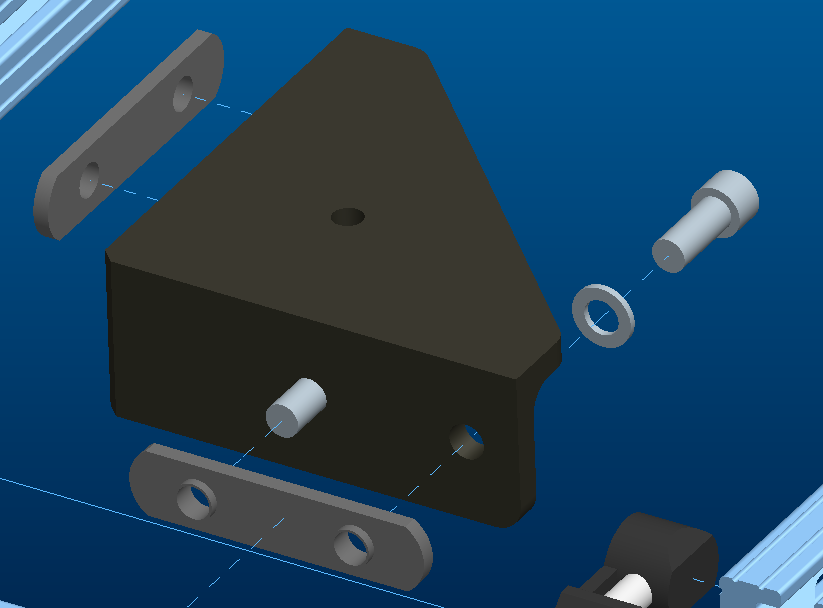
I have a drawing that I made a while ago. It is an exploded view of an assembly. I was careful to explode the part so that I could use the axis of the holes to show how the parts assemble. Basically, I showed the axis and stretched it so that it connected the two parts. I could not find a way to show an explode line.
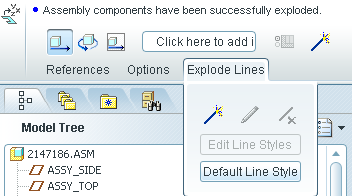
However, now we have upgraded to Creo parametric 1.0 and I can not figure out how to show the axis in an exploded view. I tried show model annotations and that didn't help. I used the search to try and find 'show/erase' which is what I think I used in the past.
can anyone tell me how to show an axis in an exploded view of a drawing?
Thanks in advance. I am sure that I am missing something simple.
Josh
This thread is inactive and closed by the PTC Community Management Team. If you would like to provide a reply and re-open this thread, please notify the moderator and reference the thread. You may also use "Start a topic" button to ask a new question. Please be sure to include what version of the PTC product you are using so another community member knowledgeable about your version may be able to assist.