10-Marble
October 15, 2021
Question

Sketcher works slowly with the complex sketch in Creo 4.0 M150

  • October 15, 2021
  • 4 replies
  • 1798 views

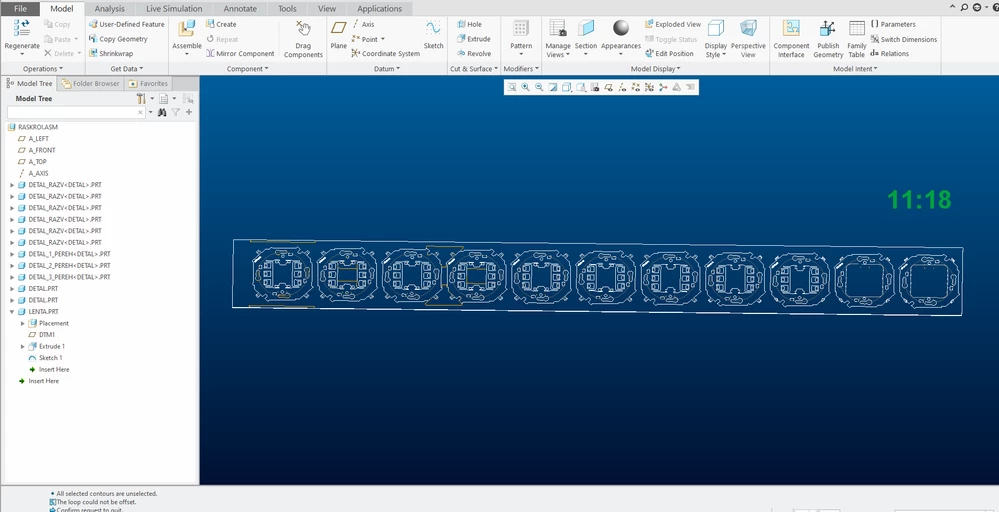
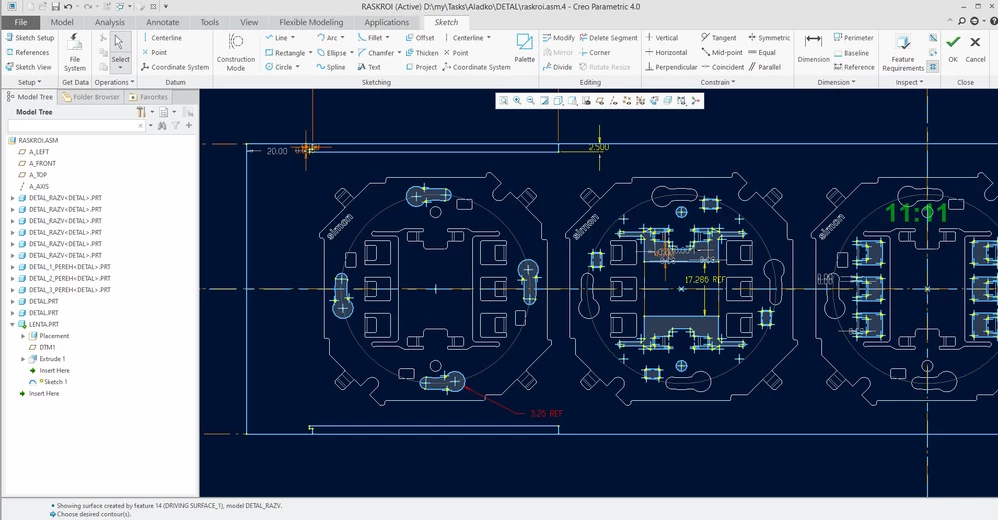
Hello! I use Creo 4.0 M150 and sketch is slow on the new computer (intel i7, 32Gb ram, 512gb ssd).  I use Creo 4.0 M150. New sketch contains many used edges from the assembly. Dimensions in the sketch is set for 3 seconds. What can i do to speed up work with this sketch? Everything else works quickly.

Thanksproblem.pngproblem_.png
4 replies

24-Ruby III
October 15, 2021
Chris3
21-Topaz I
October 15, 2021

In general it is not considered best practice to have complicated sketches. Can you do it with multiple simpler sketches?


Can you use symmetry to work on a smaller portion of the sketch and then mirror?

15-Moonstone
October 15, 2021

I would get rid of the edge references they slow things down.

tbraxton
22-Sapphire II
22-Sapphire II
October 15, 2021

Consider alternate methods to capture design intent for your sketch(es). This looks like a good candidate for using the top down design tools to pass geometry from one model to another. Copy geometry features look like a good choice. Creating a sketch in the context of an assembly model will create an external reference to the assembly which in general is not desirable. If you are referencing multiple components in a single sketch you should avoid that if possible.


I would use external copy geometry functionality to get the references into your part model. You can then use them in your part and break it down into multiple sketches. You should see a much faster regeneration time using this method.


As mentioned above, complex sketches are not optimal. Use multiple features with simple sketches.