

Solved
Subtracting one body part from another body part
Hi,
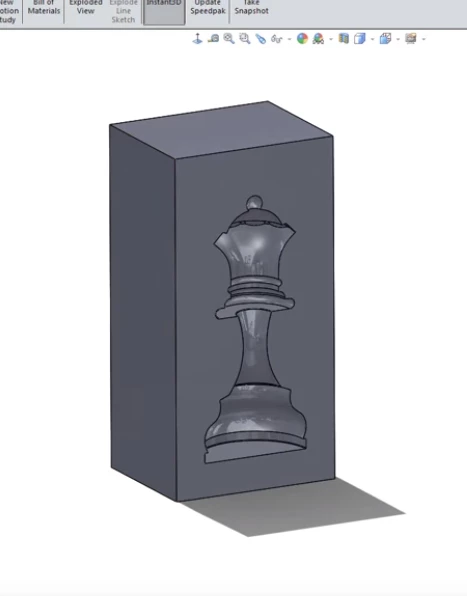
I am looking for help how to subtract a body part from another body part.
In SW it is called Cavity.
Can anyone explain to me how to do it?
Thanks
Arek

Hi,
I am looking for help how to subtract a body part from another body part.
In SW it is called Cavity.
Can anyone explain to me how to do it?
Thanks
Arek
Neither. The procedure I described above is in the part mode. Creo doesn't have multibody parts.
You can "merge/inherit" a part into another part, during that process you can specify if the merge part adds material or removes material.
There is a similar feature in assembly mode where you can "cut out" one part from another.
No account yet? Create an account
Enter your E-mail address. We'll send you an e-mail with instructions to reset your password.