
1-Visitor
March 27, 2015
Question

Surface modeling

  • March 27, 2015
  • 2 replies
  • 3368 views

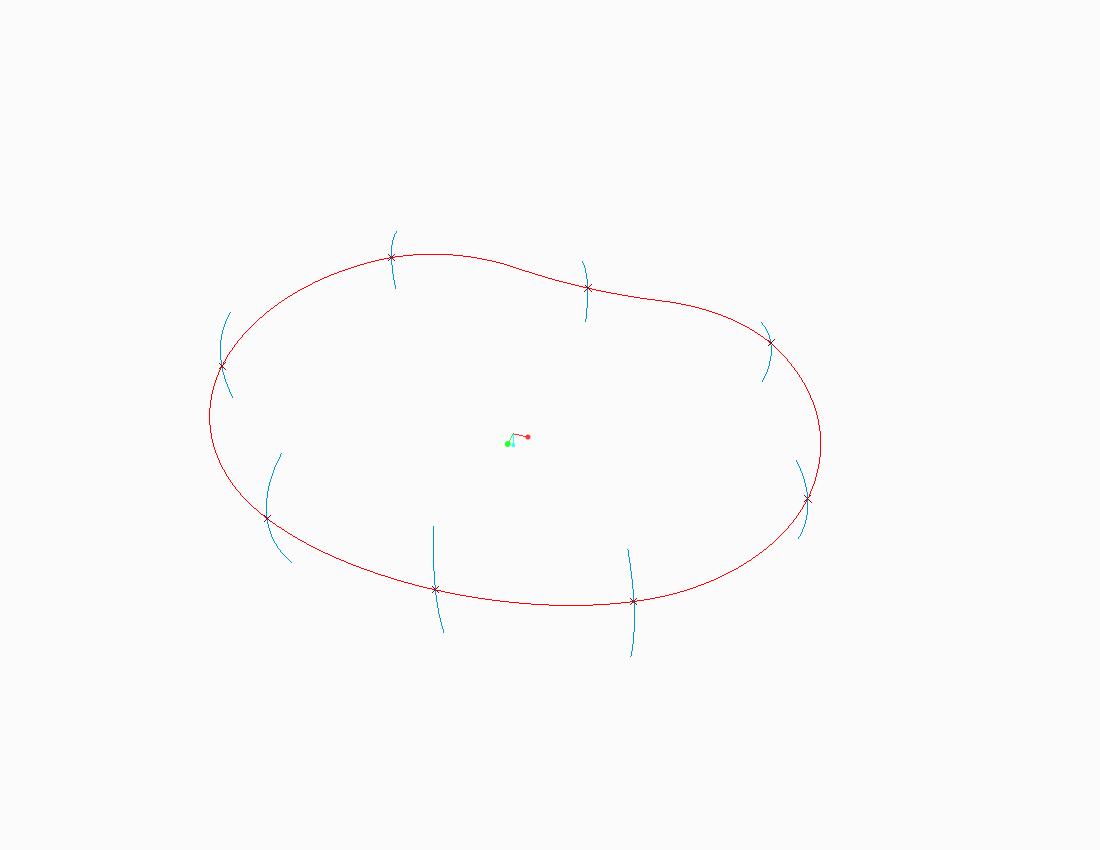
I have some problem constructing a surface out of an irregular trajectory. As shown in below image, the trajectory is the red-coloured line, the outer profile was constructed with multiple sketch profiles combined at certain datum point. I wanted to create a surface that follow the trajectory as well as all the blue-lined sketch enclosed as the wall.
ivd_l4l5_model0.jpg

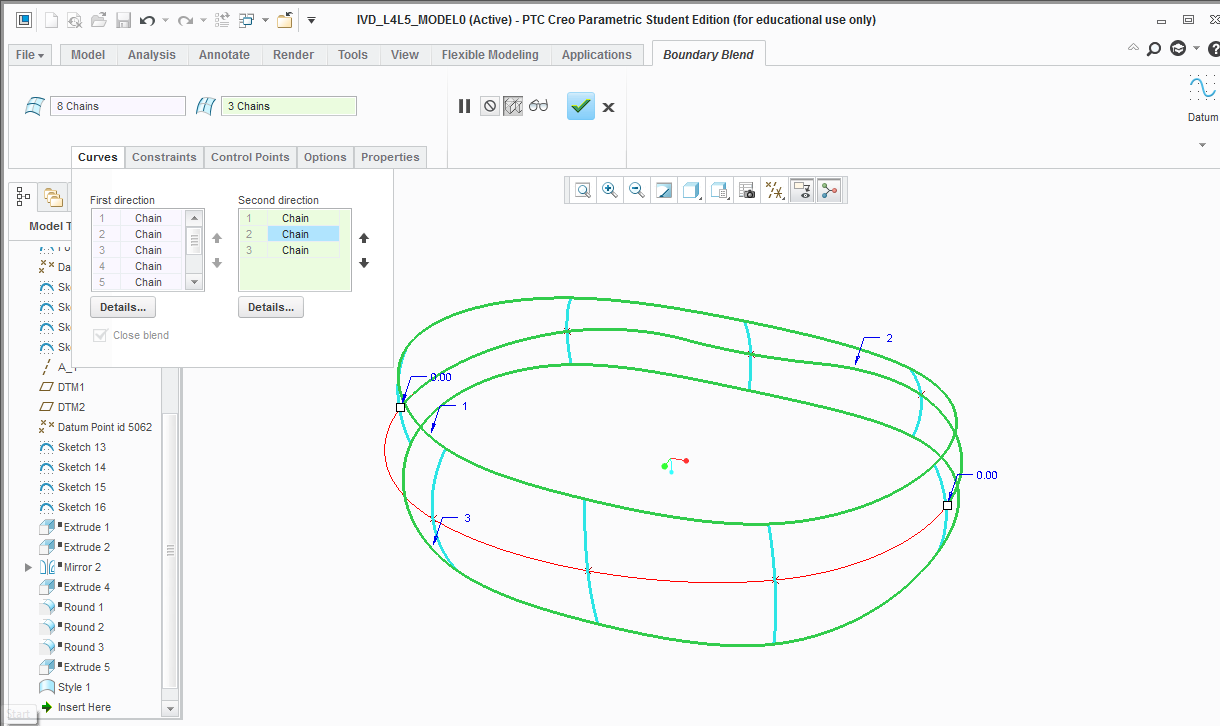
Initially, I intended to use boundary blend command, with all the blue-lined sketch selected as 'First Direction' + close blend enabled, and the red-sketch as the 'Second Direction', but seems like it requires another sketch to be selected. When I construct another curve line of at the end of each wall using surface-curve command and tried again using the 'boundary blend' feature, the following happens (see image below) -- only partial selection of the red-coloured-line -- which doesn't allow the surface to be constructed.
boundary_blend.png


For your reference on how I intend the profile to be, the following are some image of the previous model that I manage to construct. Thanks in advance for your help and suggestion.
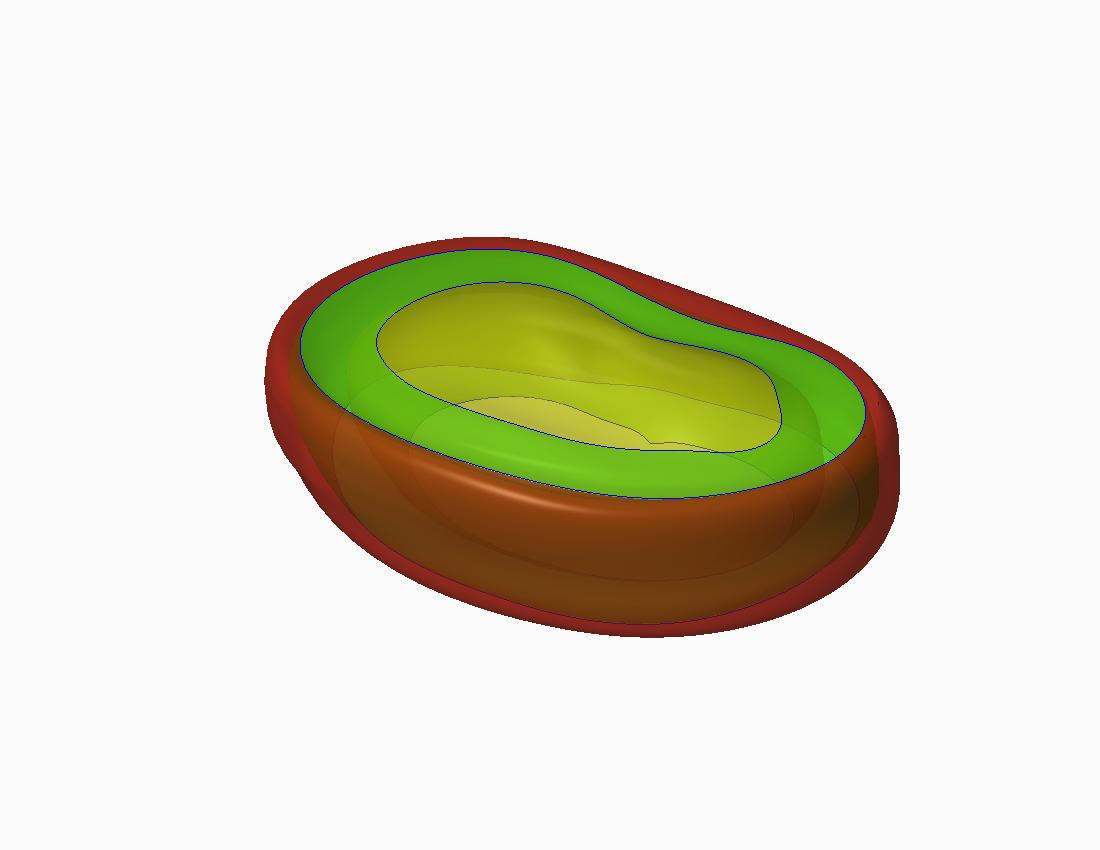
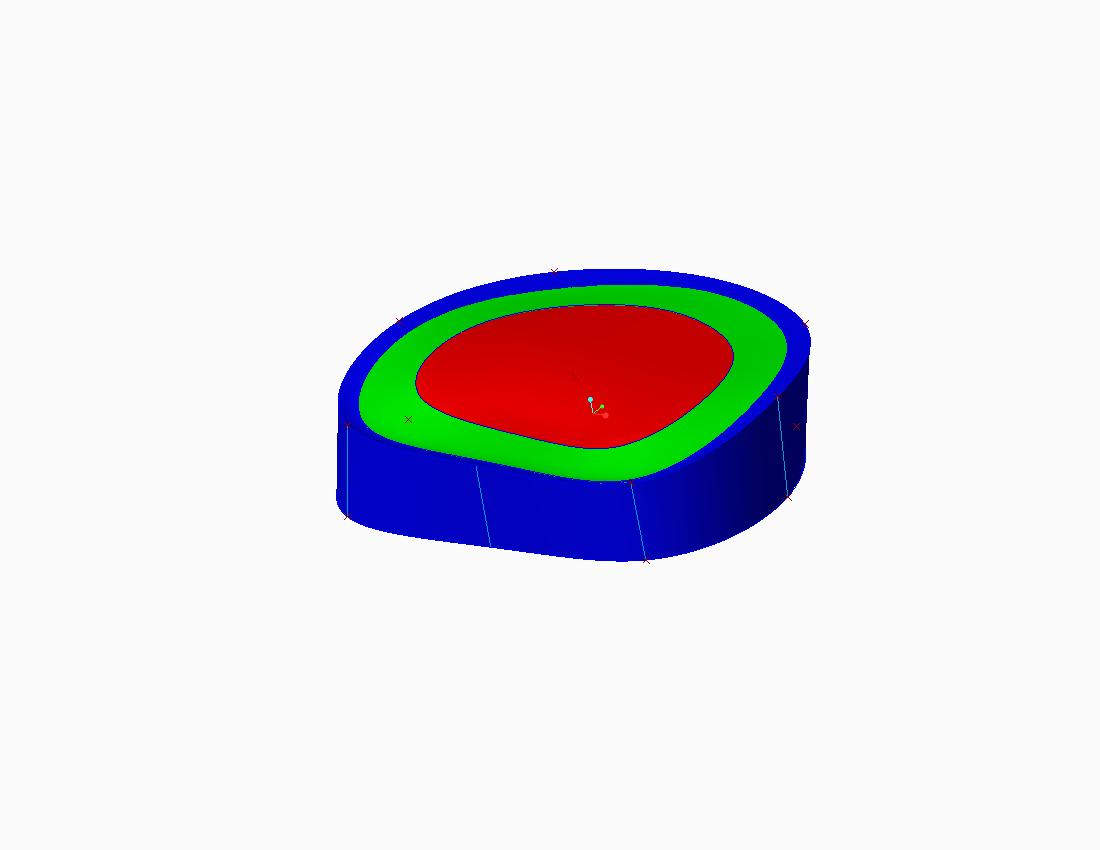
141211_ivd_l4l5_final.jpgivd_l1l2_model0.jpg


This thread is inactive and closed by the PTC Community Management Team. If you would like to provide a reply and re-open this thread, please notify the moderator and reference the thread. You may also use "Start a topic" button to ask a new question. Please be sure to include what version of the PTC product you are using so another community member knowledgeable about your version may be able to assist.

2 replies

21-Topaz II
March 27, 2015

I can think of many ways to construct this, however I'll address the things in your post.

You can select the entire red curve by picking the initial segment (as you have done) and then holding "shift" to build a chain of the other segments. I would then add the bottom curve as well, through the lower end points of your cross curves, and build with 3 curves in one direction and 8 in the other.

Patriot_1776
22-Sapphire II
March 27, 2015

...or, as I like to do, highlight that curve and go into the "Details" tab below, which allows you to select by rules, intent chain, loop, etc.

makiah1-VisitorAuthor
1-Visitor
March 31, 2015

didn't work. Can't seem to select the curve as complete loop etc.

Here's the preliminary sketch feature that make out the outer line.

sketch_skeleton.jpg

12-Amethyst
March 27, 2015

I recently modeled a part similar to this where I needed several different sketched sections swept through a trajectory. You might consider using a swept blend feature for this. You should be able to use your existing sketches.

Here's something I whipped up using a swept blend.

Snap12.png

makiah1-VisitorAuthor
1-Visitor
March 31, 2015

Hi... almost got the feature that I wanted. Just wondering if the above figure was constructed out of multiple swept blend function? How about the trajectory? Seems like my trajectory is split up that some region (wall/blue-coloured-line) are not covered by the trajectory...