

Question
System Colors Shading issue
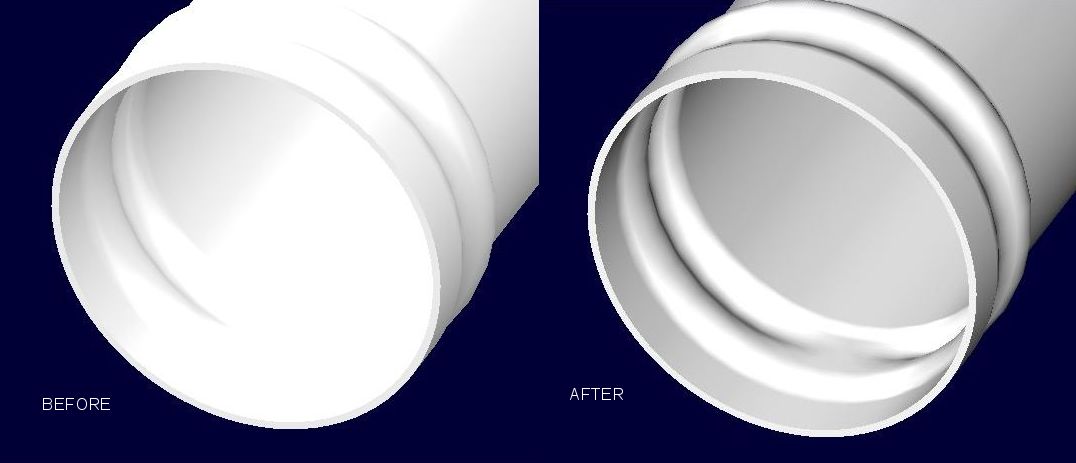
I can't figure out exactly what is going on here. When I open models the shading is very washed out. If the model is something like a label that has an image file (jpeg) applied to a surface then it shows up darkened. I am using the same System Colors file from WF. Even though it shows to be loading, the only way I can get the shading to come in like it used to in WF is to go to the System Colors settings and manually reload the file. Attached is screen shot of when I initially open a model and then after I reload they system colors file. I thought M090 was going to resolve this but its still happening.
Also, I have to reload the system color file for every model I open.
This thread is inactive and closed by the PTC Community Management Team. If you would like to provide a reply and re-open this thread, please notify the moderator and reference the thread. You may also use "Start a topic" button to ask a new question. Please be sure to include what version of the PTC product you are using so another community member knowledgeable about your version may be able to assist.