Table parameter problem
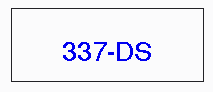
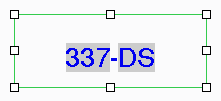
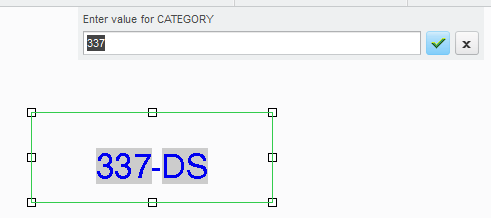
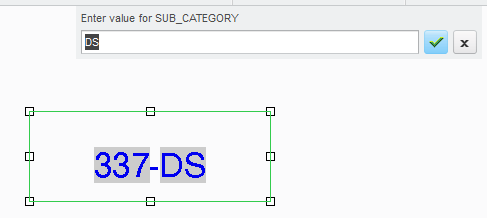
Hello all, I have been working with Creo 3 for a few days now & keep running into the same problem with some parameter values I have displayed in a table on a drawing. The table contains many cells, most of which contain 1 parameter value, but several cells contain 2 or more parameter values. The problem arises when I want to edit a value where a cell contains 2 or more parameters, I cannot select & change the required parameter. Where a single parameter appears in a cell, you can pick the value, right click, & edit value appears at the bottom of the menu that pops up. You don't get the same behaviour when 2 exist in a cell. I spent over an hour trying to figure this out this afternoon, to no avail. I ended up changing the parameter values in my models which was a pain, swapping back & forth between models & drawing.
One of of the biggest changes between Creo 2 & 3 is in drawing mode, with respect to creating & editing notes, I am not so sure I like it. Maybe I just need to get used of the new UI, but my first impressions are quite negative. Anyone else think ptc have taken a backwards step here?
Regards
John
This thread is inactive and closed by the PTC Community Management Team. If you would like to provide a reply and re-open this thread, please notify the moderator and reference the thread. You may also use "Start a topic" button to ask a new question. Please be sure to include what version of the PTC product you are using so another community member knowledgeable about your version may be able to assist.