

Solved

tbraxtonAnswer
22-Sapphire II
September 19, 2023
The easiest way is to add a feature (cut or add on) at the proximal and distal ends of the helical sweep that create the taper to "zero" or the shape you require. There are more sophisticated ways using graph driven features and the trajpar parameter in the helical sweep sketch but IME it is not worth it. Using separate features to create the terminus geometry of the sweep is easier to manage changes to the model and is often more robust when another user interacts with the model.
If the example below is not suitable for the geometry required on your model, post additional details on what you need.
This shows an example of a swept cut at the end of the helical sweep thread profile. This is for an injection molded thread geometry.
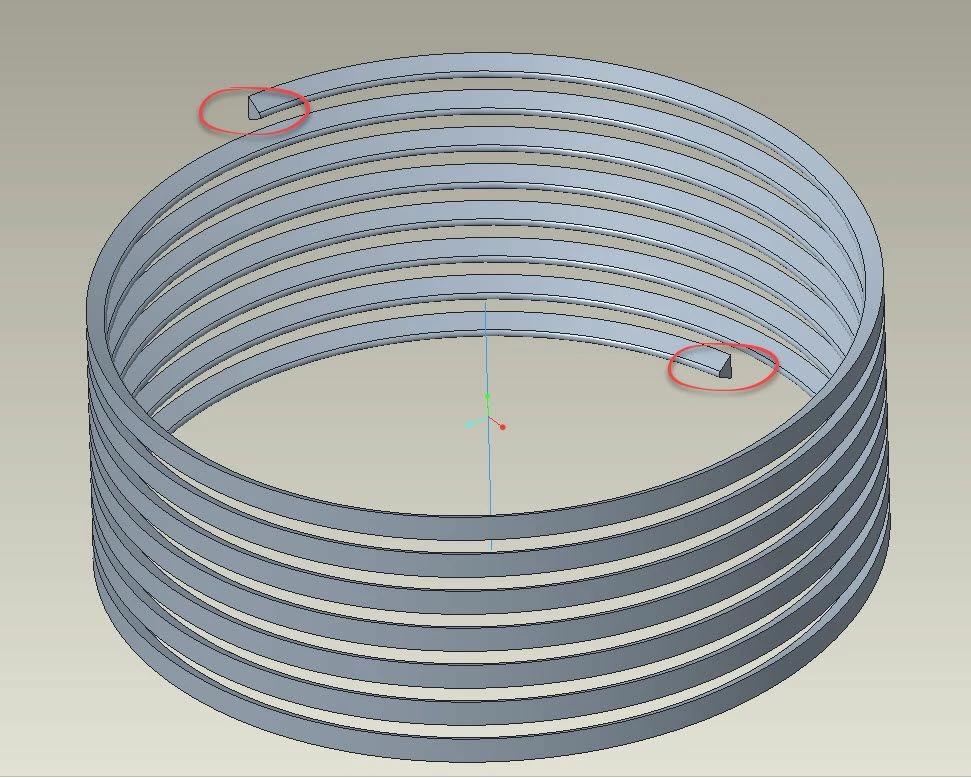 Helical sweep thread profile
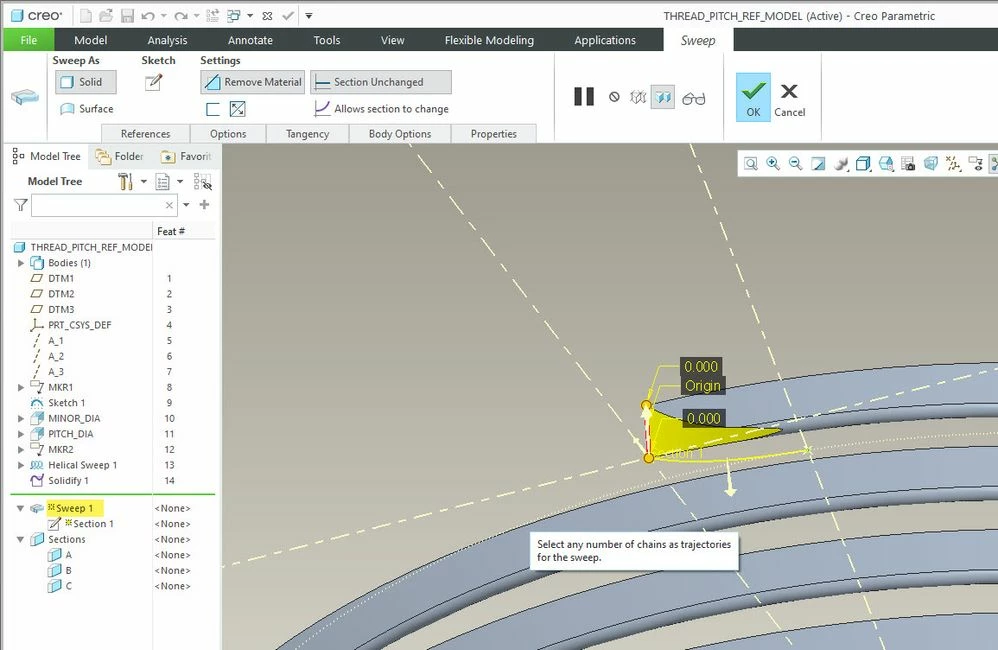 Taper thread start