Dale_Rosema
23-Emerald III
23-Emerald III
February 5, 2013
Solved

Text Extrude Parameter / Family Table

  • February 5, 2013
  • 1 reply
  • 7730 views

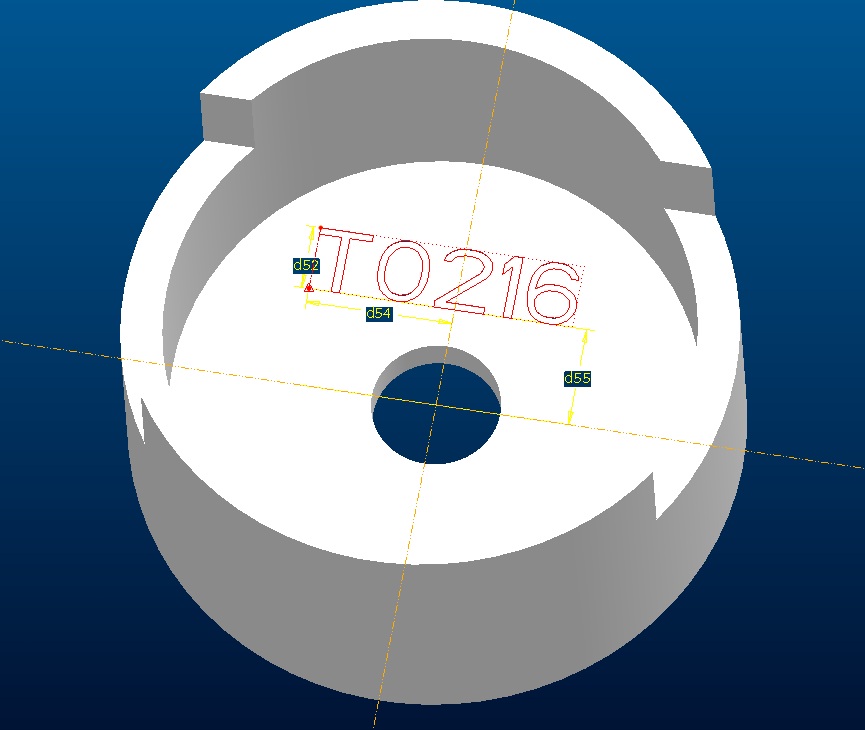
I am extruding a text into a part. It is for fixturing and there are several of these for different diameters. How do you find the parameter for the text that is being extruded. When I go to Info/Switch Dimensions, I only get the location of the text, but not the paramter for the text. Do I need to difine the paramter and then type in &paramter_name into the text box for this to work?
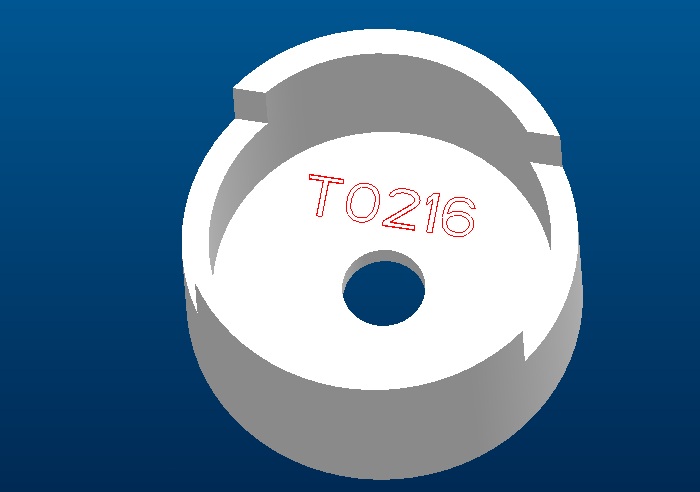
EXTRUDE_TEXT.jpgExtrude_text_param.jpg


This thread is inactive and closed by the PTC Community Management Team. If you would like to provide a reply and re-open this thread, please notify the moderator and reference the thread. You may also use "Start a topic" button to ask a new question. Please be sure to include what version of the PTC product you are using so another community member knowledgeable about your version may be able to assist.
Best answer by Dale_Rosema

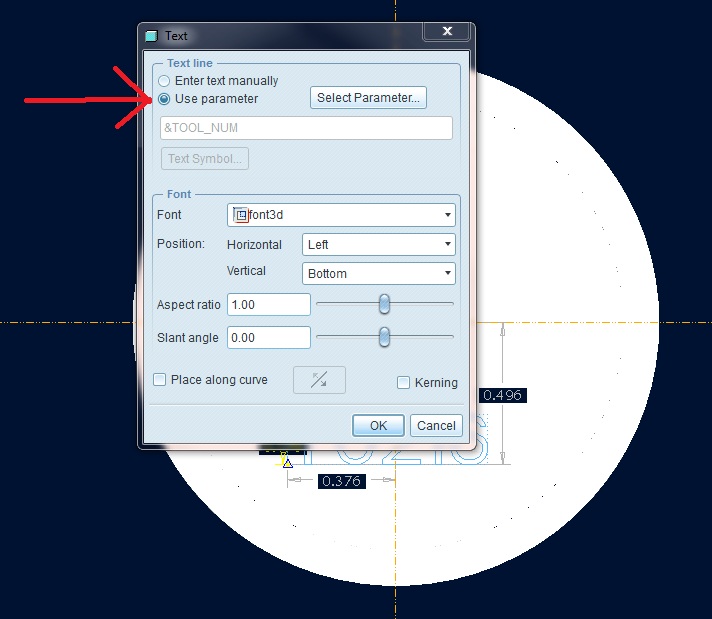
Found it already:

In the text box, you click on paramete versus using text manually. Guess I never really paid attention to that before.Extrude_text_param2.jpg

1 reply

Dale_Rosema
23-Emerald III
Dale_Rosema23-Emerald IIIAuthorAnswer
23-Emerald III
February 5, 2013

Found it already:

In the text box, you click on paramete versus using text manually. Guess I never really paid attention to that before.Extrude_text_param2.jpg

17-Peridot
February 6, 2013

This one got my curiosity going. And of course, it was another adventure.

Suppose you wanted to use a real_number parameter for the stamping. Suppose you only wanted a properly rounded version of that value. You'd think that was simply, huh!

Well, we all know about the variable appendage for a shortened real_number variable as "[.1]" or "[.2]", etc.

That doesn't work here, does it!

So I went back to a very helpful discussion that explored this very issue and whallah! Our good friend Martin was way ahead of our time in that thread...

http://communities.ptc.com/message/187067#187062

I put to good use the clever recommendation by Martin as to how you can turn the real_number parameter into an accurate rounded string variable. Now you can select this new string parameter and it becomes an intelligent associative sketch text feature.

Imagine having to "scribe" material thickness, unit weight, or even revision number in a specific format on a part. Since you cannot use the [.n] in this dialog (not even in Creo 2), have a read at the linked thread and learn how to accomplish this.

Thanks again, Martin! And thank you, Dale.

rounded_string_from_real_number.JPG

1-Visitor
February 6, 2013

Now, that's awesome.