1-Visitor
October 29, 2013
Solved

Trouble flattening part

  • October 29, 2013
  • 6 replies
  • 4010 views

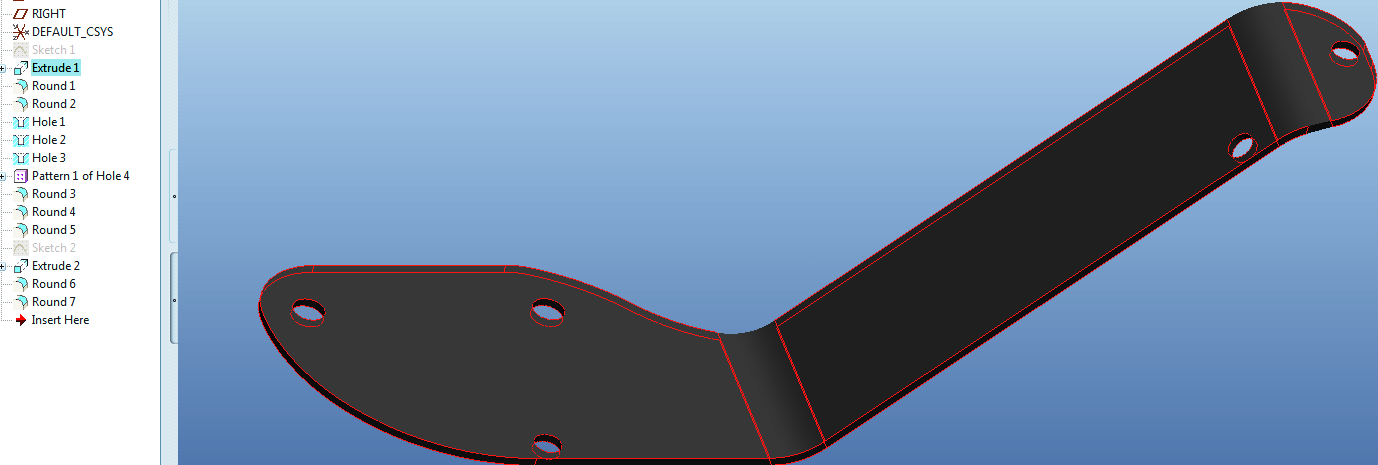
I am trying to flatten the part below. I can flatten it without the two rounds but with the rounds it will not flatten. When I try to convert to sheet metal it says part can not be converted. I can flatten it using "Flatten Quilt" but after that I dont know what to do. My goal is to create a dxf of the flattened surface. I am using Creo Elements Pro 5 M080 Schools edition.

Thank You
New+Picture.bmp

Best answer by ptc-5008082

The rounds will not prevent it converting to sheetmetal as long as the constant thickness is maintained.

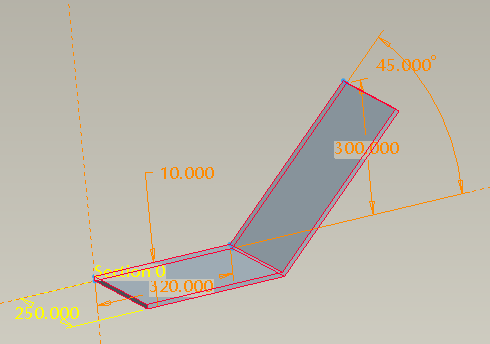
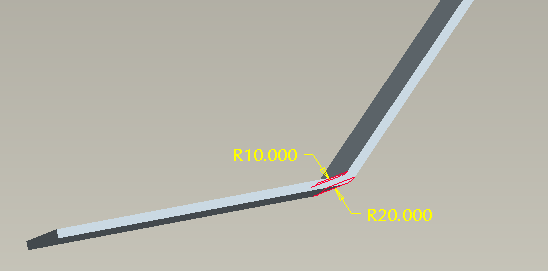
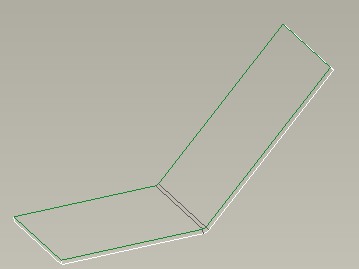
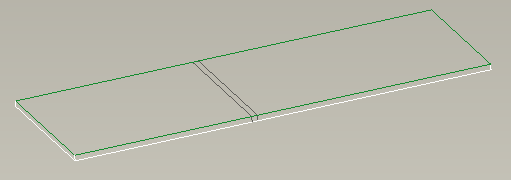
for example if I have an extrude that is 10mm thick and then put a 10mm internal radius on and a 20mm external radius on, it converts to sheetmetal and then flattens as per images1extrude.png2rounds.png3convert.png4flatten.png.

6 replies

1-Visitor
October 29, 2013

It looks like it should go into sheetmetal OK, you need to make sure that you have constant thickness to all of your features so that it can convert it to sheetmetal.

1-Visitor
October 29, 2013

How do I keep the same thickness when I create the rounds. It looks like they are thicker but Im not sure how to make them thinner.

12-Amethyst
October 29, 2013

First make a design with constant thickness means no rounds (rounds will prevent conversion to sheet metal). Then convert to sheetmetal using "driving surface" option. Then add Rounds (in sheetmetal), and flatten.

1-Visitor
October 29, 2013

The rounds will not prevent it converting to sheetmetal as long as the constant thickness is maintained.

for example if I have an extrude that is 10mm thick and then put a 10mm internal radius on and a 20mm external radius on, it converts to sheetmetal and then flattens as per images1extrude.png2rounds.png3convert.png4flatten.png.

12-Amethyst
October 29, 2013

That's right, I could not open the part (student edition) so thought Rounds are on exterior edges ( = not constant T). Rounds made on bends made in correct way should not be a problem , especially in a simple case as you present.

However if this is not a simple, single depth extrude but rather more complex shape as in original part then rounds on bend area may deform side surfaces in a way not compatible with constant thickness. it is not always obvious. So in cases like this model it is really better to start modeling in sheetmetal mode with Flat Walls and let Creo care about constant thickness ...