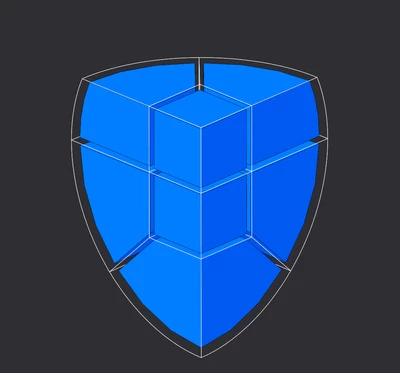
Did you know? Mapped Meshing of Spheres
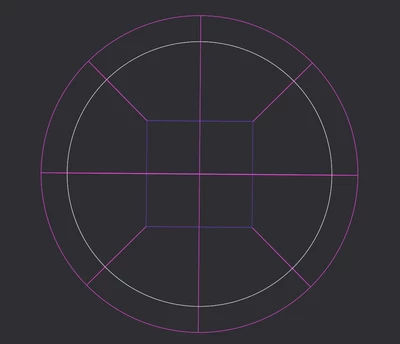
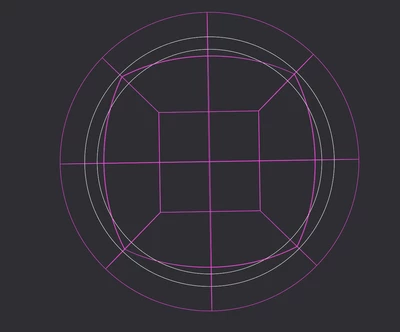
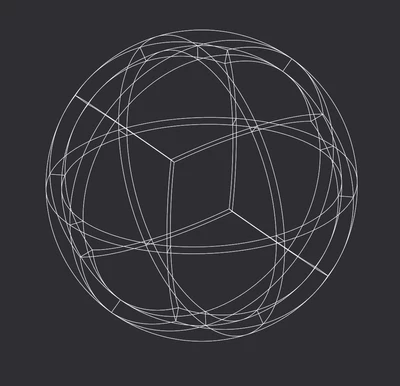
Use quilts to create volume regions. This view is the same all 3 XYZ sides of the center cube.
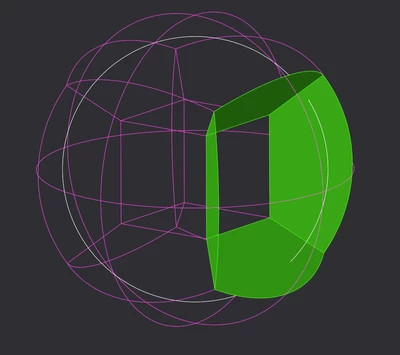
Trim and merge to look like this.
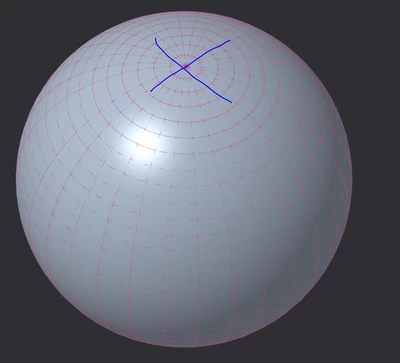
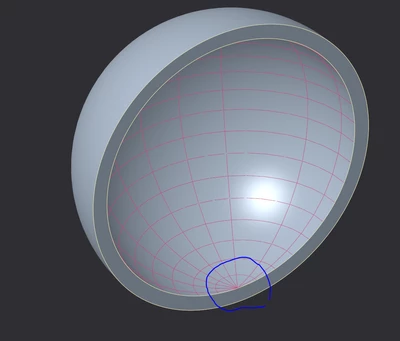
TIP: mapping does not work at the "poles" as seen by [Inspect] [Mesh surface] (shows U-V lines)
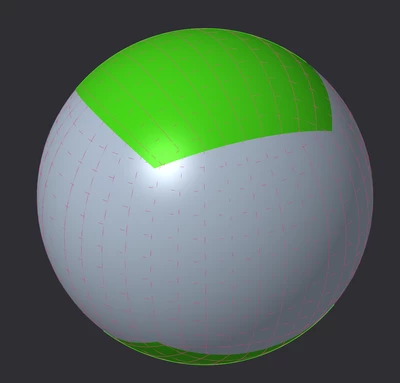
replace surface as shown (revolve around another axis then trim by surfaces like view 2 then patch)
confirm with [Inspect] [Mesh surface] .
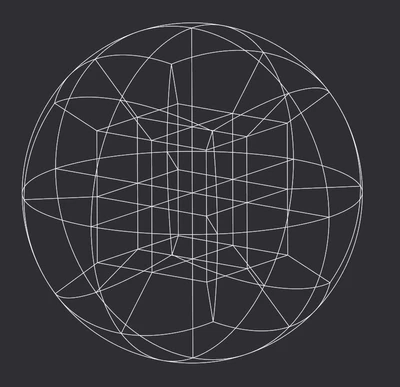
Create volume regions by quilt until this.
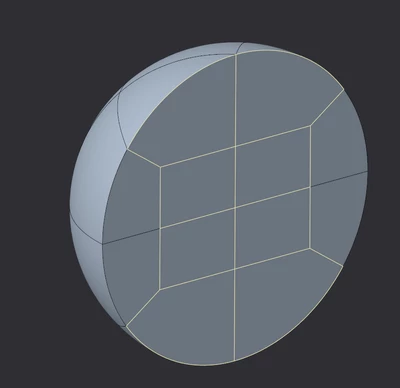
Section view showing internal volume lines.
Map the normal way with bricks.
Tip: use RMB pick from list when it gets busy.
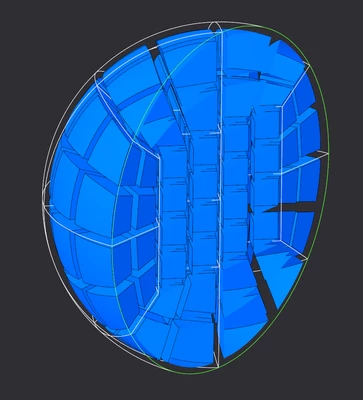
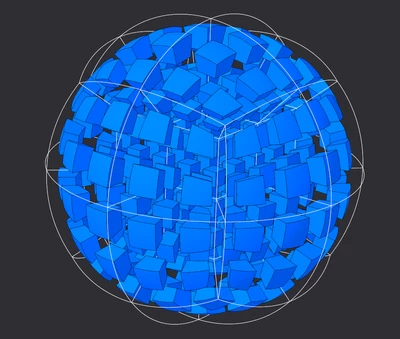
A hollow sphere proceeds exactly the same except the internal spherical surface must also have its U-V lines fixed. (Center cube only for construction)
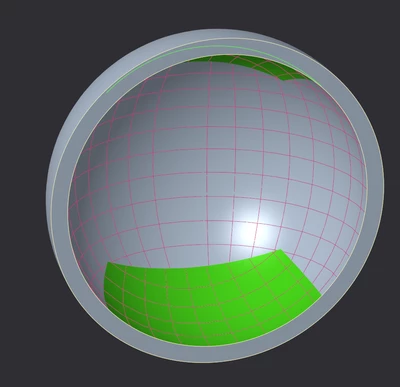
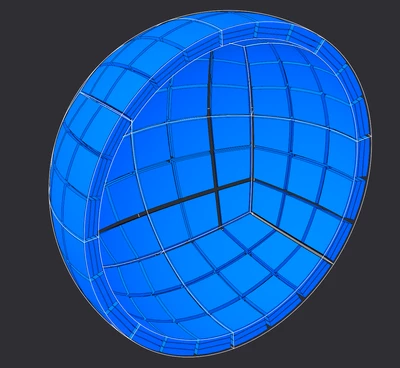
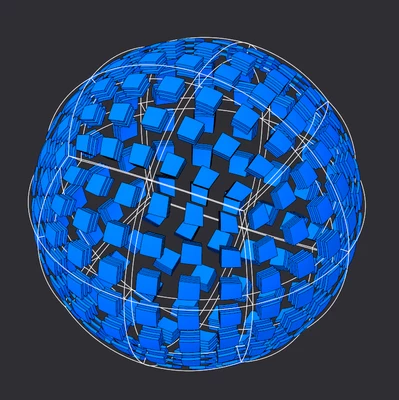
This also can produce the truncated quarter sphere. (shown with 1 element per edge)