
10-Marble
May 26, 2017
Solved

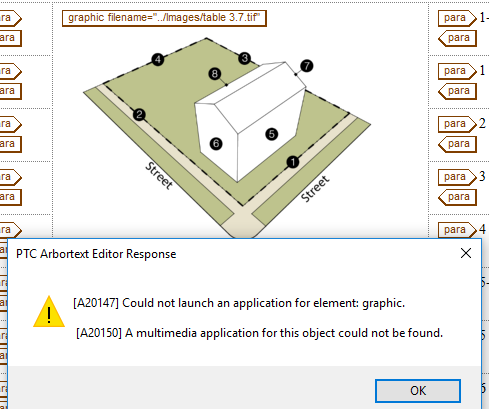
How do I associate an application with a graphic so that when I double-click on the graphic in Arbortext, it opens in the Editor of my choice (Photoshop)? So I can then edit it and save it?

  • May 26, 2017
  • 1 reply
  • 3213 views

Capture.PNG

    Best answer by ClayHelberg

    Hi Andy--

    Arbortext uses the Windows "default program" configuration to decide how to handle opening graphic files for editing. If you set up Photoshop as the default editing program for *.tif files, that should be all you need to do.

    You can do this by finding a *.tif file in Windows Explorer, right-clicking on it, selecting Open With...->Choose Default Program. Choose Photoshop there (you might have to select "Others" at the bottom and go find the Photoshop executable, if Photoshop doesn't appear in the list). That should take care of it.

    --Clay

    1 reply

    18-Opal
    May 26, 2017

    Hi Andy--

    Arbortext uses the Windows "default program" configuration to decide how to handle opening graphic files for editing. If you set up Photoshop as the default editing program for *.tif files, that should be all you need to do.

    You can do this by finding a *.tif file in Windows Explorer, right-clicking on it, selecting Open With...->Choose Default Program. Choose Photoshop there (you might have to select "Others" at the bottom and go find the Photoshop executable, if Photoshop doesn't appear in the list). That should take care of it.

    --Clay

    azibuck10-MarbleAuthor
    10-Marble
    May 26, 2017

    Would that be something that requires me to restart me PC? Because when I double-click on any .tif file in Windows Explorer now, it does open with Photoshop. But from Arbortext, I still get that error. (I have closed AT completely and re-opened).

    azibuck10-MarbleAuthor
    10-Marble
    May 26, 2017

    Actually, maybe forget that. I can get it to work in a different xml file. Perhaps it's something in the naming convention for that one publication I'm working on.