

14-Alexandrite
June 28, 2012
Question

Importing DWG into Isodraw 7.3

  • June 28, 2012
  • 3 replies
  • 4625 views

I'm having issues importing a DWG into Isodraw 7.3. We are just looking at migrating off of 7.0 and of course looking at the latest version. First thing we tried was importing a DWG, which is a common task we do. This is the format our electrical schematics and controls drawings are done in.

This is what the Autocad image looks like:
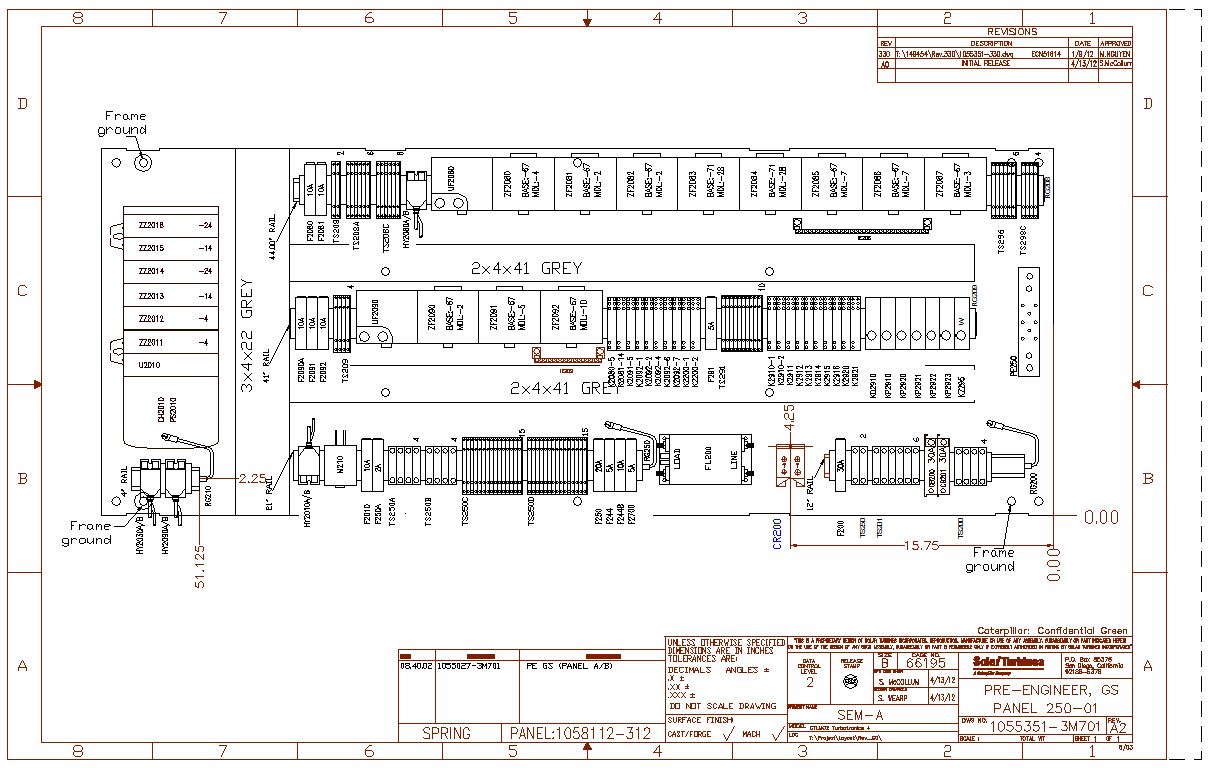
autocad.jpg

When imported into Isodraw it looks like:
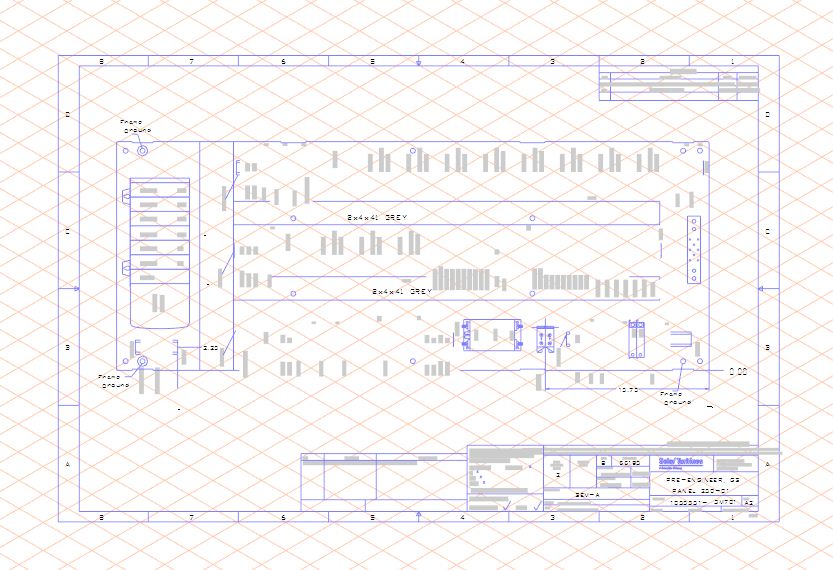
isodraw.jpg

I submitted a PTC ticket on this as well. But if anyone has seen this I'd love to hear from you.

3 replies

24-Ruby III
June 29, 2012

Hello,

Can you attach your DWG file for testing (I use Arbortext IsoDraw 7.1 and 7.2)?

1-Visitor
June 29, 2012

Hai,

First you will covert DWG to AI Format. Then Import Ai to Isodraw 7.3.

3-Newcomer
February 28, 2019

How do you convert to AI Format?

18-Opal
March 4, 2019

AI is the file format for Adobe Illustrator.


Bryon

7-Bedrock
July 15, 2020

I have had problems similar what version of AutoCAD are you using? I found I needed to save everything down to 2010 to get the file to import.


Keith