1-Visitor
October 18, 2016
Question

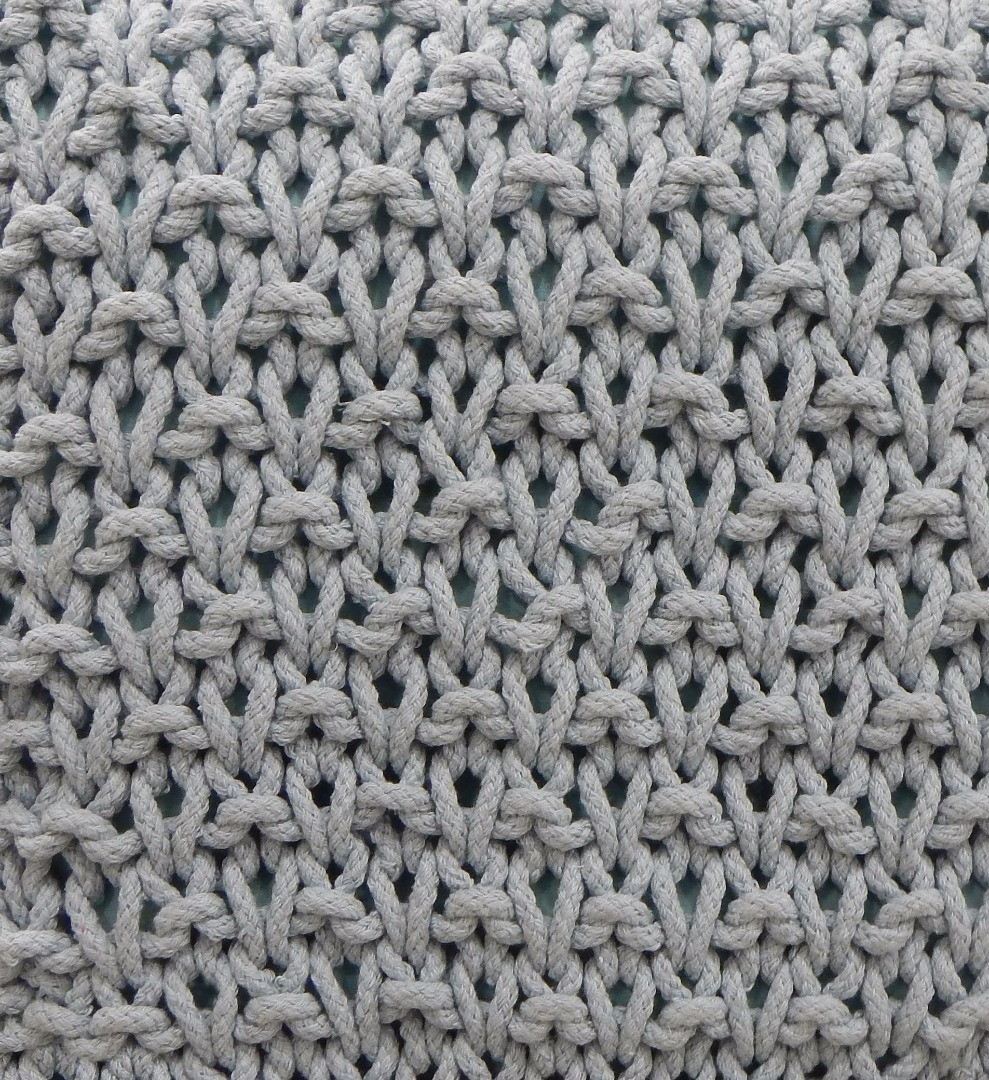
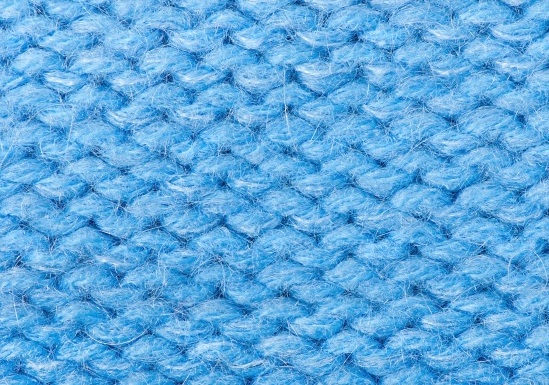
How can we create the following texture types in Creo.

  • October 18, 2016
  • 2 replies
  • 8491 views

Texture 2.jpgTexture 1.jpg

    2 replies

    23-Emerald III
    October 18, 2016

    See this post. It has a good video tutorial.

    Working with Images and Decals in Creo Parametric

    rabraham1-VisitorAuthor
    1-Visitor
    October 18, 2016

    I am trying to create these textures as a parametric model. Not to place as an image or as a decal.

    17-Peridot
    October 19, 2016

    Input begets output.

    With great effort you can create this very geometry.

    2-Explorer
    October 19, 2016

    Hello rabraham

    itยดs a great and complicated question. Can give you some basic tips, but this problem needs big research from your side.

    Principaly you need 2 similar textures. See Creo default texture directory, there you will find some samples.

    Without Advaced rendering extension (ARX - Photolux) you are not able to rech desired result. Basic Render is not able to do something like this texture.

    1. Color texture                                          2. Bump texture

    Hessian-color.jpgHessian-bump.jpg

    Using 2 textures in Model appearance editor:

    Model appearance editor.jpg

    Use exact same setting for both textures:

    settings.jpg

    ---------------------------------------------

    Also see following topic in order to keep your textures "smooth"

    How to make: "Smooth multiple textures"

    Hope this basic information can give you direction which to go...

    Regards

    Milan Bonka

    rabraham1-VisitorAuthor
    1-Visitor
    October 19, 2016

    I am not looking from a rendering perspective.

    Need to create as a parametric cad model.

    Dale_Rosema
    23-Emerald III
    23-Emerald III
    October 19, 2016