14-Alexandrite
August 23, 2014
Question

radius creation

  • August 23, 2014
  • 2 replies
  • 4446 views

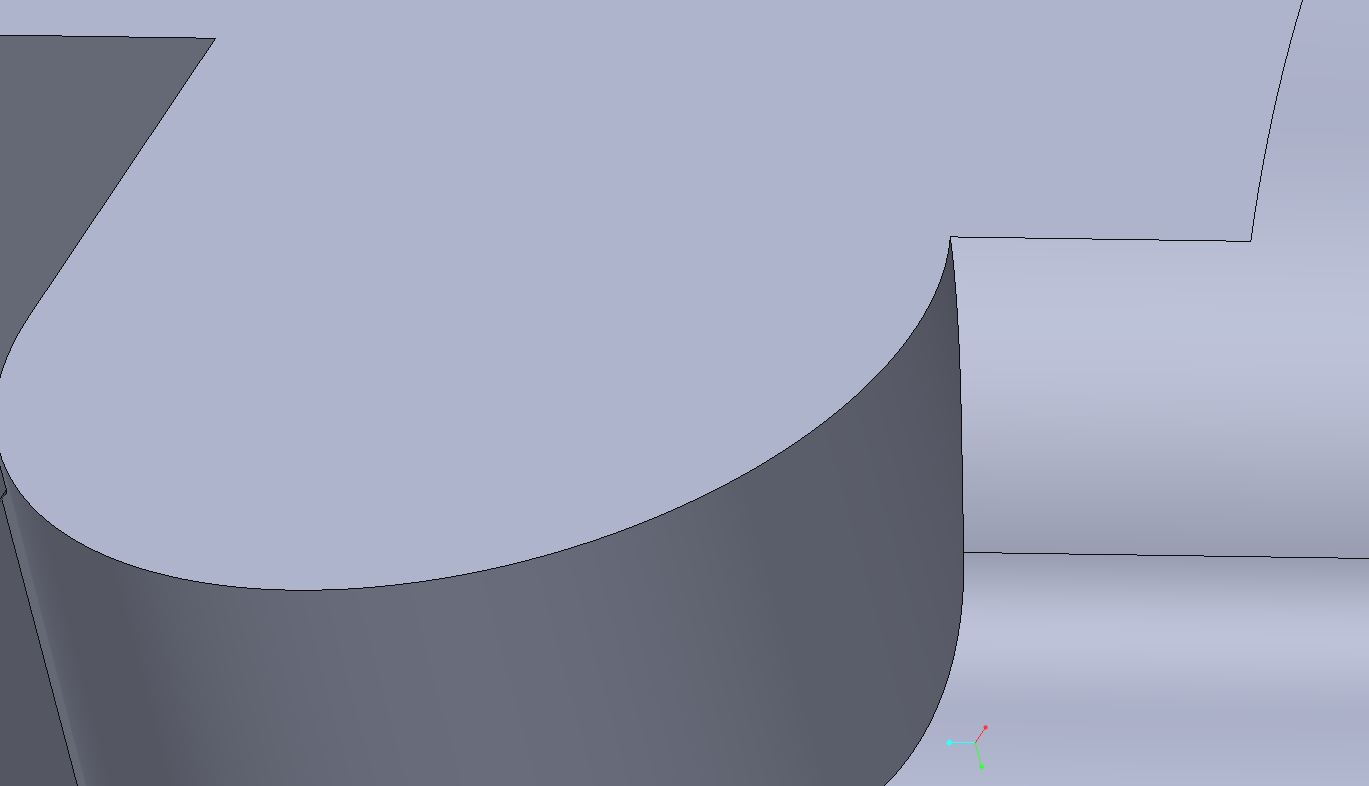
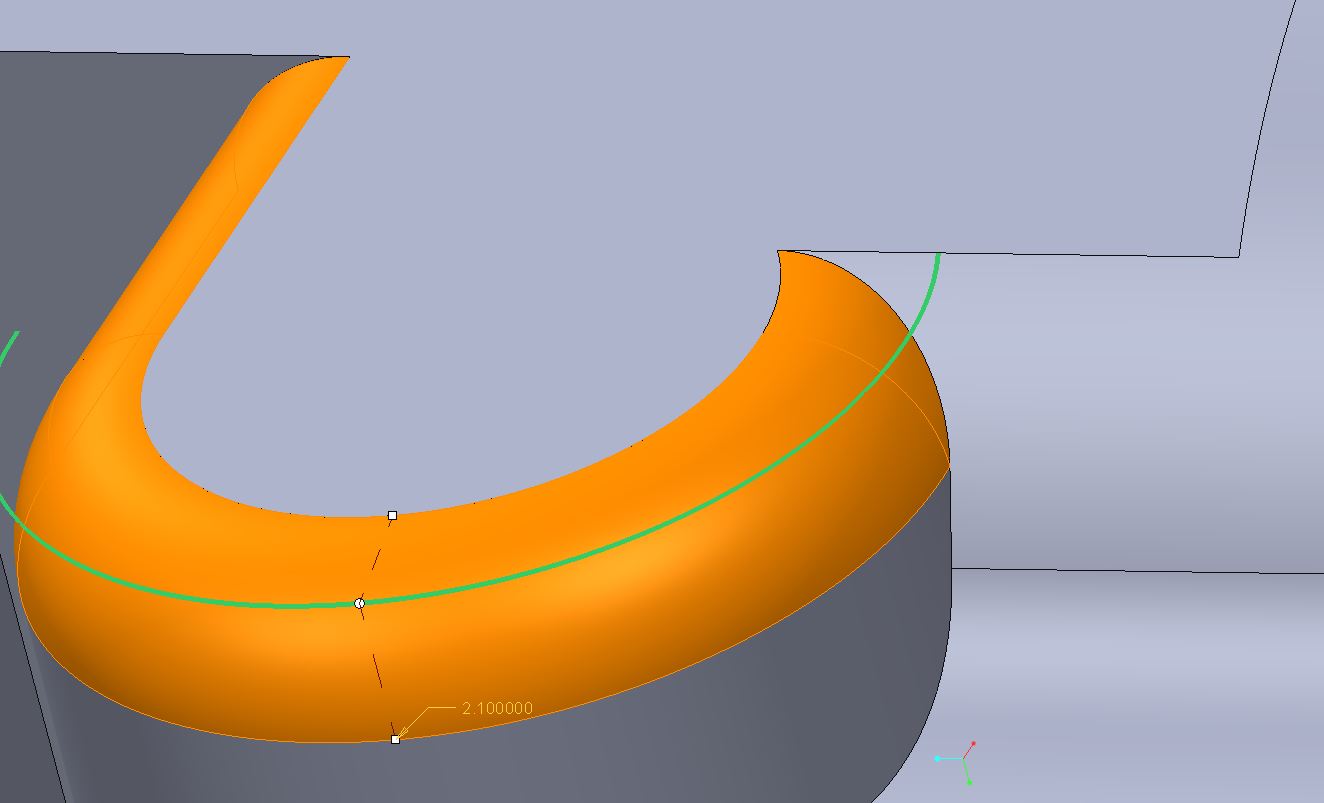
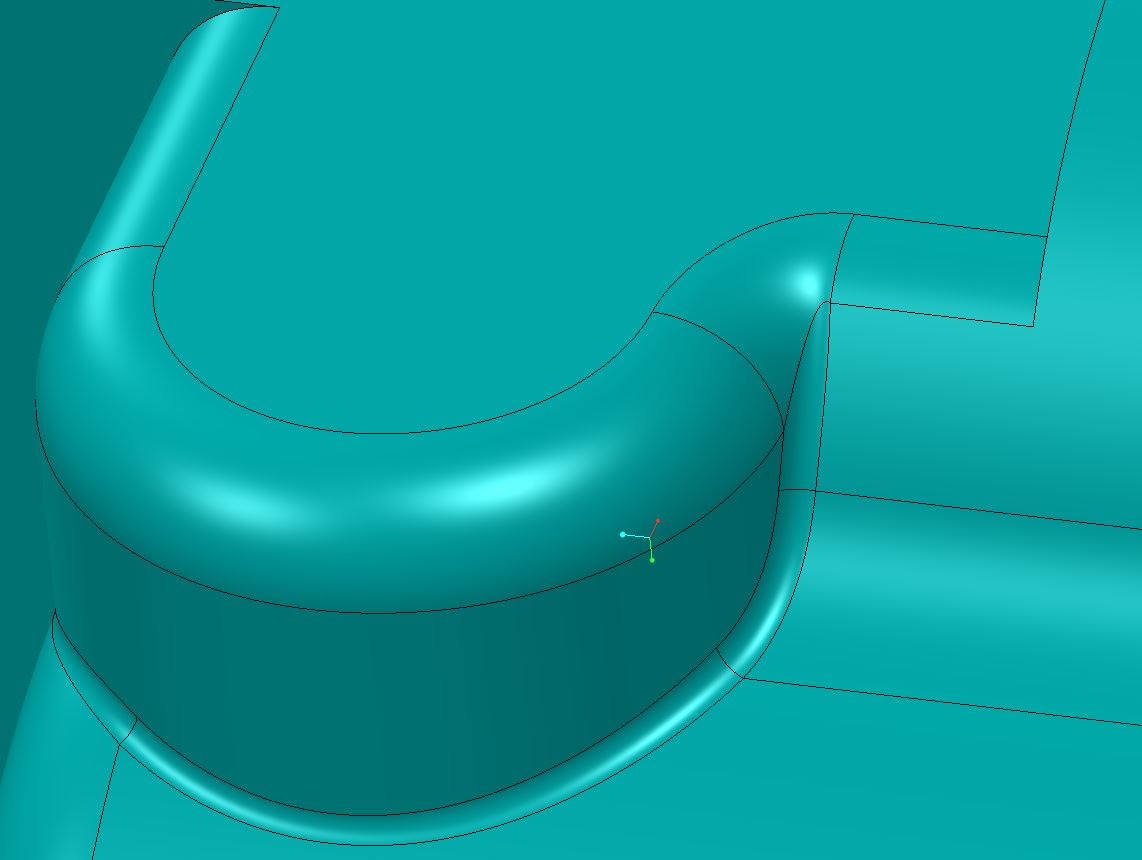
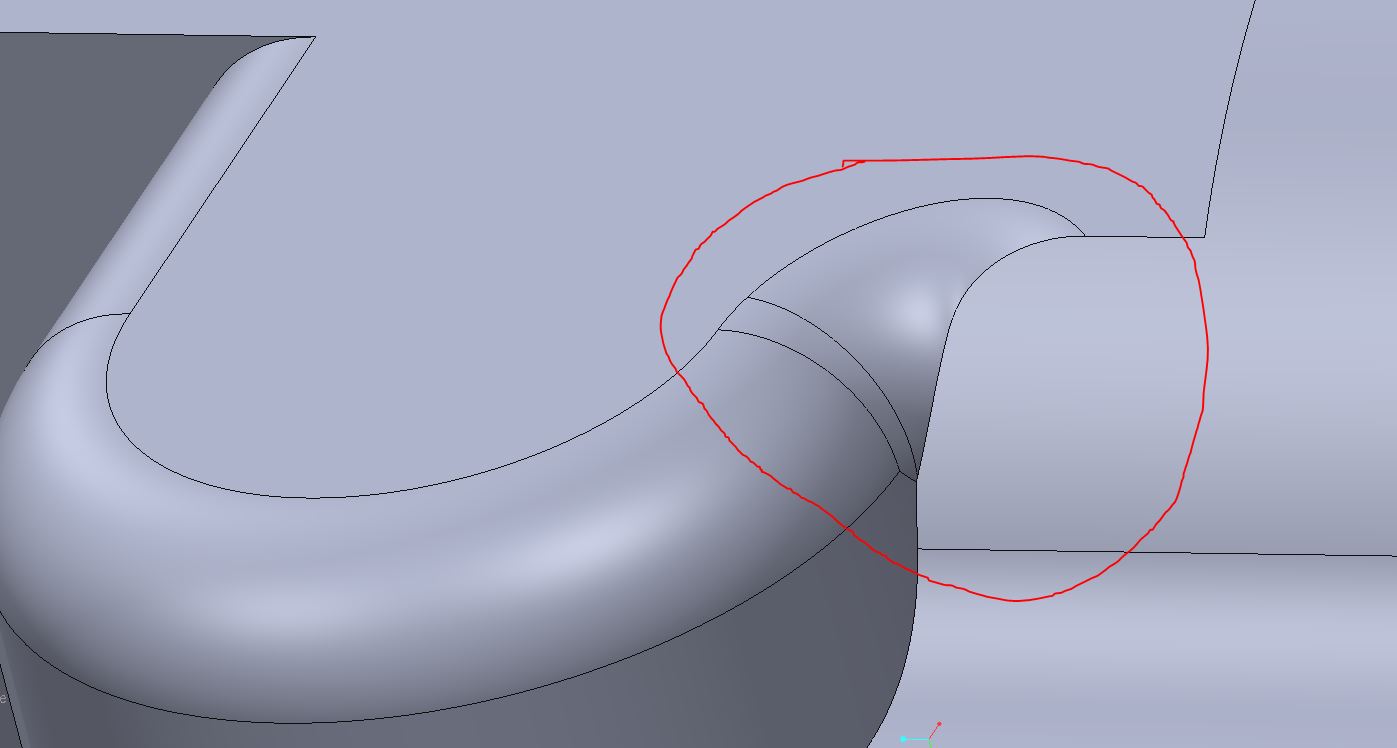
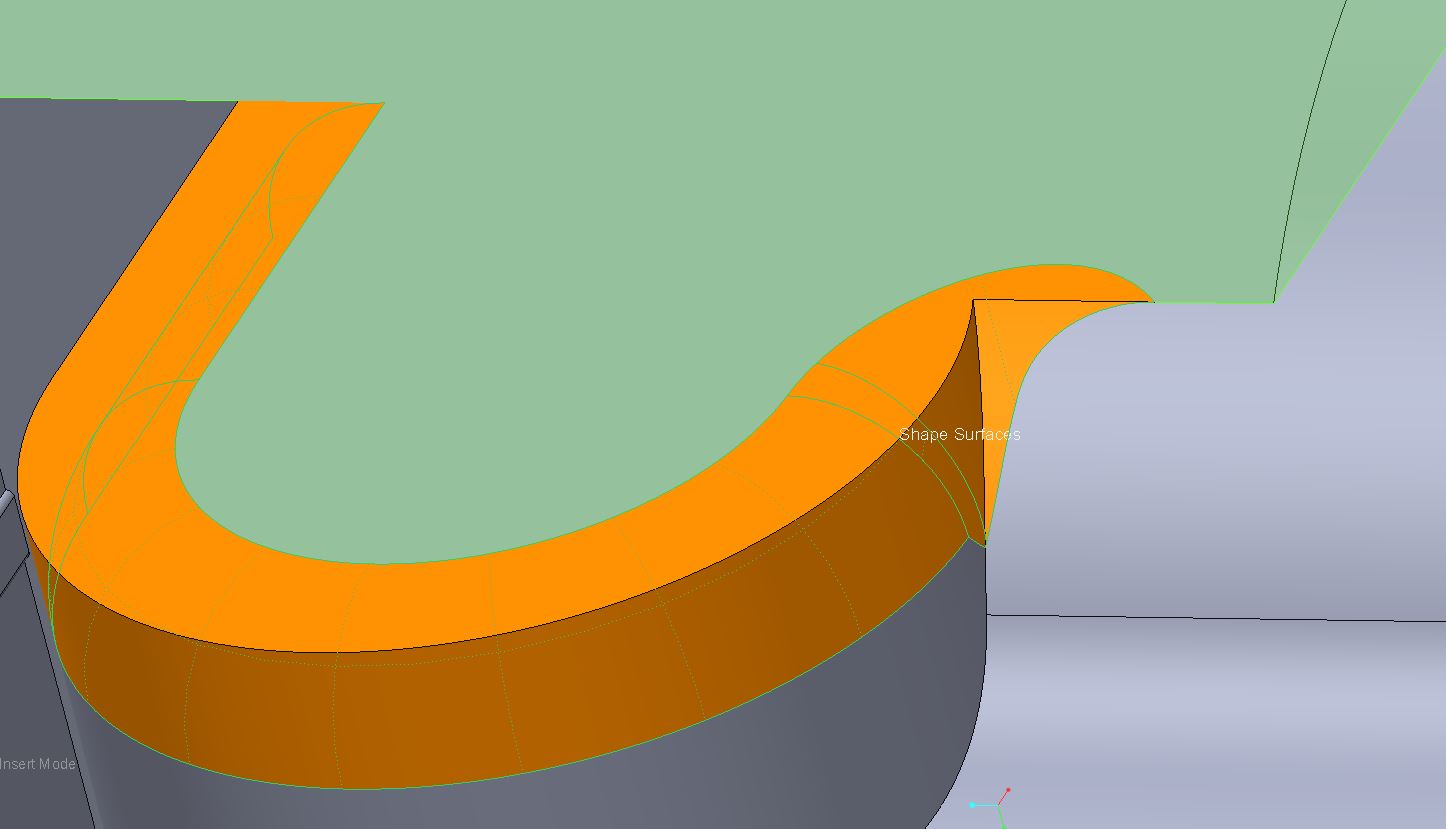
CREO2 M120. remodeling a geographical nightmare that someone created. Pic 1 is what I need to do, pic 2 and 3 is removing it with Flex, Pic 4 is putting it back on with normal radius tool.

And ideas? I thought there was a way in the past to stop radius from being created on tangent chains? maybe that would do it?

There is also a .5 radius on the lower side, Pic 5, this might be key, too. What I dont have is a good picture of what they look like blended together, although it is amazingly close to Pic 1. (it doesnt wrap around like you would think; it just ends).

Pic 5 the radius isn't supposed to continue to the right. (pic 5 is putting the .5 radius on first.)
radiusbad.JPGradiusbad2.JPGradiusbad3.JPGradiusbad4.JPG

radiusbad5.JPG

    2 replies

    17-Peridot
    August 23, 2014

    One of my early Pro/E failures in a paying contract was managing radii. Although many new buttons were added, it is still a very poor tool with an extremely high CPU overhead. I promise you, SW dances all over PTC's grave with this one on the face of things.

    However, your problem should be resolvable in today's Creo. The thought is to try the guide curve. The second is order of operations. The 3rd is exclusions. And finally, but not recommended (hail Mary) is the variable radii.

    Is it figure 4 you are trying to achieve? If you provide this section of the model, I can see what I can do with it.

    Inoram14-AlexandriteAuthor
    14-Alexandrite
    August 23, 2014

    This is the goal.

    radiusbad6.JPG

    17-Peridot
    August 23, 2014

    Emailed you back a reply. It seems that following a curve on the top surface is the best way to terminate the round. I did make the 0.5R first. This is the "through curve" option for rounds. The curve sets the radius so it can be continually variable. I believe the curve is required to be tangent from start to finish.

    21-Topaz II
    August 25, 2014

    It defaults to a tangent chain, but you can select individual segments as well. That's done in the "Details" dialog. Look for the "Details" button nest to the edge selection box. In there, select "Rule-Based" and then re-select "standard". Creo should convert the single reference into a set of all the tangent references. You can then remove the last edge from the group and I think you should get what you want.


    Those picks are based on looking at WF4, but I think that dialog is still the same in Creo 2.

    15-Moonstone
    August 25, 2014

    you can also press shift and select the single edge for radius to avoid pro/e assuming that you want tangency round.

    "pieces" option can also help you to drag it back to a single edge.

    17-Peridot
    August 25, 2014

    It wasn't a matter of which edges were selected. It was a matter of how it did the blend at the end. There are two transition solutions but you have to have both sets in the same round feature.

    I am not sure how Matt finally got to his solution but I ended up with the same geometry using the transition button.