

Question
Wall Thickness Check
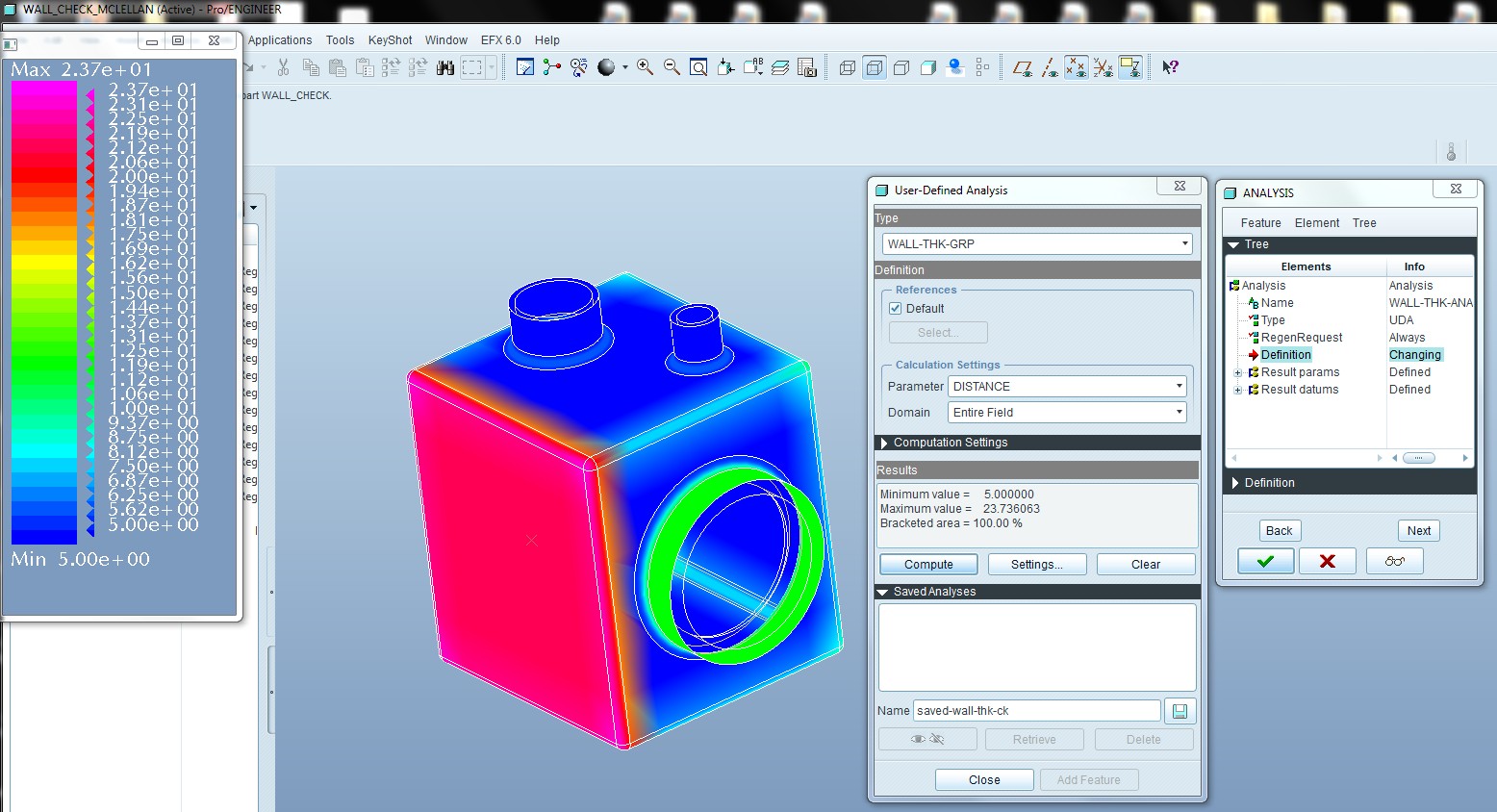
Based on a discussion on the Exploder I decided to provide a sample on how to leverage BMX to check wall thickness of a part.
The C/E Pro 5.0 (WF 5.0 M050) file is attached.
The key is to issolate the surfaces from the model you wish to measure (i.e. inside to outside). Next leverage field points, analysis features and User defined analysis to solve the measurements around the entire "field".
Hope this helps
This thread is inactive and closed by the PTC Community Management Team. If you would like to provide a reply and re-open this thread, please notify the moderator and reference the thread. You may also use "Start a topic" button to ask a new question. Please be sure to include what version of the PTC product you are using so another community member knowledgeable about your version may be able to assist.