

Widget Extensions User D3
Initial Objective statements
This post is about getting D3 connected as an extension to Thingworx.
There are a number of existing extensions using D3 but I wanted to explore a simple use case to make it easier to get into and bring out 2 additional points
- Using an infotable as data input
- Resize
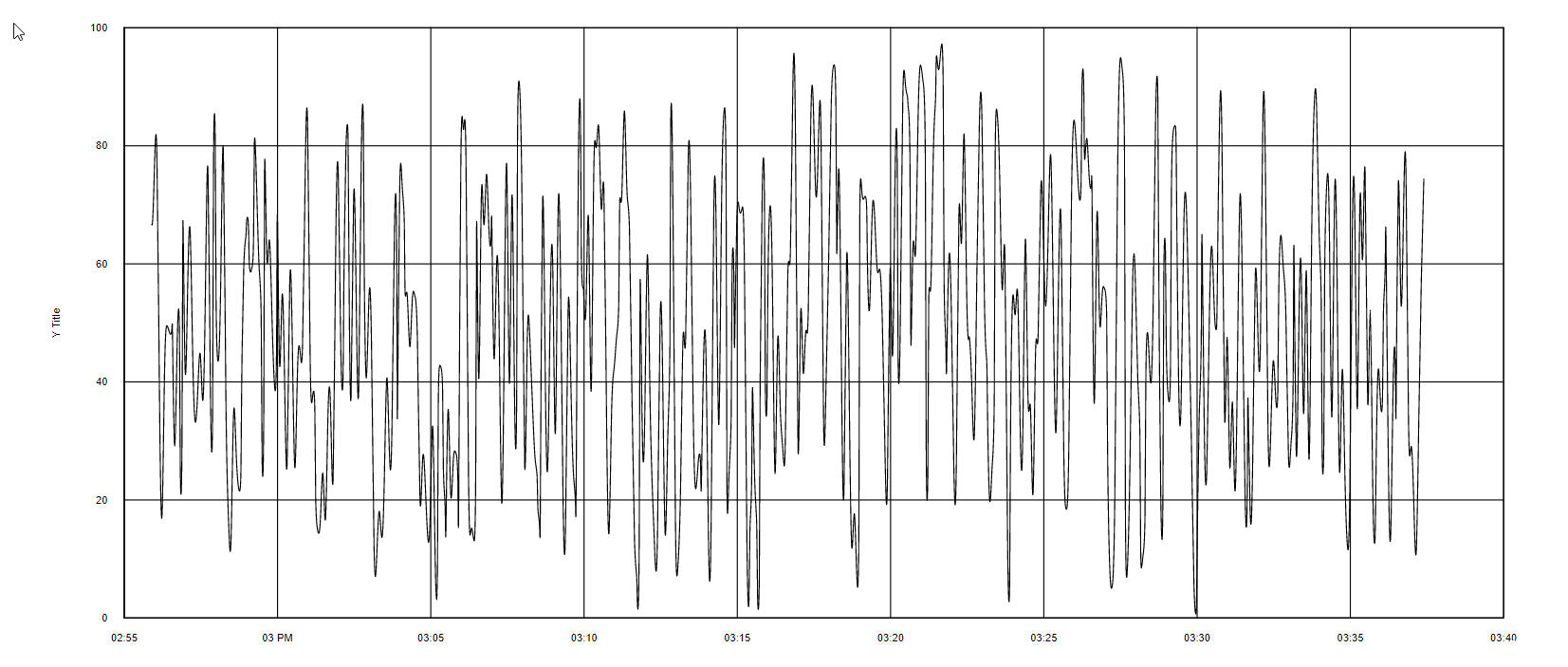
The output looks like the image below
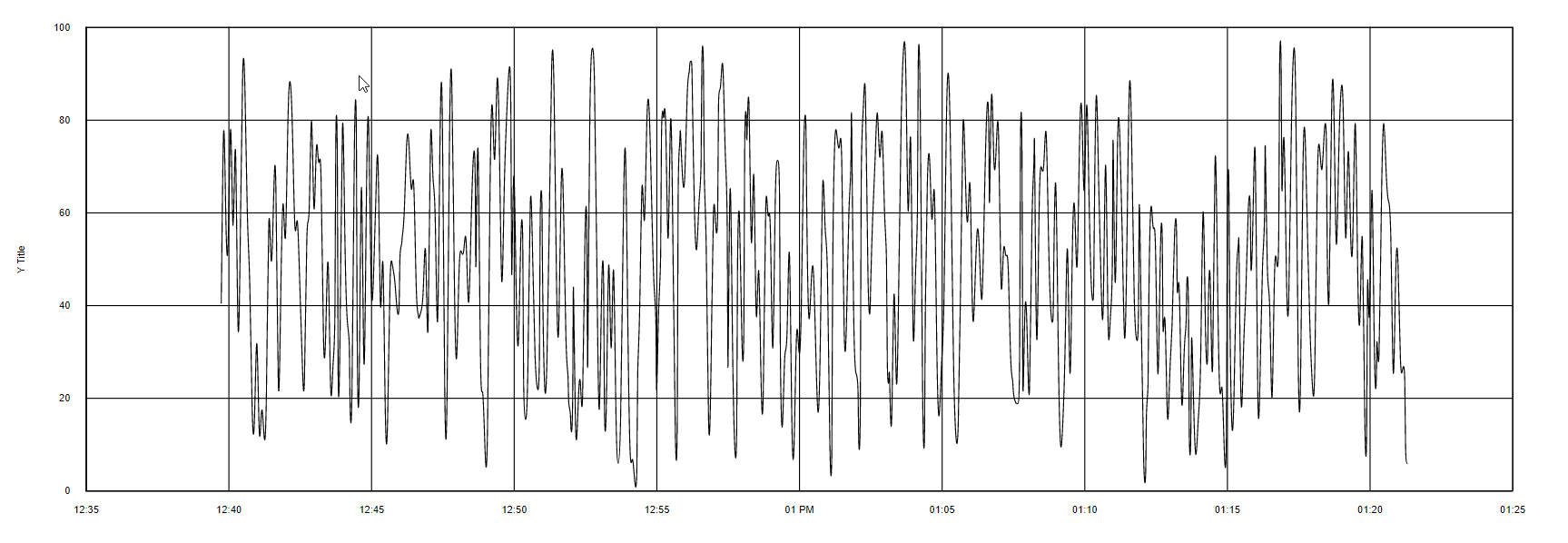
and the data was generated by a Timer based random value generator that set the values on a Thing every minute.
The data into the Widget is from a core service QueryHistory (a wrapped service that uses QueryProperyHistory)
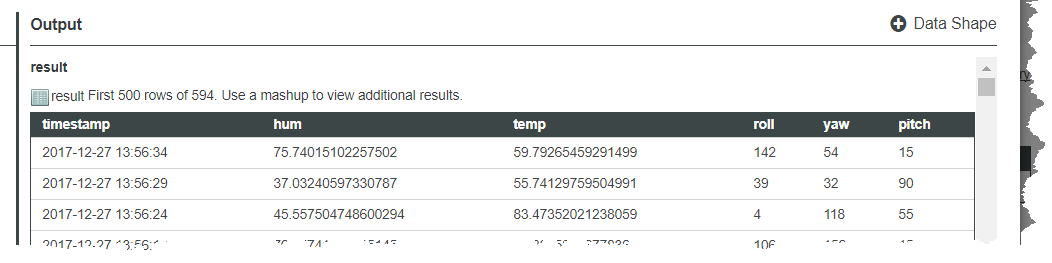
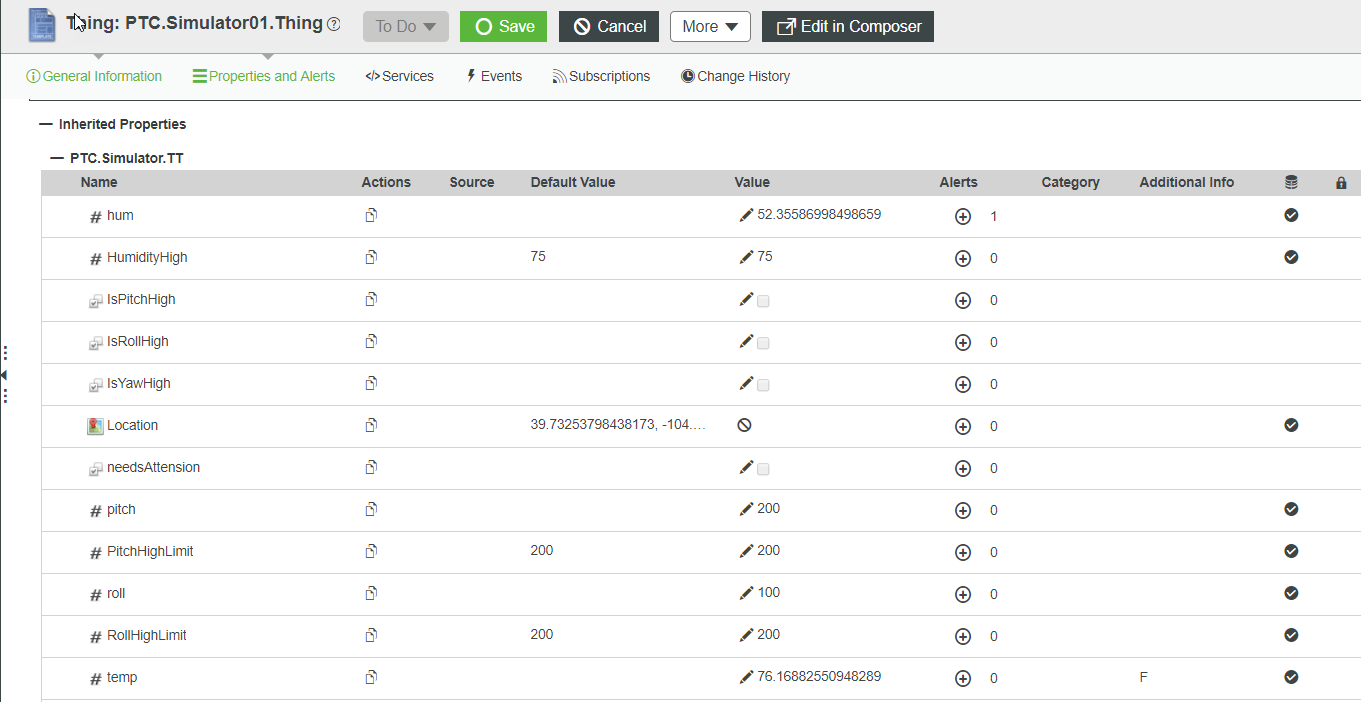
In this example I will use temp as the variable in focus
If you have never created an extension take a look at Widget Extensions Introduction which provides a start to understanding the steps defined below, which are the core points to keep it relatively short.
The extension will be called d3timeseries and will use the standard design pattern
Create a folder called d3timeseries and create a subfolder ui and a add a metadata.xml file to the d3timeseries
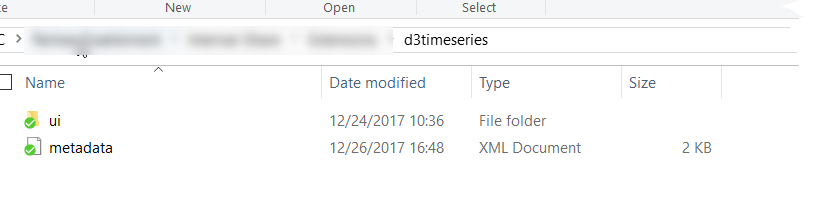
From there create the files and folder structure
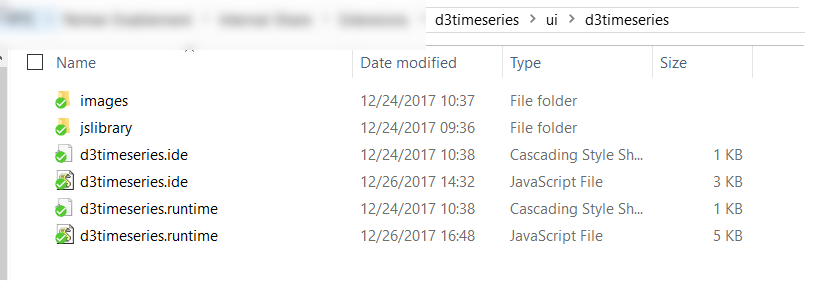
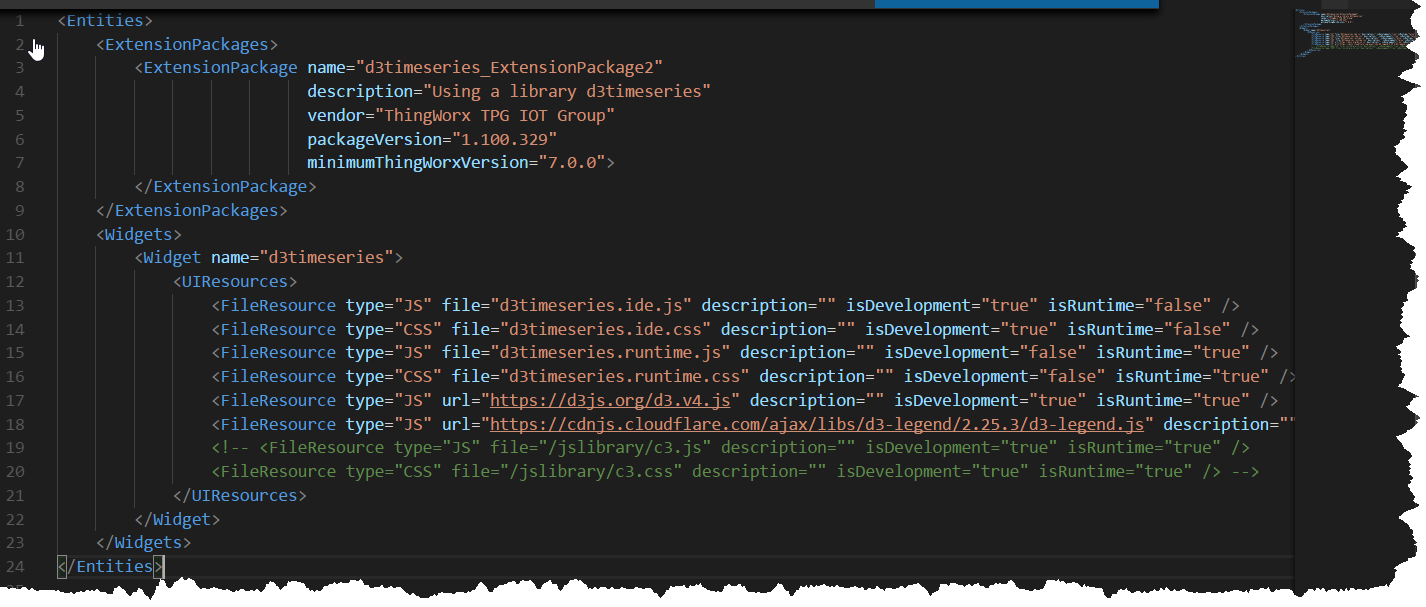
define the metadata.xml using CDN url for
D3 url url="https://d3js.org/d3.v4.js"
legend url = "https://cdnjs.cloudflare.com/ajax/libs/d3-legend/2.25.3/d3-legend.js"
Also check out https://d3js.org/ which provides documentation and examples for D3
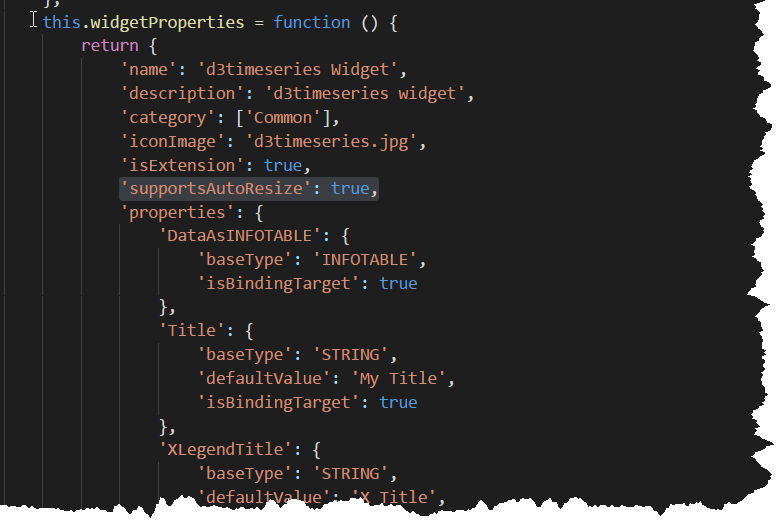
For the initial set of Properties that control the D3 will use
DataAsINFOTABLE (Data coming into d3)
Title
XLegendTitle
YLegendTitle
TopMargin
BottomMargin
LeftMargin
RightMargin
Note: we are not using Width and Height as in previous articles but setting 'supportsAutoResize': true,
Below shows the general structure will use for the d3timeseries.ide.js properties
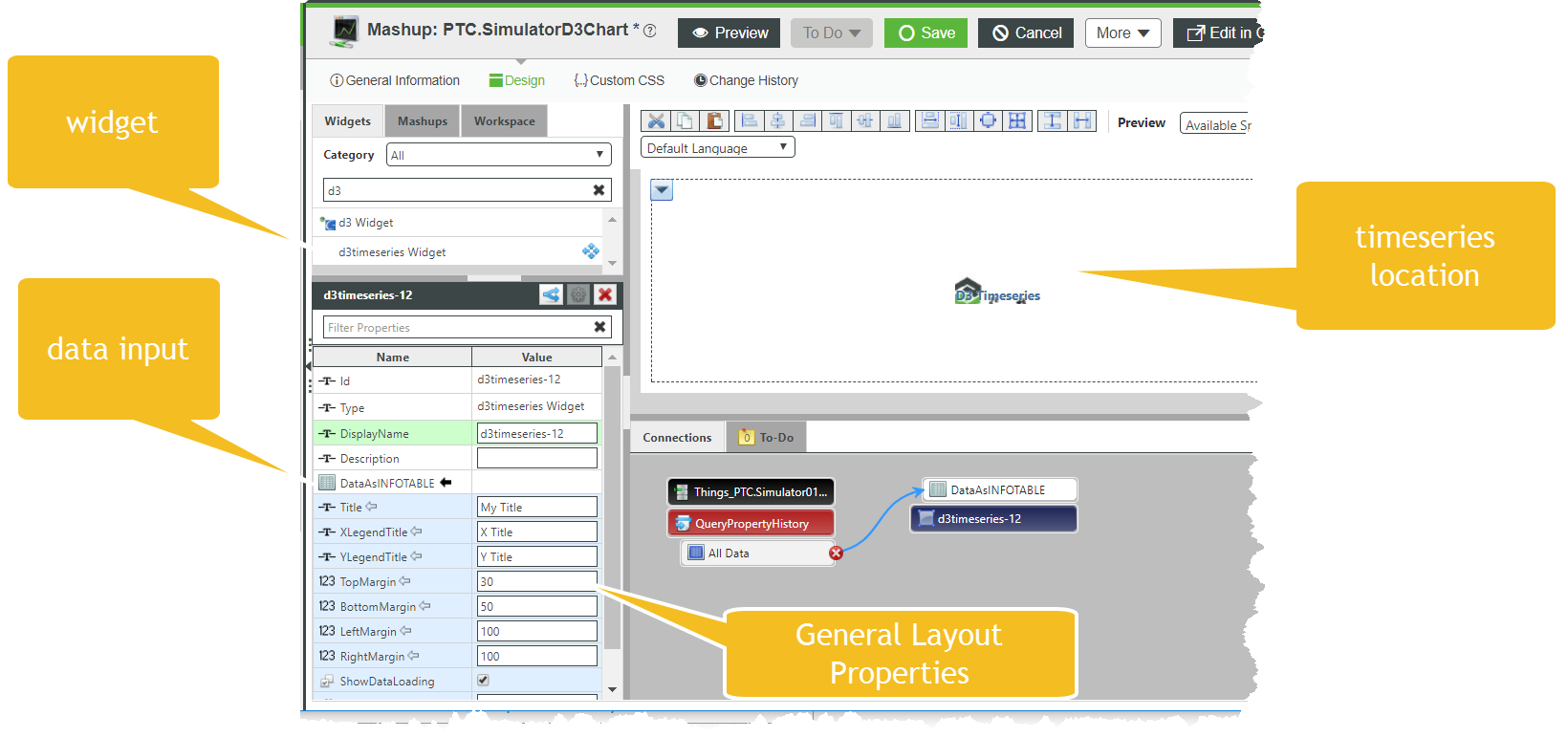
After deploying the extension (take look at Widget Extensions Introduction to understand the how) we can see its now possible to provide Data input and some layout controls as parameters
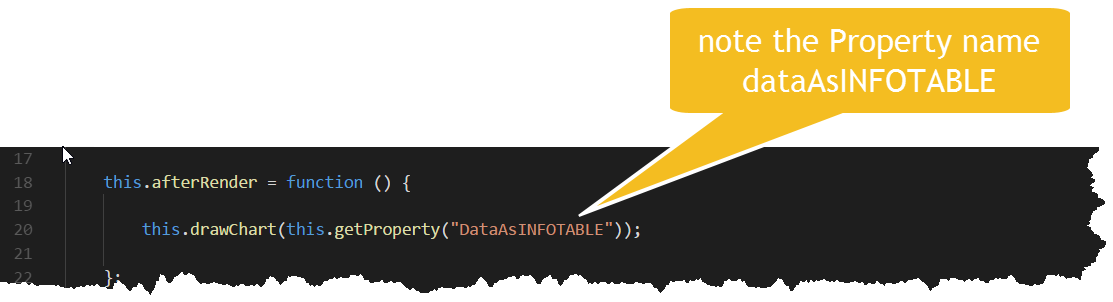
From there we can work in the d3timeseries.runtime.js file to define how to consume and pass data to D3.
There a 4 basic function that need to be defined
- this.renderHtml
- this.afterRender
- this.updateProperty
- this.resize
renderHtml

afterRender
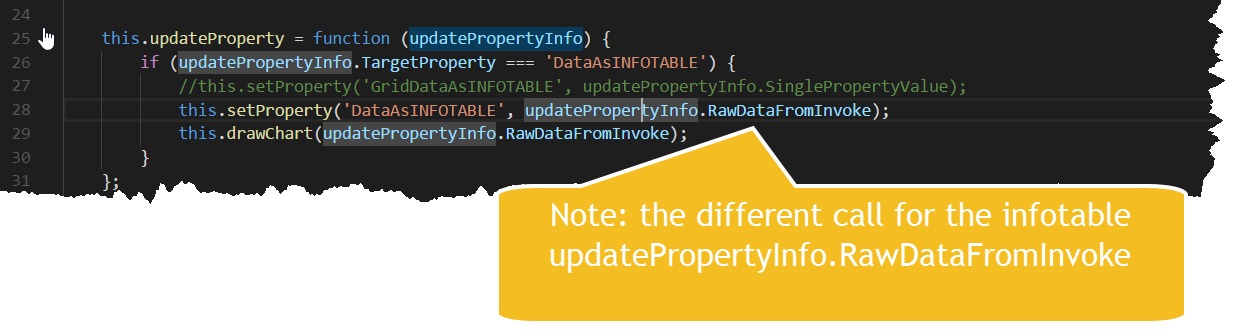
updateProperty
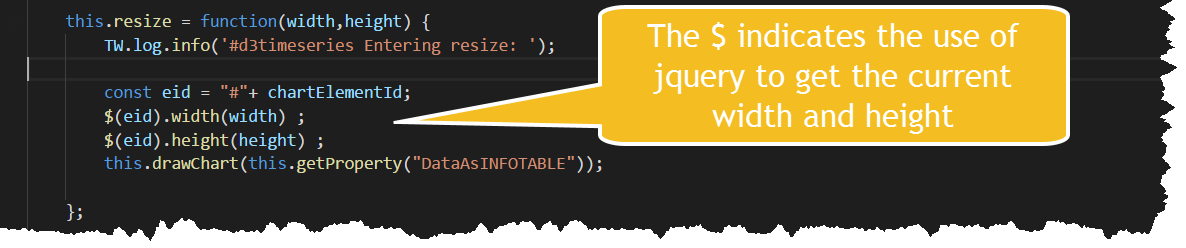
resize
The actual D3 worker is drawChart which I will break down the highlights
I use an init function to setup where the SVG element will be placed
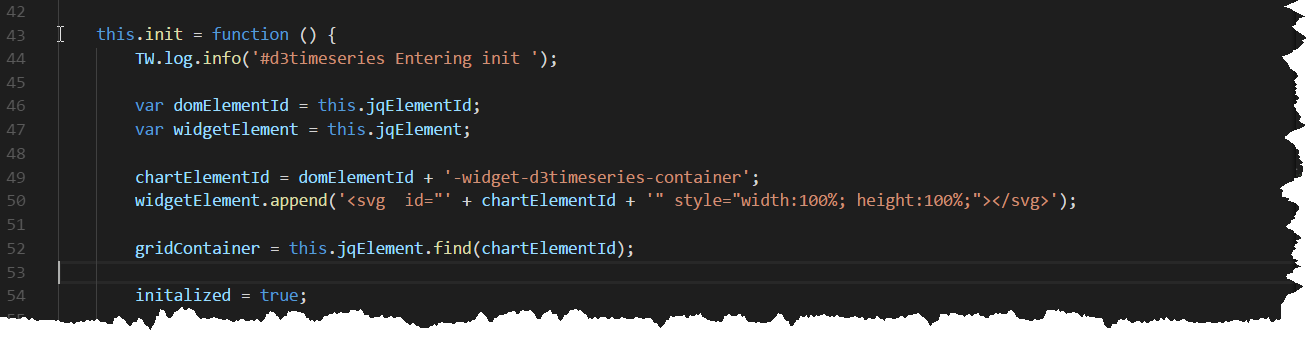
The init is called inside drawChart

Next inside drawChart the rowData incoming parameter is checked for any content we can consume the expected rows object
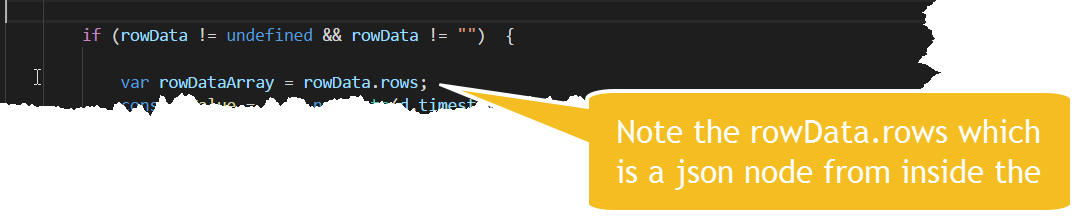
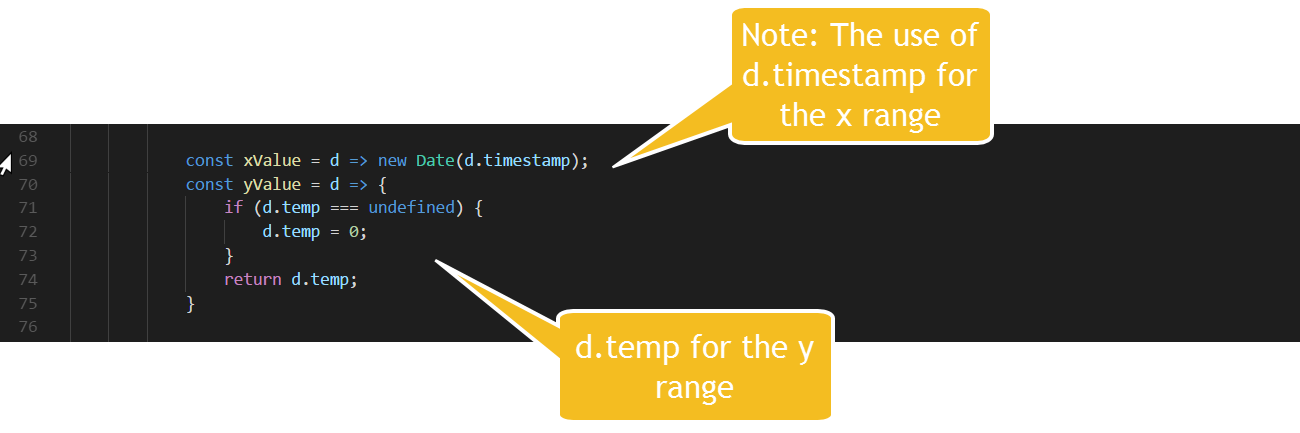
Next the x and y ranges need to be defined and notice that I have hardcoded for d.timestamp and d.temp these 2 are returned in the infotable rows
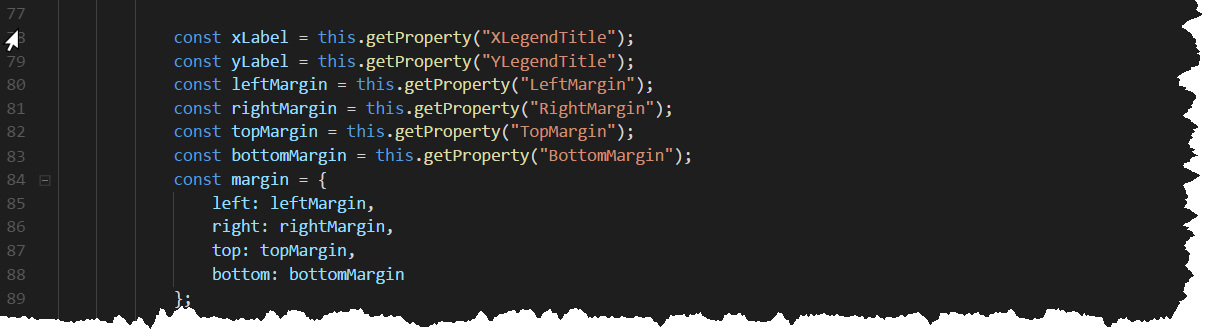
The last variable inputs are the layout properties
Now we have the general inputs defined the last piece is to use D3 to draw the visualization (and note we have chosen a simple visualization timeseries chart)
Define a svg variable and use D3 to select the div element defined in the init function. Also remove any existing elements this helps in the resize call.

Get the current width and height as before

Now do some D3 magic (You will have to read in more detail the D3 documentation to get the complete understanding)
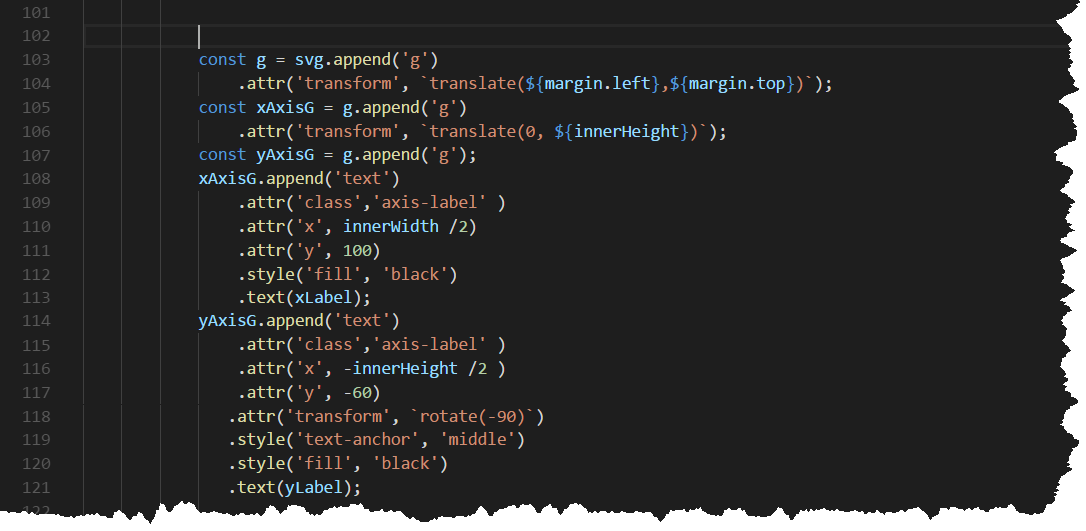
Below sets up the x and y axis and labels
Next define x and y scale so the visualization fits in the area available and actually add the axis's and ticks, plus the definition for the actual line const line = d3.line()
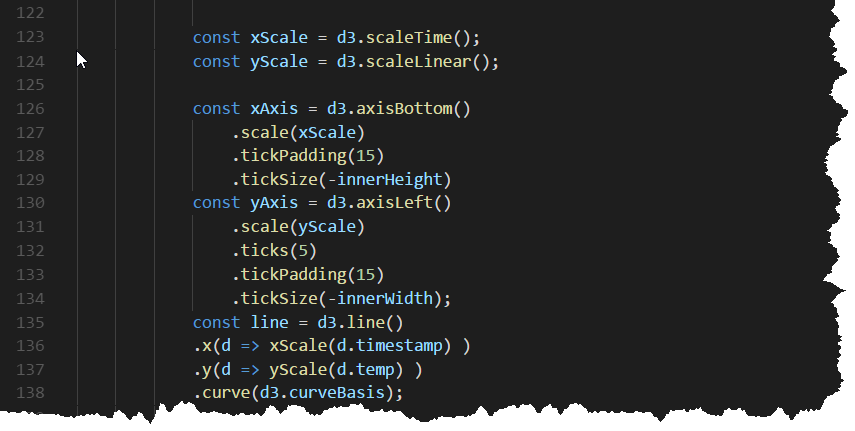
Now we are ready for the row data which gets defined as data and passed to the xScale and yScale using in the const line = d3.line()
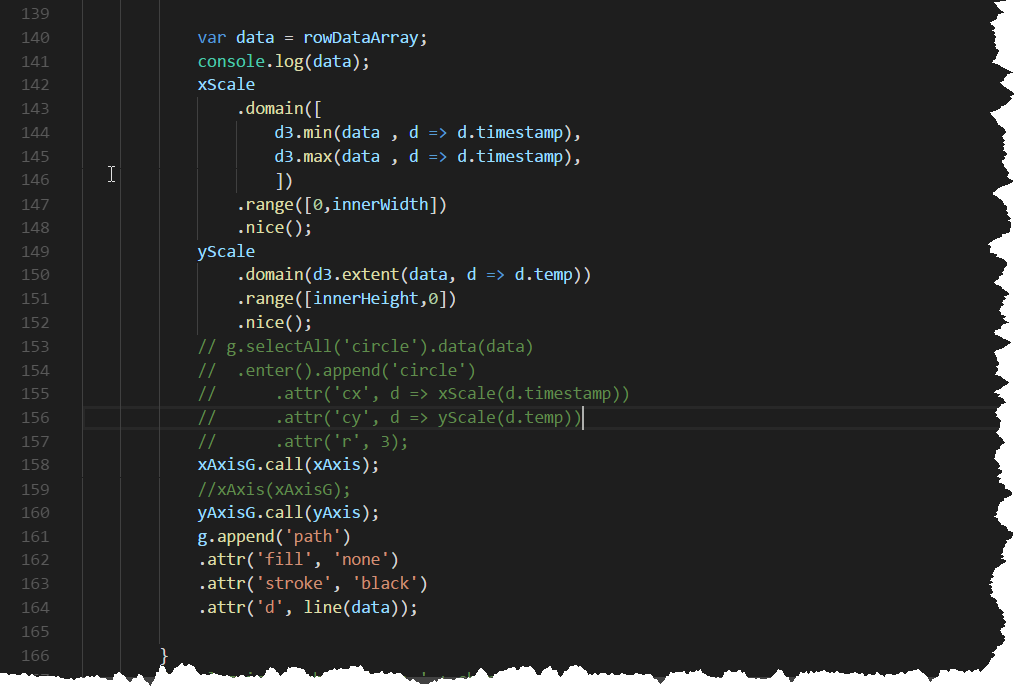
After zipping up and deploying and using in a mashup you should get a D3 timeseries chart.
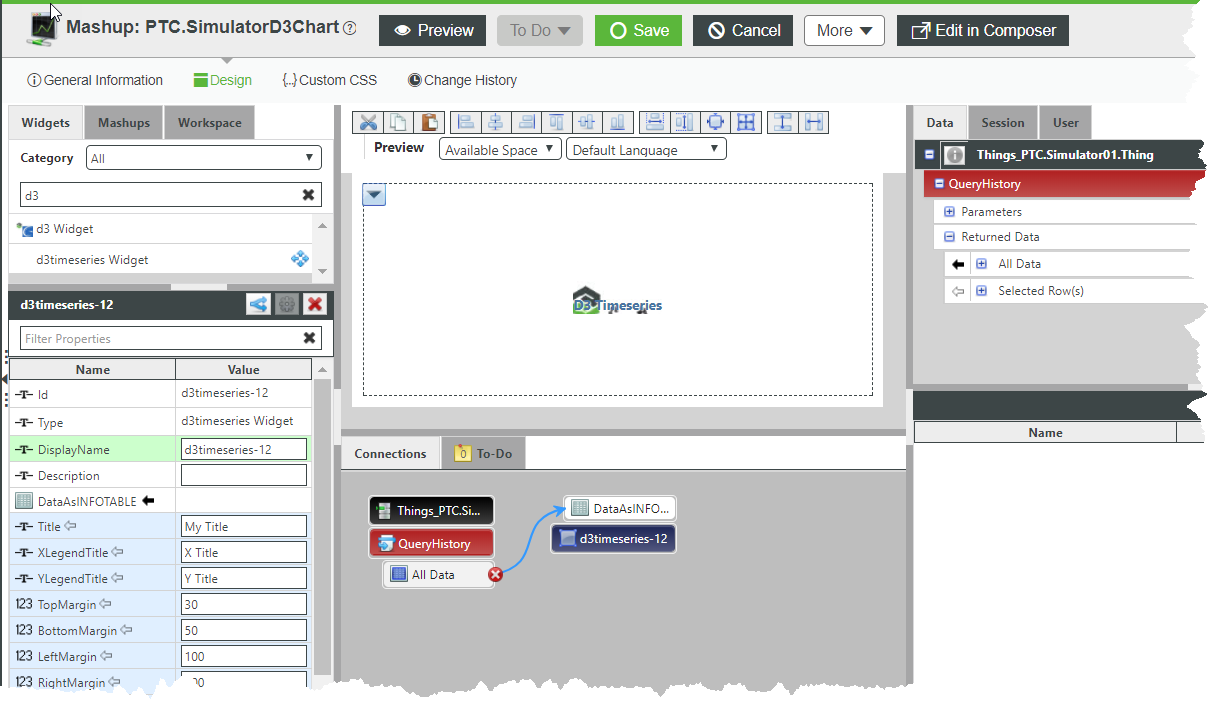
Code for the QueryHistory
logger.debug("Calling "+ me.name + ":QueryHistory");
// result: INFOTABLE
var result = me.QueryPropertyHistory({
maxItems: undefined /* NUMBER */,
startDate: undefined /* DATETIME */,
endDate: undefined /* DATETIME */,
oldestFirst: undefined /* BOOLEAN */,
query: undefined /* QUERY */
});
Thing properties example
Random generator code
me.hum = Math.random() * 100;
me.temp = Math.random() * 100;
message = message + "Hum=" + me.hum+ " ";
message = message + "Temp=" +me.temp+ " ";
logger.debug(me.name + " RandomGenerator values= " + message );
result = message;
Previous Posts