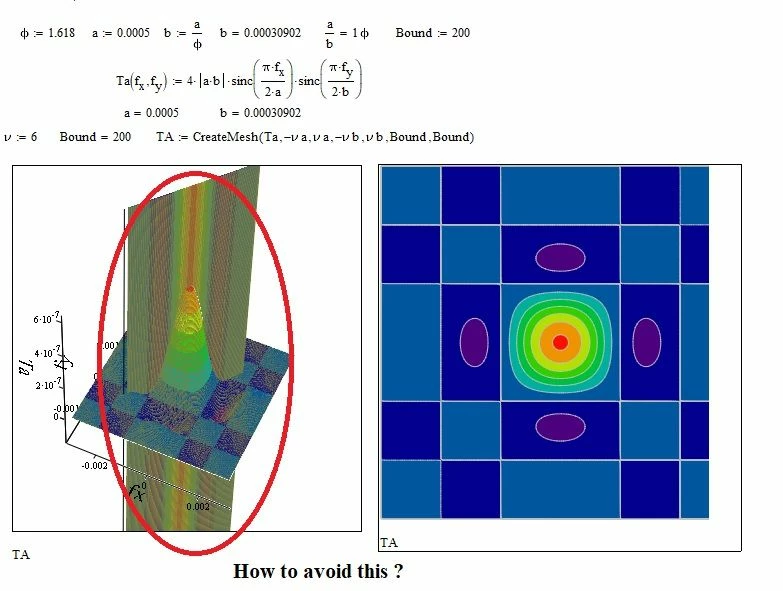
If you change the "Line Options" within the "Appearance" tab from "Wireframe" to "Contour Lines" it will become clear:
Not sure what would be clear now??
What looks like a plane is a bug in the 3D component of Mathcad, maybe due to numerical limits, I don't know.
Set Rotation=0 and Tilt=90 and play around with the value of Twist ("General" tab of the 3-D Plot Format menu) and you'll see that the position in the coordinate system of this "plane" changes. So its not a geometrical object made up by the used formulas. Also, as I had shown before, those artifacts go away by multiplying the z-values by a large number like 10^4.
BTW - another "funny" effect if we set "transparency" to something greater 0, 1 is all thats needed:
Translate
Windchill Satisfaction Survey
Help shape the future of Windchill. Take our 5-minute survey and share your feedback.