1-Visitor
June 24, 2013
Solved

Corrupted Mathcad File

  • June 24, 2013
  • 3 replies
  • 6464 views

It seems that I have a corrupted mathcad file. I get the following error message when I try to open it. I am using version 15. Is there a way to fix this, I've attached the file.
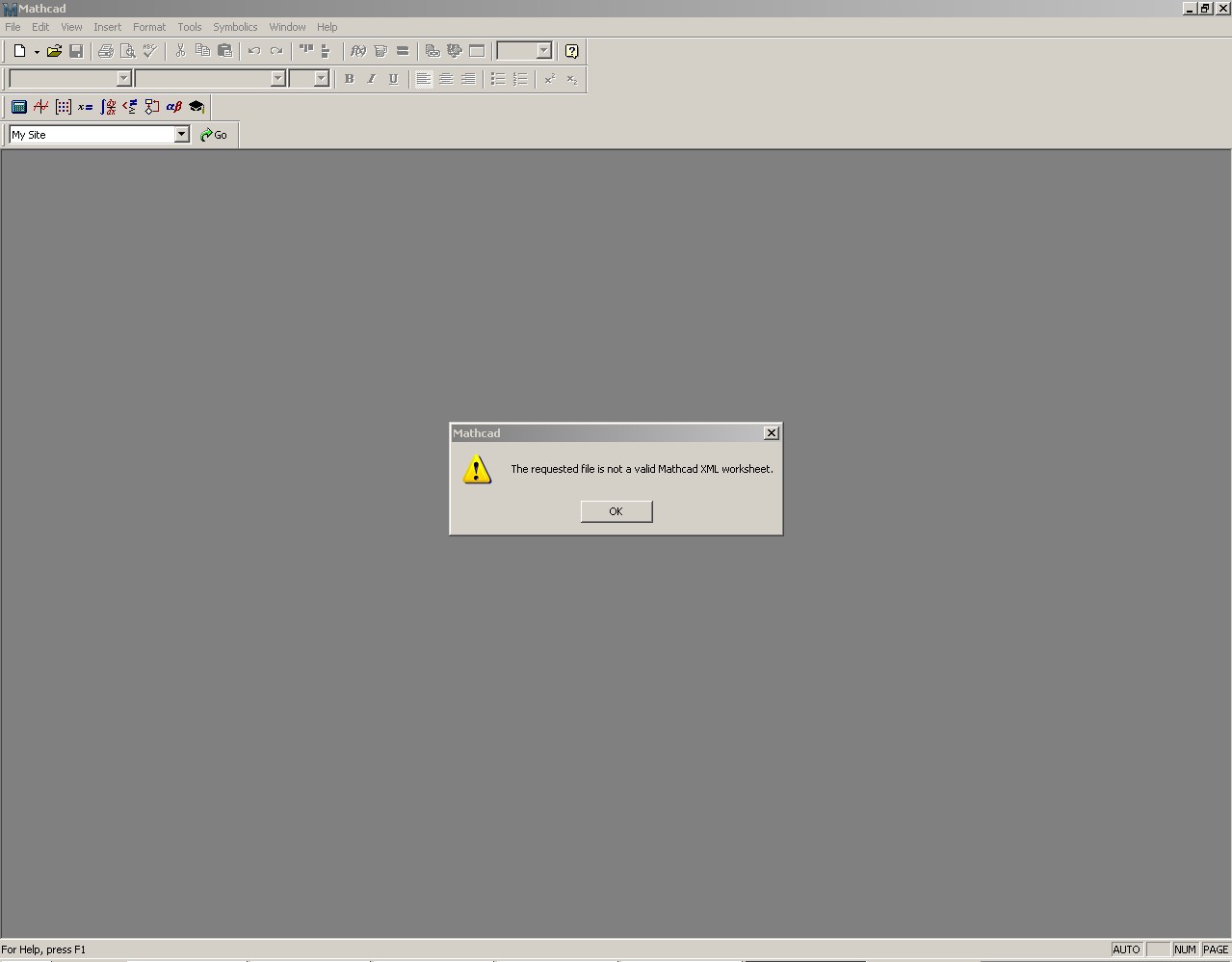

Mathcad+Error.jpg

Best answer by AndyWesterman

I have seen this error a few times myself.

It usually happens when mathcad crashes during a save.

If this is what happened then the file will be 0 bytes long (no content) & not recoverable from the file.

However, if you look in the folder where you were trying to save there may be a file in the form "MFCxxnn.TMP" where xx are random letters & nn are random digits.

If there is try renaming it from .tmp to .xmcd .

My experience has been that I can usually recover all the data that I had saved.

Regards

Andy

3 replies

24-Ruby III
June 25, 2013

Can you upload this file?

1-Visitor
June 26, 2013

I tried attaching the file in the first post, and have tried again. Hopefully it works this time. Thanks.

25-Diamond I
June 26, 2013

Jameson Greco wrote:

I tried attaching the file in the first post, and have tried again. Hopefully it works this time. Thanks.

No, it didn't.

You have to click "Use advanced editor" at the upper left first. Then you have at the end of your post the option to attach files.

12-Amethyst
June 27, 2013

I have seen this error a few times myself.

It usually happens when mathcad crashes during a save.

If this is what happened then the file will be 0 bytes long (no content) & not recoverable from the file.

However, if you look in the folder where you were trying to save there may be a file in the form "MFCxxnn.TMP" where xx are random letters & nn are random digits.

If there is try renaming it from .tmp to .xmcd .

My experience has been that I can usually recover all the data that I had saved.

Regards

Andy

1-Visitor
June 27, 2013

Looks like that's what happened, unfortunately no such tmp file, oh well, thanks for the help all.

1-Visitor
December 17, 2013

I got the same problem here, I tried something with file recovery but I'm not sure how it works

can anyone help me ??

Problem should be in

line number: 3814

character position: 135

kind regards,

Maarten Rijnaars

12-Amethyst
December 17, 2013

Hello Maarten,

Hopefully this is what you had.

The highlighted equation is the one that I think had failed, but there are a ery large numer of invalid equations (all showing red) so you will need to check through everything carefully.

regards

Andy