19-Tanzanite
October 2, 2023
Solved

How to adjust the length of a line passing through a point?

  • October 2, 2023
  • 2 replies
  • 3539 views

Hello,

Cornel_0-1696235979332.png

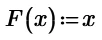
Default plot of the line passing through the point (1,1) in Mathcad Prime:
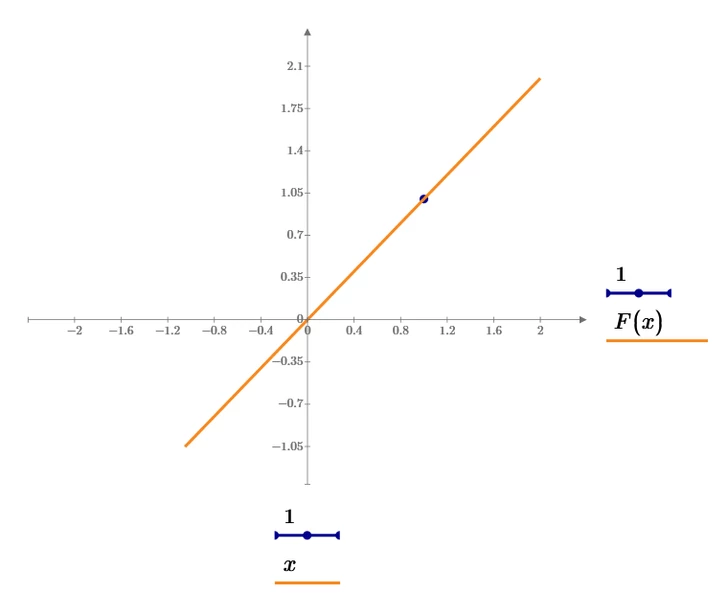
 

Cornel_0-1696237277028.png


My desire: 

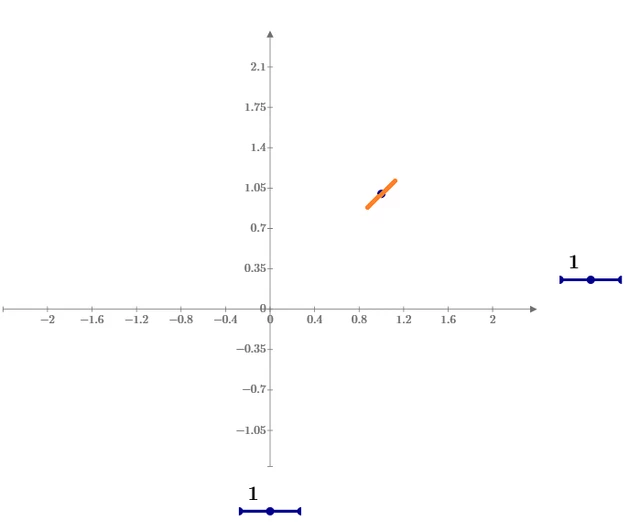
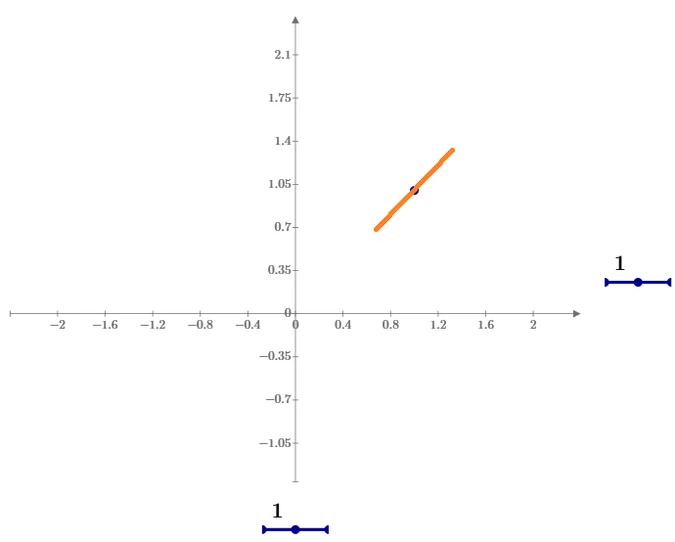
Having a point, for example: (x, F(x)) = (1,1), I would like to be able to adjust the LENGTH of the line passing through that point (1,1), in order the length of the line to be smaller or larger as shown below. How could I do this?
Cornel_3-1696236116287.png

Cornel_4-1696236142898.png

Cornel_5-1696236177001.png

Best answer by Werner_E

Or more elaborate

Werner_E_0-1696247726874.png

Werner_E_0-1696262981016.png


2 replies

25-Diamond I
October 2, 2023

@Cornel wrote:


My desire: 

Having a point, for example: (x, F(x)) = (1,1), I would like to be able to adjust the LENGTH of the line passing through that point (1,1), in order the length of the line to be smaller or larger as shown below. How could I do this?
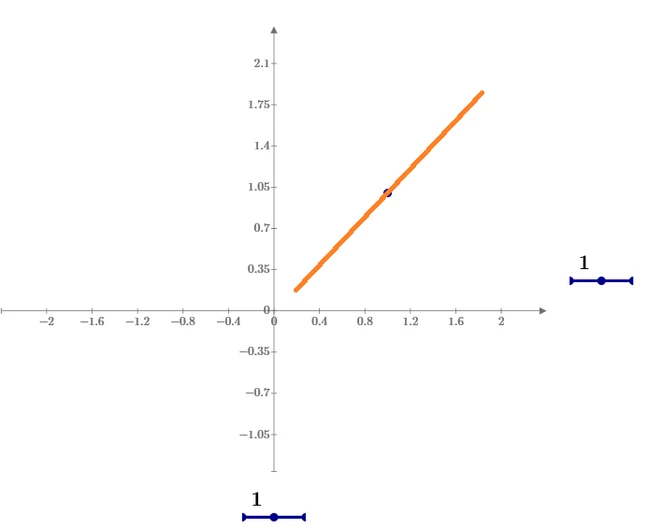


Simply plot the line segment by providing the coordinates of the two end points:

Werner_E_0-1696246023400.png

Of course you also could provide a range for the abscissa values to limit the line

Werner_E_0-1696248203343.png


Werner_E25-Diamond IAnswer
25-Diamond I
October 2, 2023

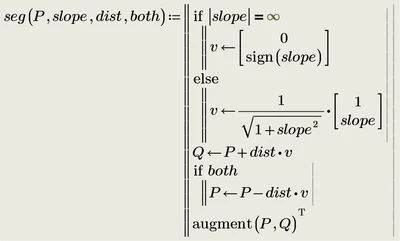
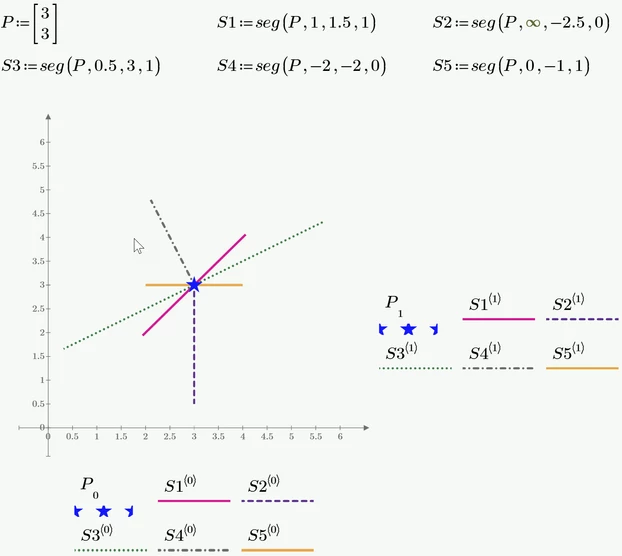
Or more elaborate

Werner_E_0-1696247726874.png

Werner_E_0-1696262981016.png


25-Diamond I
October 2, 2023

But of course there are so many different ways to achieve the same effect. If you prefer you may also use complex numbers

Werner_E_0-1696250041929.png

Werner_E_1-1696263035720.png