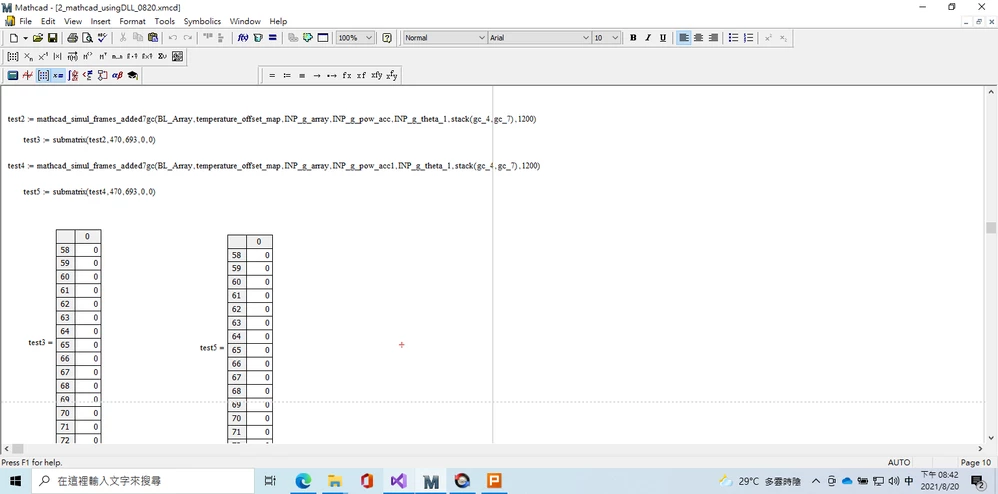
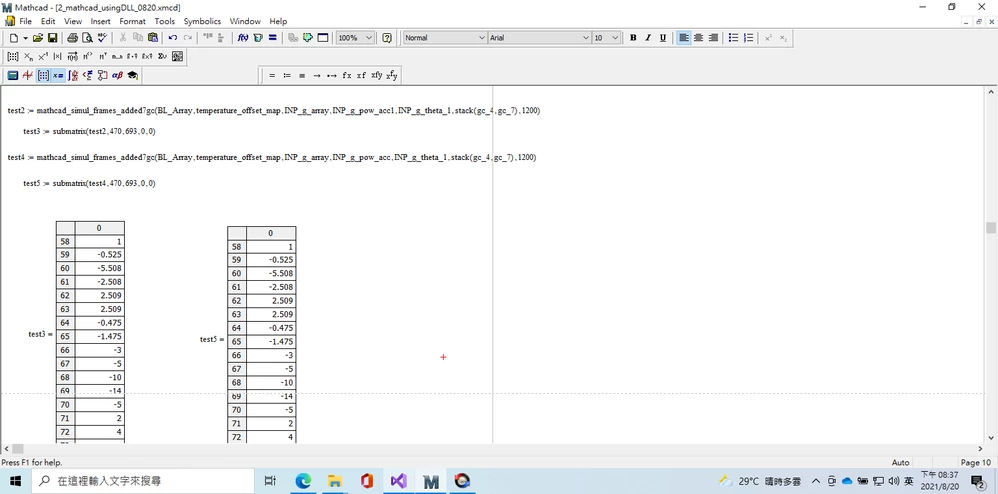
In the top of your source code you (globally) define two arrays:
float INP_g_pow_acc[224];
float INP_g_theta_1[224];
The definition of your Mathcad function has parameters (which should behave as local variables within the function) with the same name:
LPCCOMPLEXARRAY INP_g_pow_acc
LPCCOMPLEXARRAY INP_g_theta_1
Now the compiler should be capable of discriminating between the global and the local variables with the same name. But, considering that these two parameters appear to be involved in what goes wrong in your double calling of the function from within Mathcad, I would comment out the global definition of the arrays, and see what happens.
I hope this solves your problem.
Other notes:
- The function MathcadArrayAllocate() is used to allocate storage for the result array Product. The function MathcadArrayFree() is called only when the function is interrupted by the user, and releases the memory set aside for the result (that isn't going to be delivered in that case). Both functions are used OK as far as I can tell.
- You have a lot of magic numbers (constants) in your code. What if you call the function from within Mathcad with as first argument an array of not 694, but 311, or 1250 elements. You could (should ?) make a lot of the constants dependent on the size(s) of the array(s) supplied to the function. You now only check that the arrays don't contain imaginary parts, but since you do not use any of that, this check can be omitted. If you supply the arrays with complex data, nothing of it is used, you should get the same result. If you stick with the fixed array sizes, it makes more sense to check that the arrays supplied to the function are as large as you expect them to be.
Success!
Luc