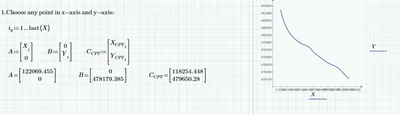
To plot a single point, you simply put its x-ccordinate at the abscissa, its y-ccordinate at the ordinate, chose a Symbol rom the menu and plot (you may chose line style "none").
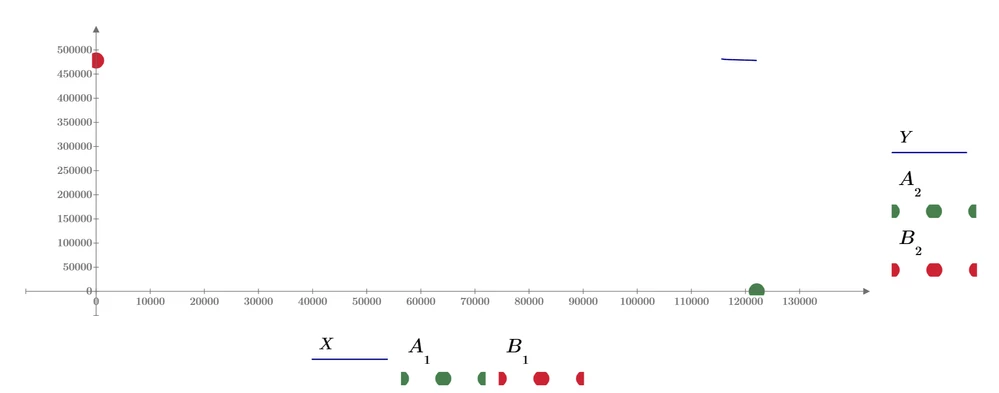
If you don't need the two points in different colors, you may combine their coordinates. Use a vector with all x-coordinates at the abscissa and a vector with the corresponding y-coordinates at the ordinate. You may also choose a line stye to connect the points. Unfortunately Symbol size and thickness of he line cannot be chosen independently.
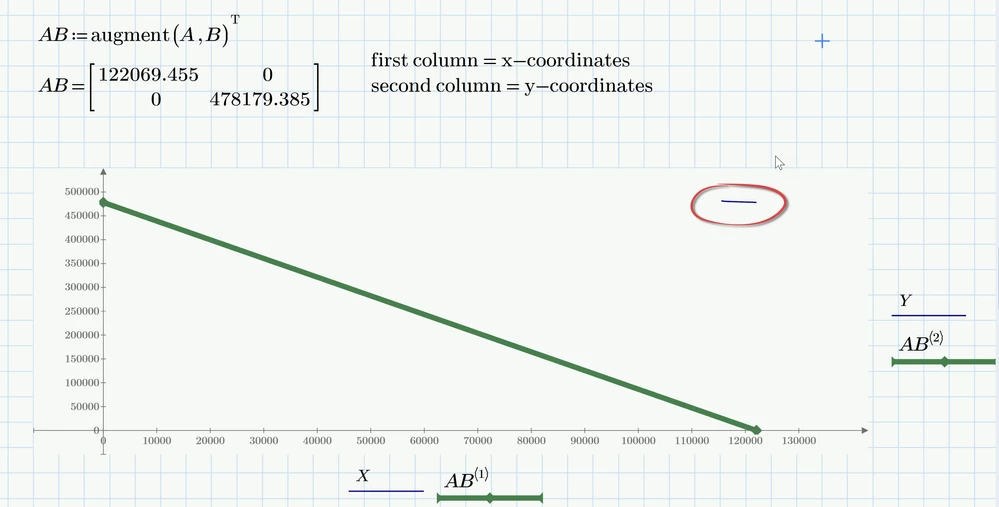
In both cases because of the values used your main plot (Y over X) is just seen very tiny at the upper right corner of the plot.
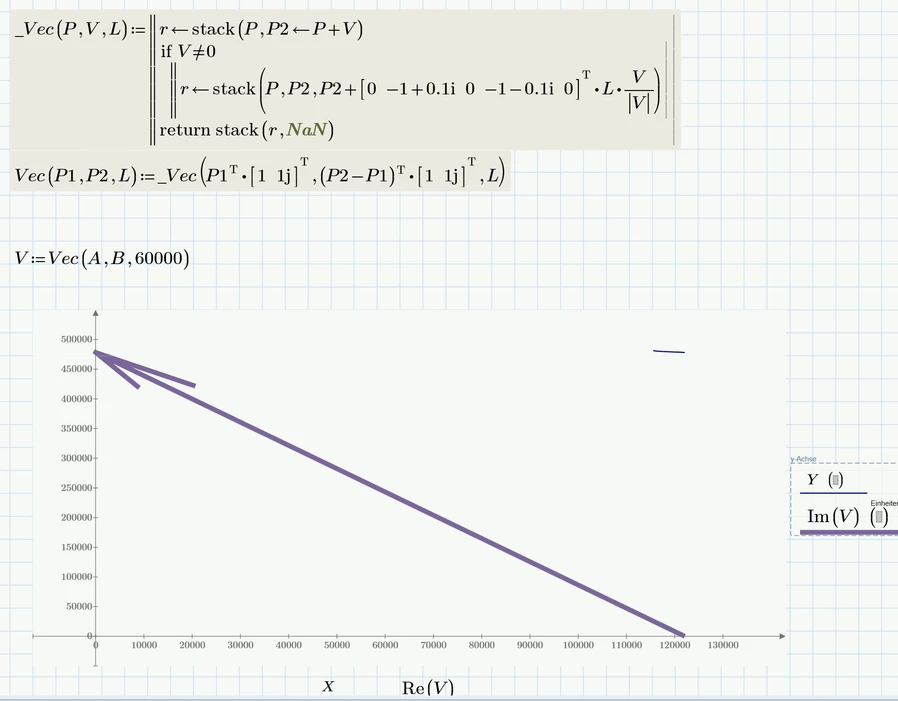
To draw a vector you would have to use a small program to do so. I happen to have posted one not too long ago.
"How to Plot Vector Arrows in Mathcad: Need Guidan...
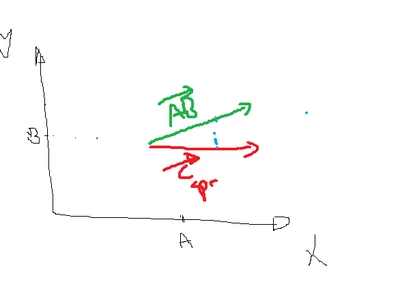
Of course you would not only have to provide the vector B-A but also the point the drawing of the arrow should start from.
See here for another thread dealing with drawing arrows/vectors in Prime
Solved: Plotting complex numbers in Mathcad Prime 2.0
BTW, none of the functions so far will deal with plots where the two axis are differently scaled. The arrow head will look somewhat distorted in such cases: