


Question
You can now use subscript / superscript buttons on PTC Community
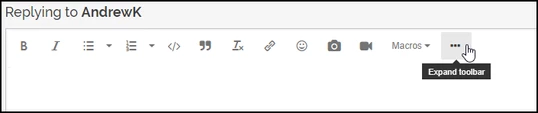

Use these buttons on PTC Community for convenient referencing of subscripts and superscripts in your discussions!
(Not to be confused with in-product Mathcad Prime's long-existing subscript and superscript buttons, which are readily available in the ribbon with Text Formatting > Text Font; or with the keyboard shortcuts Ctrl - or Ctrl =, though in-product we say the latter is Ctrl +, implying Ctrl Shift =
Or if you're doing math and not text, use ^ for exponentiation or selected from Math > Operators > Algebra for superscript; and Math > Style > Subscript for subscript notation, or Ctrl -.
...Not to be confused with Matrix Indexing. Which looks like a subscript. But it's not.)
Spoiler
I was gonna make this a Mathcad Tip, but it turns out that the toolbar there is actually different than the toolbar everywhere else, and that was way too ironic for me to do.