1-Visitor
November 1, 2019
Solved

SSL certificate configuration

  • November 1, 2019
  • 1 reply
  • 2809 views

now I using thingworx manufacturing apps 8.4. I want to set SSL certificate. when I configure SSL configuration following https://www.ptc.com/en/support/article?n=CS193947 part B code cannot find, which is 

<!--
<Connector port="8443" protocol="HTTP/1.1" SSLEnabled="true"
maxThreads="150" scheme="https" secure="true"
clientAuth="false" sslProtocol="TLS" />
-->

below is my default server.xml content.
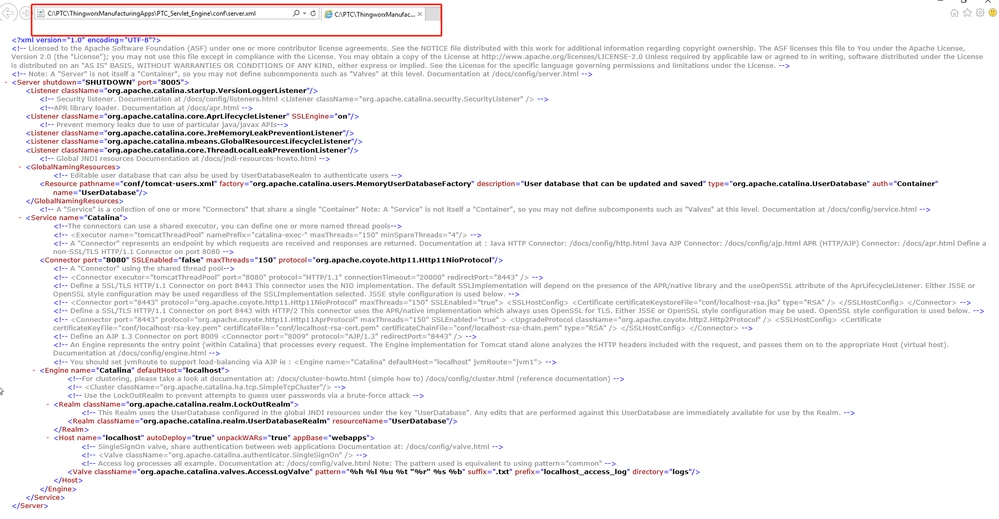
WeChat Screenshot_20191101092310.png and also have my file location.


Could someone help me to figure it out? 
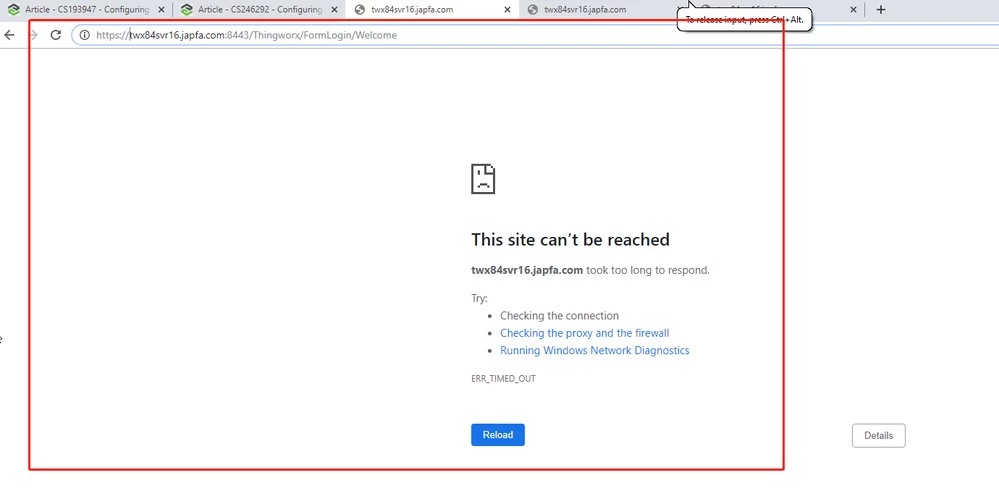
WeChat Screenshot_20191101105904.png

Best answer by hchanana

Hi @xiaoqw ,


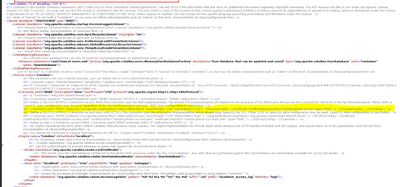
The similar settings are present in your server.xml (only protocol type is different)

Highlighted in below screenshot.

You need to uncomment the highlighted line and make the changes as recommended and update the path of your keystore file as per your system.


Comm


Thanks,

Himanshu

1 reply

hchanana16-PearlAnswer
16-Pearl
November 1, 2019

Hi @xiaoqw ,


The similar settings are present in your server.xml (only protocol type is different)

Highlighted in below screenshot.

You need to uncomment the highlighted line and make the changes as recommended and update the path of your keystore file as per your system.


Comm


Thanks,

Himanshu

xiaoqw1-VisitorAuthor
1-Visitor
November 1, 2019

Hi @hchanana ,

May I know certificateKeystoreFile and keystorerFile is same file ?Can I put same file for them? As I have join another domain, should I change host name also?

16-Pearl
November 7, 2019

Hi @xiaoqw ,


Yes, both certificateKeystoreFile and keystorerFile are same.

Just add the following code on your server.xml and update the path of .jks file in keystoreFile and password in keystorePass.


Spoiler
<Connector port="8443" protocol="org.apache.coyote.http11.Http11NioProtocol" SSLEnabled="true"
maxThreads="150" scheme="https" secure="true" clientAuth="false" sslProtocol="TLS"
enableLookups="false" keystoreFile="conf/tomcat1.jks" keystorePass="changeit" />

The other query regarding joining second domain is not clear to me. Please explain in detail about what you are trying to achieve using two domains.

In this case there is one tomcat server and keystore is generated for this only and we are using it for authorization.