3-Newcomer
October 6, 2026
Question

Smooth curved surfaces result in jagged lines in 2D figures

  • October 6, 2026
  • 3 replies
  • 36 views

I am creating a 2D illustration from a 3D model in Creo Illustrate 10.1, but I am not satisfied with the result.

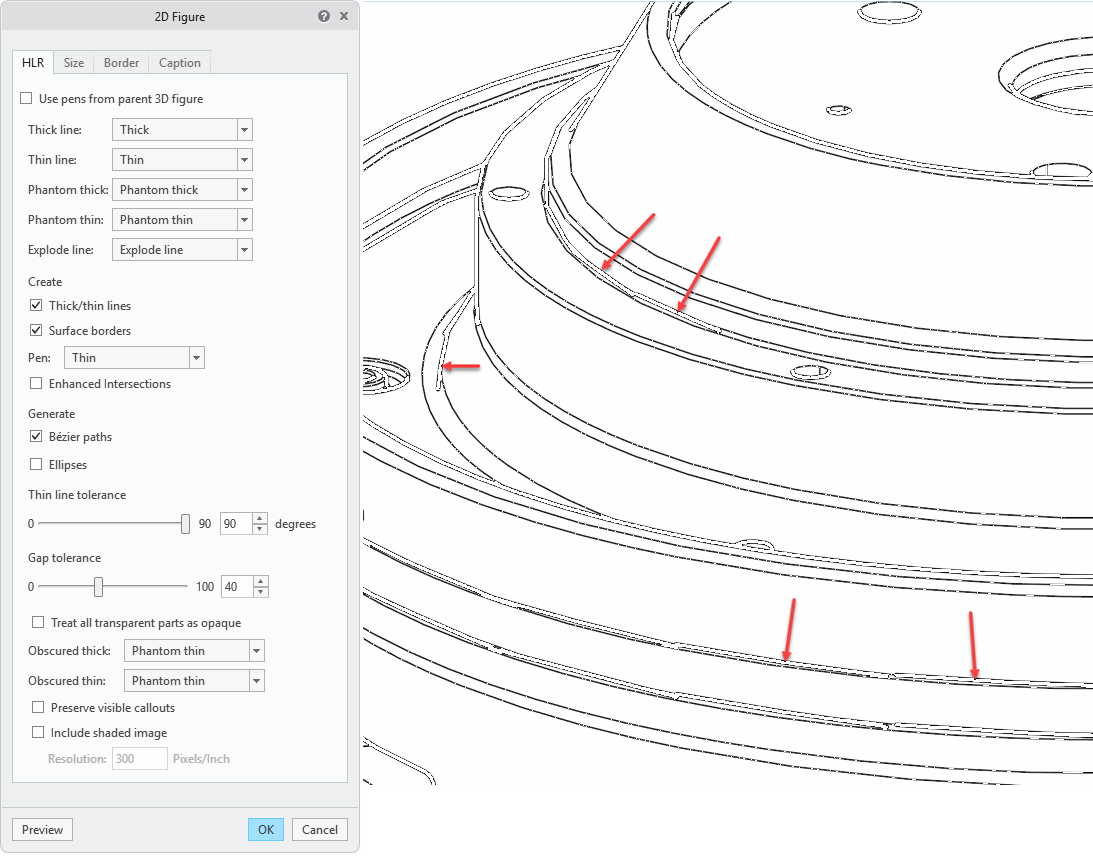
Most of the lines are smooth and clean, but some appear straight, making curved lines look “jagged”—even though the surfaces are smoothly contoured.

To get the desired result, I usually remove all the "jagged" lines manually. Is there any way to prevent this? I have tried various settings for 2D figures, but nothing helps.
 

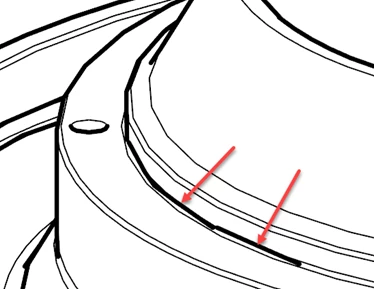
See the attached image. The red arrows point to the "jagged" lines.


3 replies

agarland
16-Pearl
October 6, 2026

There have been many improvements to the HLR quality over the last few releases of PTC Illustrate, so I would suggest trying a later release (ideally the recent 2027 release) as this will likely give you improved line quality.

See: PTC Product View 2027.0 and PTC Illustrate 2027.0 have Released | Community

3-Newcomer
October 6, 2026

Ok. Thanks for the answer. I guess I’ll have to try a newer version of the software. So, I haven't missed a setting or anything like that; this is simply a limitation of the version of Creo Illustrate I’m using.

agarland
16-Pearl
October 6, 2026

Without having the data to investigate properly it’s hard to say but given the improvements that have gone into the last few releases, I think trying a newer version is the best first step.
There are no settings to try to improve this particular issue, no.