Issue with Creo File Saving Location and Error Messages After Moving Files
Hello,
I am currently working with Creo Parametric (Educational Edition version 11) and encountered an issue regarding the default file-saving location. After creating a few models, I found that files were being saved to C:\Users\<username>\OneDrive\Documents instead of the folder I selected in This PC\Documents. To resolve this, I moved all the Creo files from OneDrive to a new folder located at C:\Users\<username> and updated my working directory settings in Creo accordingly.
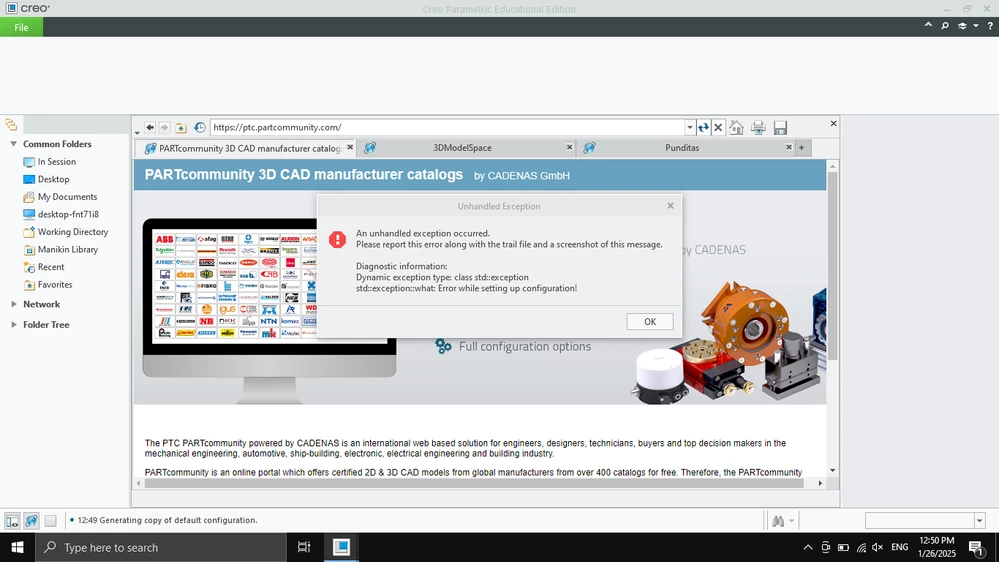
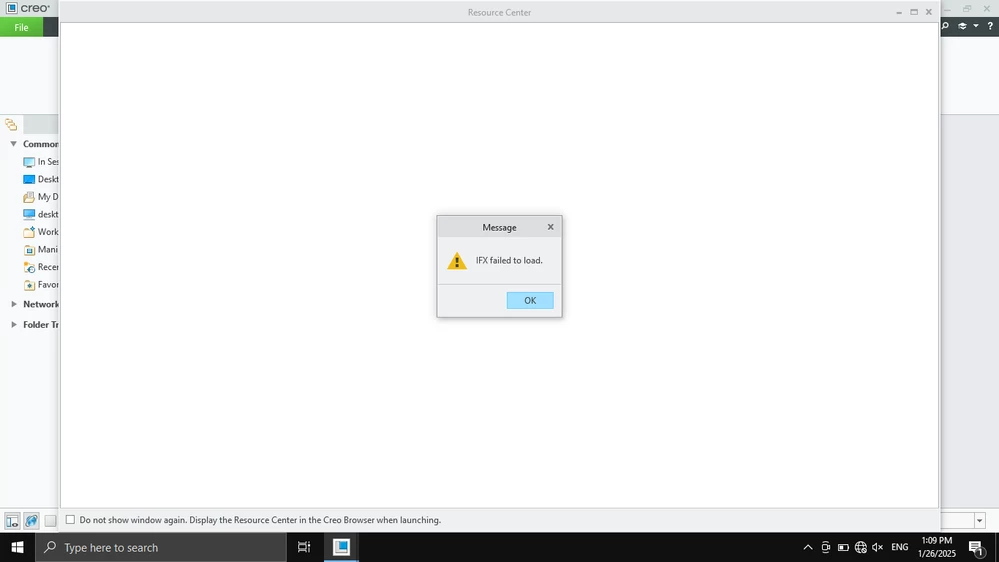
After doing so, I deleted the OneDrive folder from C:\Users\<username>. However, when I relaunched Creo, I received error messages (image uploaded), even though everything appears to be working properly—I can create new models and edit existing ones without issues.
Could you provide guidance on how to fix this issue or if there's anything I missed in the process? Should I expect any future problems as a result of these error messages, or is this something I can safely ignore?
Thank you for your time and assistance.