Question
Pro Desktop 8 Pivoting obscure shaped objects
Hi all,
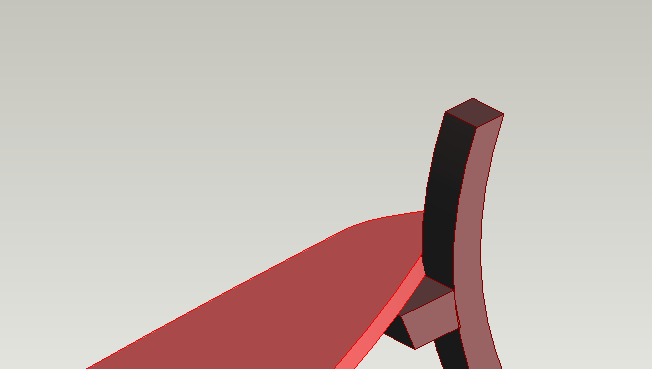
Running Pro Desktop 8 on XP, and I'm having an issue with mating/pivoting an obscure shaped elipse. WIth no straight lines on the elipse it's hard to mate/align it to the straight piece i want to make it to. If I could even just rotate the piece it would make things easier to put pieces insitue but the orient function won't work with that because of no straight pieces. Even if I could split the piece i'm making and use the line as an orientate/align line, but i would need to be able to hide the line once i'm done, how is it possible in pro dekstop 8 to hide/mask/merge a line? Could anyone please point me in the right direction here, I would greatly appreciate it,
Thanks