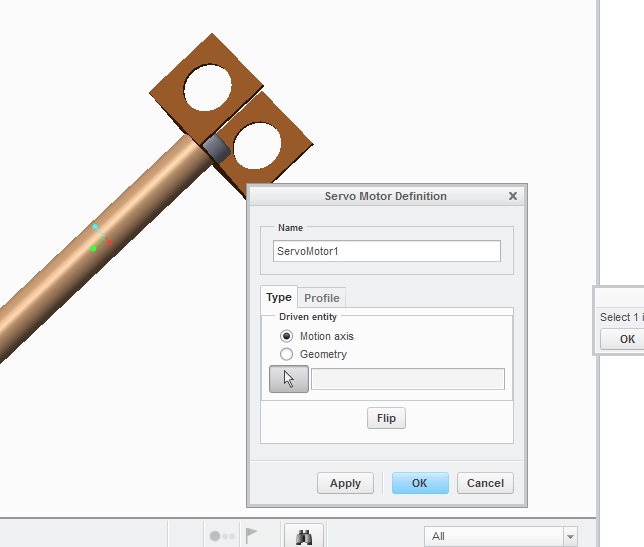
In order to do this, your assembly components need to be constrainined with kinematic connections, not fixed connections. The default placement is fixed connections. Use the drop down menu to the left of it to see the list of available kinematic connections. For rotary motion, use the Pin Join option. For linear motion, use the Slider option.
Once you have kinematic connections, you'll see the joint icons in the graphics window.
There are a number of good video sessions done in ROBOTalk over the years on this topic. Use the tag cloud to find replays using the robotalk_2013 and robotalk_2014 tags. 2013 are all community videos. 2014 are all WebEx streaming videos.