


July 2017 Web Release
With resources still largely focused on migration of content and applications to a new web platform, we rolled out a small handful of web improvements this month.
Main changes were to the Technical Support Case Logger and were as follows:
Attachments can now be uploaded when opening a case
Previously, this was only possible once the case had been created. Selecting "Attach Files" will open up a window which allows you to browse and attach screenshots, log files and other important data to your case: 
The browse supports multi-select using the "Ctrl" key, and clicking "Attach files" will show upload progress before you close the window to return to the case:
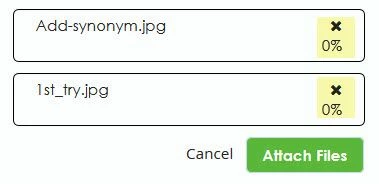
In case NDA / ITAR is later selected, the files will be removed, and an informative error is shown if any filesize exceeds the 10Mb limit.
Expired SCNs removed from cache
We've experienced some instances of cases being routed to PTC's Renewals Team due to a case being opened with an expired Service Contract Number (SCN). This was causing unnecessary delays and frustration in case handling, and the root cause was often a cached, but out-of date value for an SCN, retained from previous sessions in the case logger.
From this release, expired SCNs will no longer be retained when you log a case.
Cloud customers open cases directly with PTC
For customers who usually receive Value-Added Reseller (VAR) support, when you open a case with a Cloud SCN, your case will be directly routed to the PTC team, who will deal with your issue directly.
"Connected" Case Logger updates
Partners can now also open cases using customers' connected systems, and we made a few cosmetic changes to align drop-down fields and glyph sizes.
Other changes this release
For a full set of release notes for the June 1st ("17.3.1") web release, see here. If you have any questions about the release, please let us know.