


Community Manager
June 26, 2018
Question
How to Join a Working Group
- 0 replies
- 8245 views
- Translate All
To Join An Existing Work Group:
If you are interested in participating in an available "working group," please make sure you have a PTC Support Account and complete your Community Profile. Then, private message the group leader listed for the working group you are interested in joining.

The Group Leader will need the following:
- Working Group Name
- Your Name
- Your Job Title
- Your Company Name
- Best Contact Phone Number
- Experience with PTC's Products / Services
- Email address (must be a company address, not a Gmail or other private address)
You can also click directly on the title of the work group and you will brought to the "Join The Group" page.
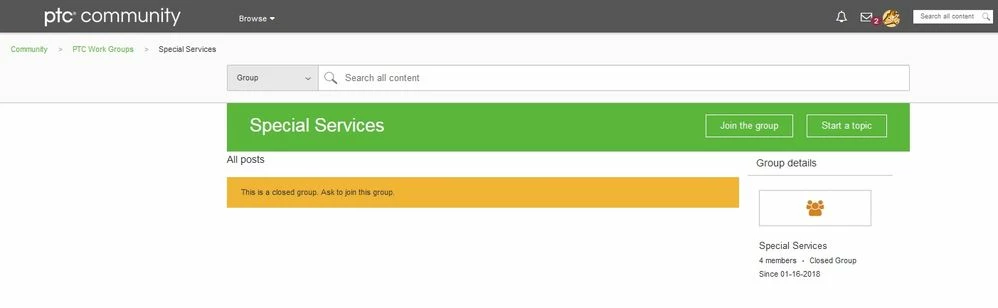
The "Working Group" Administrator will be in touch with you about your membership request.