
1-Visitor
September 18, 2017
Question

Button Style Definition?

  • September 18, 2017
  • 5 replies
  • 3528 views

How do I create customized widgets with pre-defined style?

Every time I place a button I have to go through the tedious process of styling it and it's states...

I created a "Custom Style Definition" and gave it a "Display String" name, but it does not appear in the Style Definitions, or even the "Recent"... any idea why?
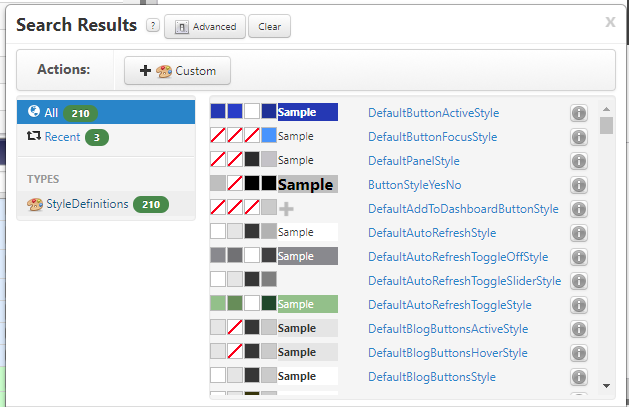
My companies brand has distinct and well defined styles and I would like to make collections of pre-styled elements, how is this done?

Our standard primary interface button element, for example:
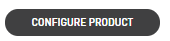
Also, how do I adjust the rounded corner radius of buttons and change the font?

Thanks.

5 replies

13-Aquamarine
September 18, 2017

Hi Jeff,

The style definition that you create gets listed with the name you give in the Name filed under the General Information Tab.

Please check if you can locate your Custom Style Definition with the text you entered in the Name field rather than the Display String.

13-Aquamarine
September 18, 2017

There is an open JIRA for new Feature request of rounded corners for Radio Button https://www.ptc.com/en/support/article?n=CS230305&language=en&posno=1&q=rounded%20buttons&source=search

But you may look into creating your own custom widget too.

1-Visitor
September 25, 2017

Jeff, sounds trivial, but I would consider copy-paste