1-Visitor
June 30, 2017
Question

I do not see any dataset in the Analytics Builder with the Tractor sample.

  • June 30, 2017
  • 4 replies
  • 2997 views

Hello,

I installed Data Connect in my CentOS VM where is installed also THingWorx Analytics 8.0.

I'm imported entities downloaded from here: How to use DataConnect when sending property values from the ThingWorx platform to ThingWorx Analytics.

and i runned the jar simulator in my windows VM where is installed ThingWorx Platform 8.0:
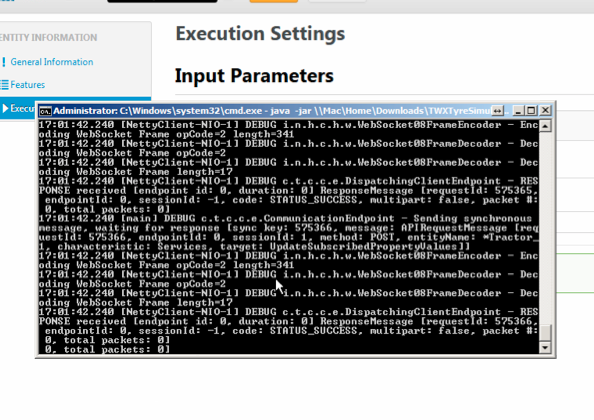
Schermata 2017-06-30 alle 17.01.39.png

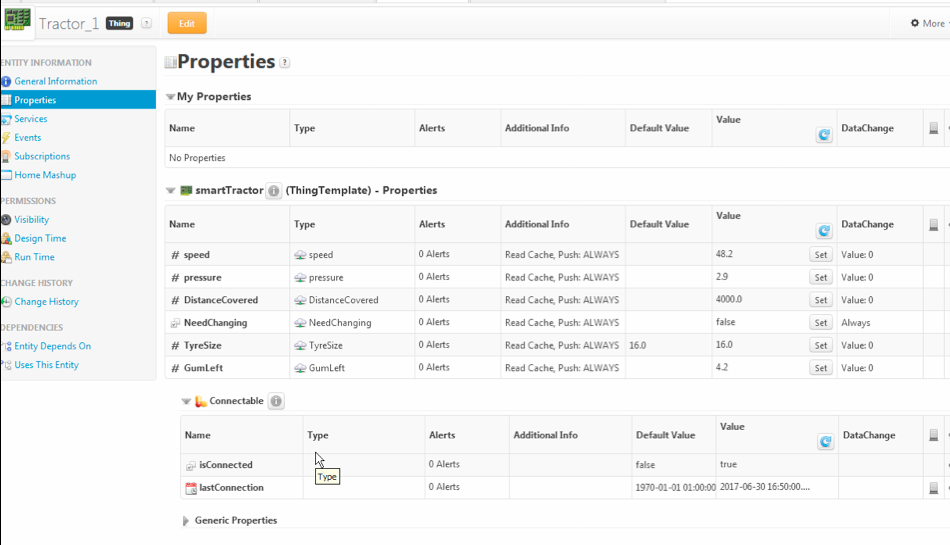
In the Tractor Thing i see data:

Schermata 2017-06-30 alle 17.37.02.png

So, i use the DAD to run data to Analytics:
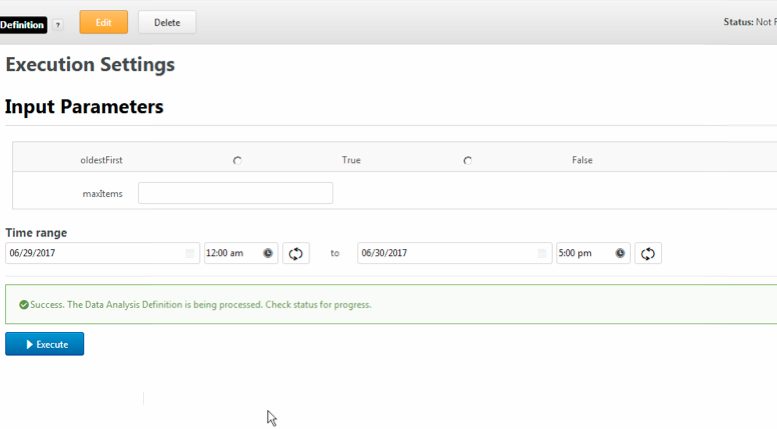
Schermata 2017-06-30 alle 17.15.15.png

but in the dataset area there are no dataset:
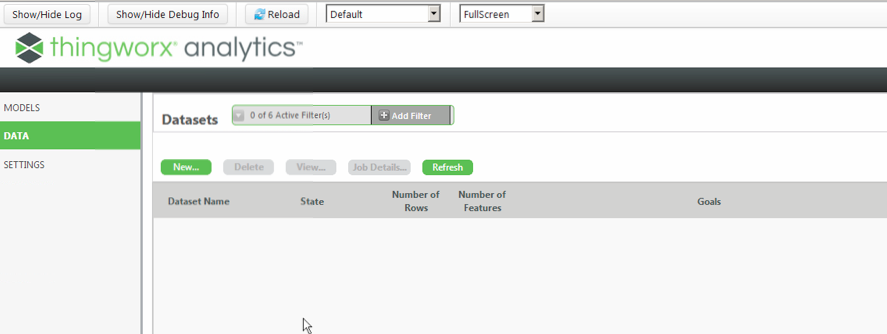
Schermata 2017-06-30 alle 17.38.19.png

I attached the ThingWorx logs and PostgreSQL logs.

Thanks

Marco

4 replies

19-Tanzanite
July 3, 2017

Hi Marco

We seem to have a 404 error which would indicate ThingWorx does not find DataConnect.

Could you please check the URI under SYSTEM > Subsystems > PlatformSubsystem: for ThingWorx DataConnect URL Path if it points to the right location.
It would be good to take this URL and add /about/versioninfo to the end of it and check in a browser what is the result of this URI (please post the output here too).

Also could you post the following files:

- Tomcat log files (<tomcat>/logs)

- DataConnect log files (/opt/dataconnect/logs)

- DataConnect config file (/opt/dataconnect/config)

Thank you

Kind regards

Christophe

1-Visitor
July 3, 2017

Hi

The i can see the ThignWorx Analytics from VM THingworx Platform:

Schermata 2017-07-03 alle 13.51.02.png

This is URL path in subsystem:

Schermata 2017-07-03 alle 13.51.51.png

I attached the tomcat logs and data connect configuration file (no data connect logs found).

Kind regards.

Marco P.

19-Tanzanite
July 21, 2017

For the record, this has been solved offline.

Several issues occurred:

- dataconnect.conf was still having the default value and needed to be updated to the site info

- ThingWorx DataConnect URL Path needs to point tot he DataConnect server and not the ThingWorx Analytics one

- firewall was blocking some accesses

- ThingWorx DataConnect Application Key should not be left blank


dataset was then created successfully from ThingWorx to ThingWorx Analytics Server via DataConnect

1-Visitor
September 18, 2017

Hi Marco Pagliotta,

I am also starting my analytics with this tractor example.

for where we will get Similator jar file ?

Regards,

Raji