14-Alexandrite
August 19, 2026
Question

Organization-specific File Name length constraint for EPM Documents

  • August 19, 2026
  • 6 replies
  • 34 views

I am using Windchill PDMLink Release 12.1 and Datecode with CPS 12.1.1.2

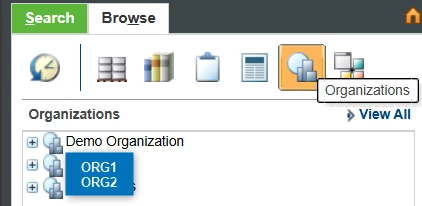
Organization-specific File Name length constraint for EPM Documents We have a Windchill environment with two organizations: ORG 1; ORG 2.

The customer wants to restrict the EPM Document File Name length to a maximum of 24 characters only for objects created within the ORG 2.
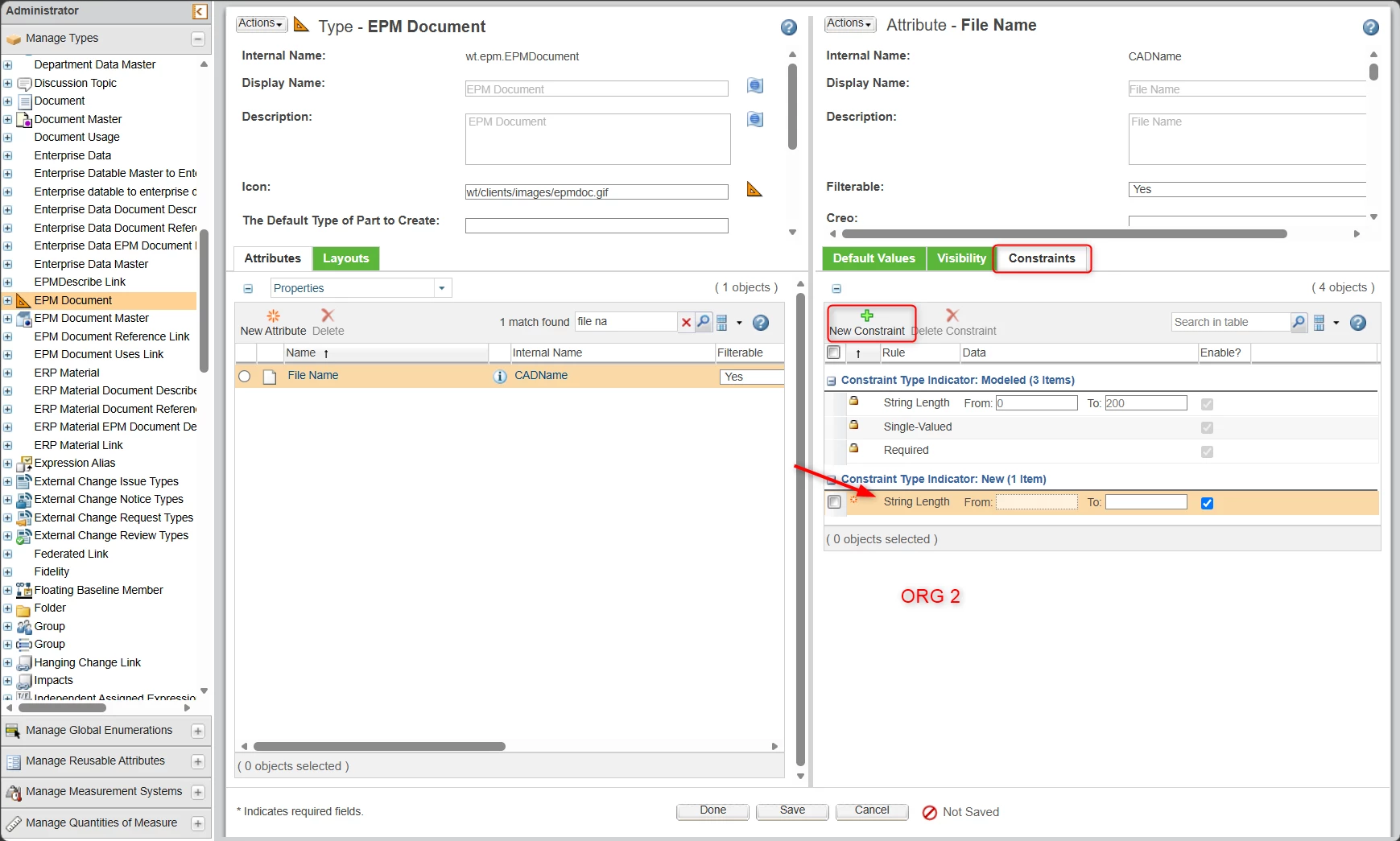
I’ve identified the following configuration path: Organization 2 > Utilities > Type and Attribute Management > EPM Document > File Name > Constraints > Add > String Length.


Before applying this configuration, we would like to confirm:

  1. If the String Length constraint is added at the ORG 2 organization level, will it only affect EPM Documents created in that organization?
  2. Will the configuration remain isolated from ORG 1?
  3. Are there any inheritance rules or limitations that could cause this constraint to impact both organizations?

Our objective is to enforce a 24-character File Name limit for RG 2 without affecting at all and all costs, ORG 1.


6 replies

17-Peridot
August 19, 2026

I don't think this can be done OOTB. you will probably need a Customization.

However, you can force the name to be the same as the number using an OIR. (not great by it works)

https://support.ptc.com/help/windchill/r13.1.1.0/en/index.html#page/Windchill_Help_Center/ProEWCInteg/ProEWCIntegOIRNameNumbSetSameNonEdAutogen.html#wwID0EVKRV

Alternatively include it as part of your promotion approval process where the approver check that the name is within the required limit. (after 3 or 4 rejections the people will pay better attention) 

18-Opal
August 20, 2026

Hi ​@m.sousa,

This is not possible OOTB. 
Please refer to the following article.

https://www.ptc.com/en/support/article/CS276549?source=caseviewer&as=1
When a constraint is created at the Organization level, it is also reflected at the Site level. As a result, the constraint becomes applicable to all organizations. 
So, it is not possible to have organization specific constraints using OOTB functionality.
Could you please share the business use case for restricting the filename length?
Could you please also confirm whether users are currently renaming the filename?

m.sousa14-AlexandriteAuthor
14-Alexandrite
August 20, 2026

Hi ​@TDT ,


As expected, that makes sense. Thanks for the reply

The business requirement comes from the fact that this Windchill instance contains two organisations, and one of them needs different prefixes in the CAD filename to identify its products, namely plastic moulds.


Currently, users are manually renaming the files. This becomes particularly cumbersome when importing multiple STEP files. Since some STEP filenames exceed Creo's 31-character limitation, Creo automatically truncates the names during import. Users then need to perform an additional rename operation to add the required prefix while also adjusting the remaining characters to stay within the filename length limit.

Therefore, the objective of the organisation-specific filename constraint would be to reserve part of the filename length for the mandatory prefixes and reduce the amount of manual renaming required by users.

18-Opal
August 20, 2026

So, your requirement is to have a different filename prefix for a particular organization, correct?
The string length constraint is intended only to limit the maximum number of characters. 
It is not designed to reserve characters for a specific prefix.