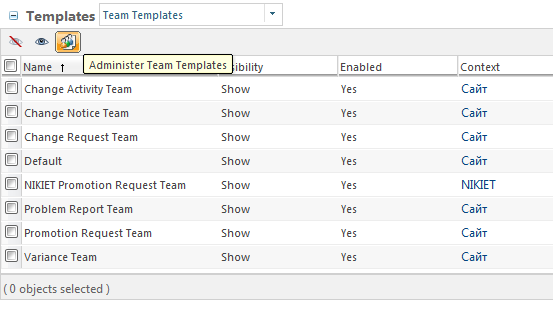
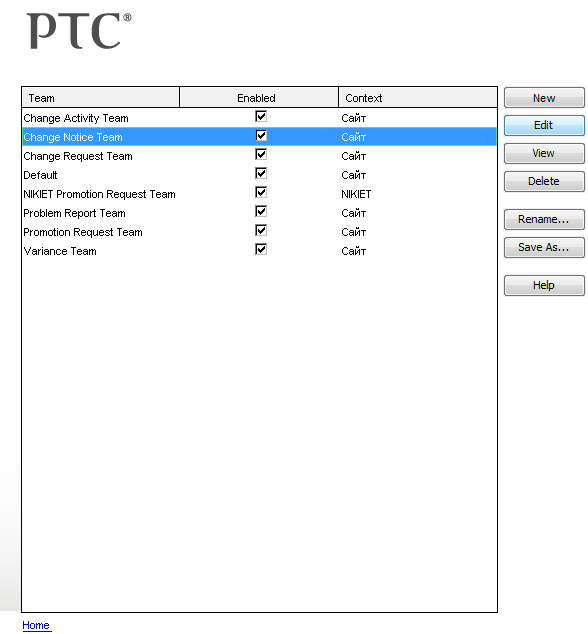
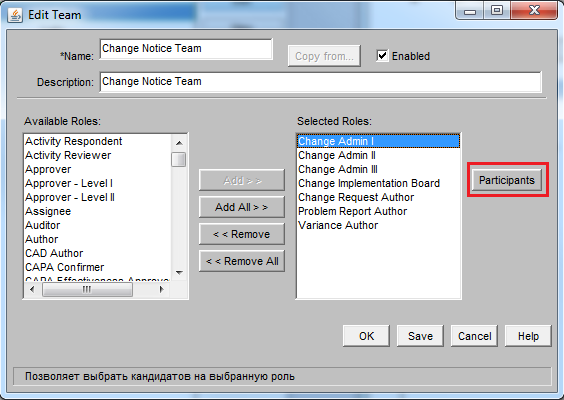
But I don't understand why is Administrators group mapped as Change Admin I...
I've set following.
Organization > Utilities > Participant Manger
I have group named Change Admin I.
this group has only one member–testing user.
Site > Utilities > Workflow Administrator > Problem Report Workflow
Analyze Problem Report Assigned Activity
There is Change Admin I set as responsible role under General tab.
There is Change Admin I role used under Participants tab.
Organization > <all Products and Libraries> > Team
Change Admin I role has only one member–Change Admin I group with only one member–testing user.
But when I run testing Problem Report there are Administrators group and Change Admin I role (or group) assigned to the Change Admin I role. I don't want Administrators in that role.